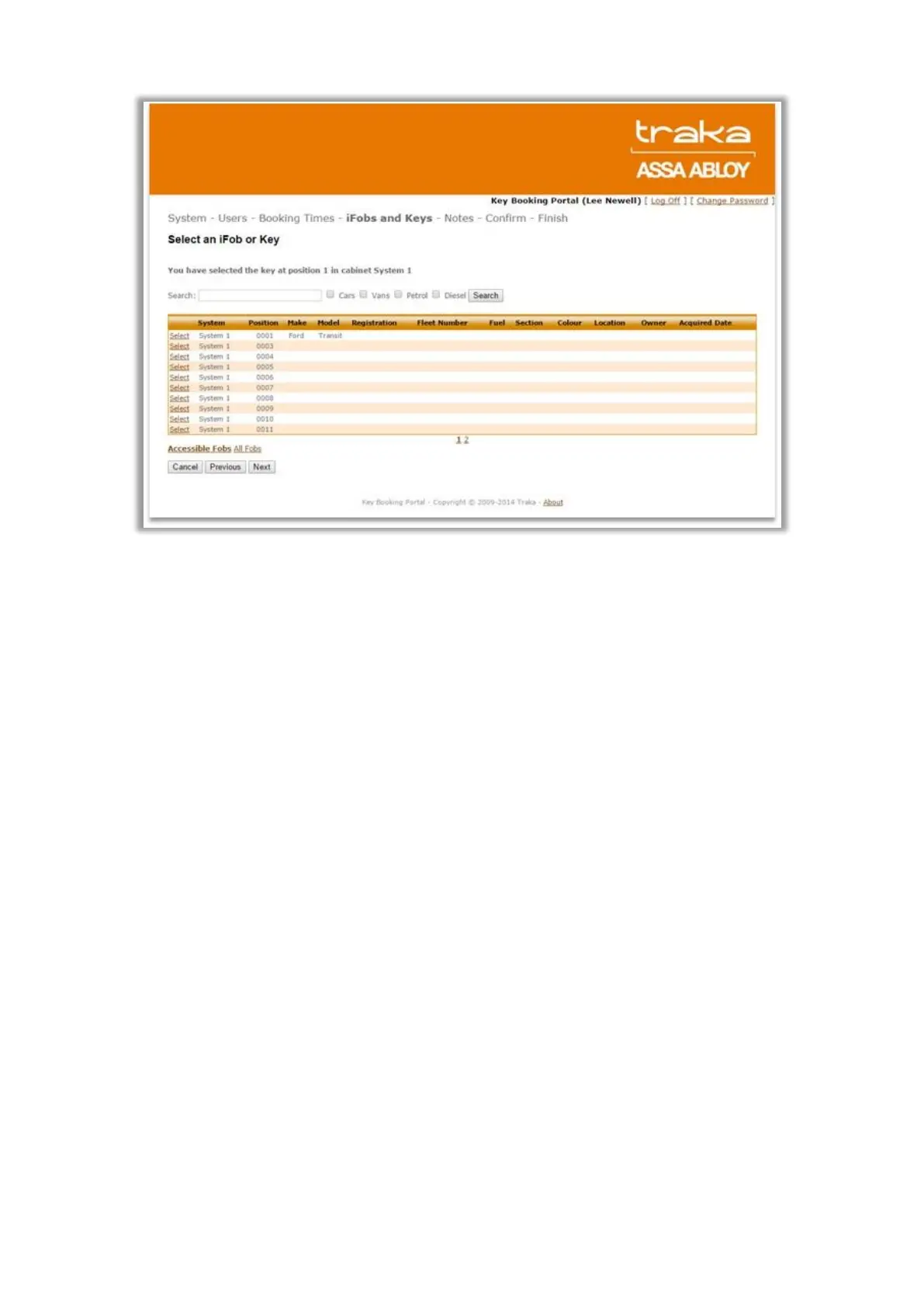
The All iFobs link when clicked will show all the iFobs/keys in that System.
2. Set up Key Booking Admin User
The Key Booking Admin has the following extra privileges over a standard user:
For Fixed Return systems, they can see all iFobs/keys in that system and therefore book any of
them for a user.
For Random Return Systems, they can see all access levels in that system and therefore book any
of them for a user.
They can see all users in that System and therefore book iFobs/keys for any user and for up to 3
users at a time. If an iFob/key is booked for more than one user, then any one of those users will be
able to take the iFob/key from the System at the Booking Start time.
To setup a user as Key Booking Admin, in Traka32, go to the user details, Web Portal tab and select the option
Key Booking Admin.



 To Next Page