3.8.3 EDITING USERS
1. From the main screen click on User List and a list of the current users will be shown.
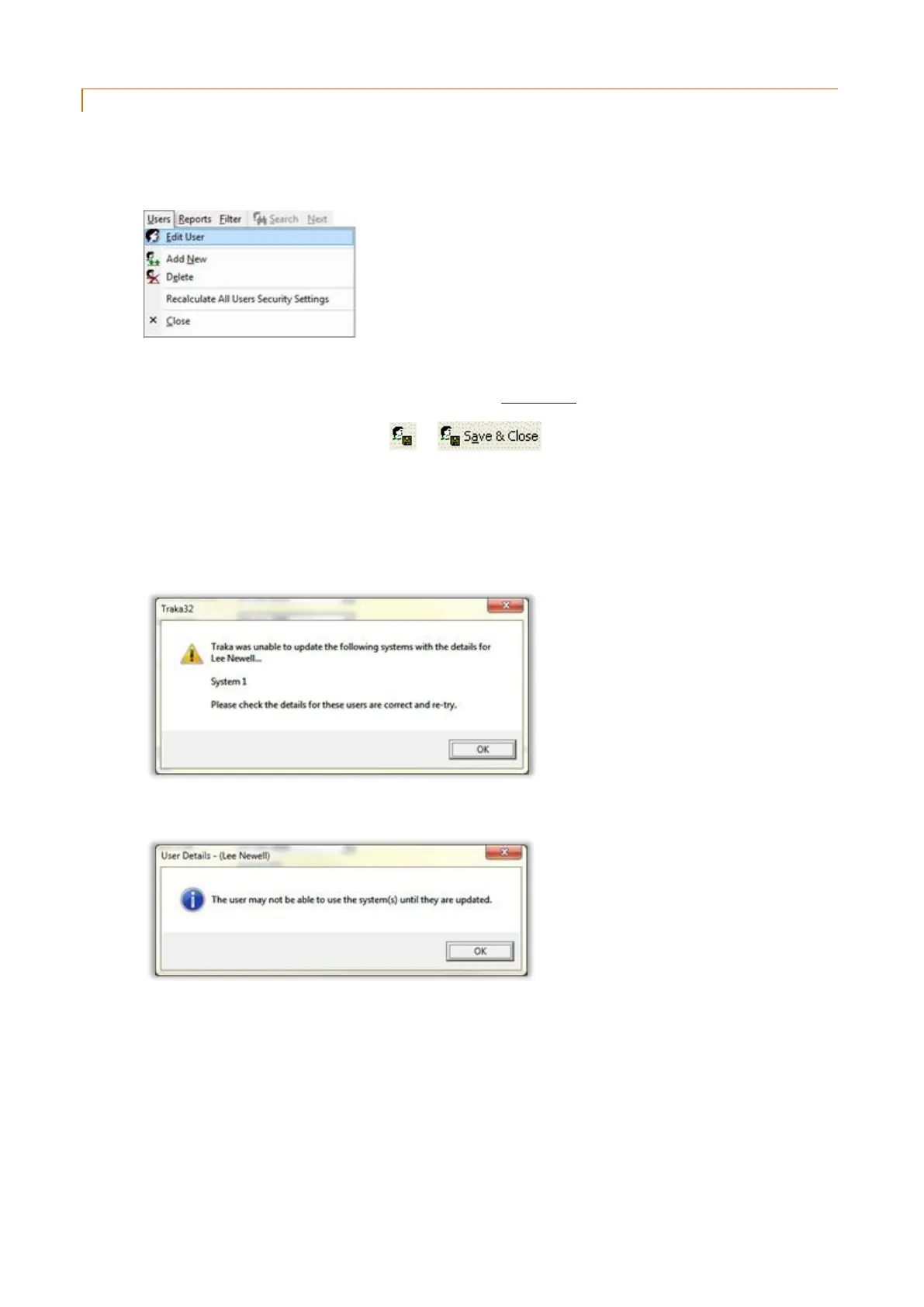
2. From the user list simply double click on the user record you wish to edit or select the record and click on
the Users menu followed by Edit User.
3. The selected user record will open.
4. Edit the appropriate details, for more details refer to the User Details section.
5. To Save your changes, simply click on or .
6. To Cancel your changes, simply close the window and click No when asked if you want to save the changes.
7. If you save your changes, the software will automatically update the Traka System when you save any user
details.
If the software was unable to update one or more of the systems the following message will be shown…
Click on OK and the following message will be shown…
Click OK.



 To Next Page