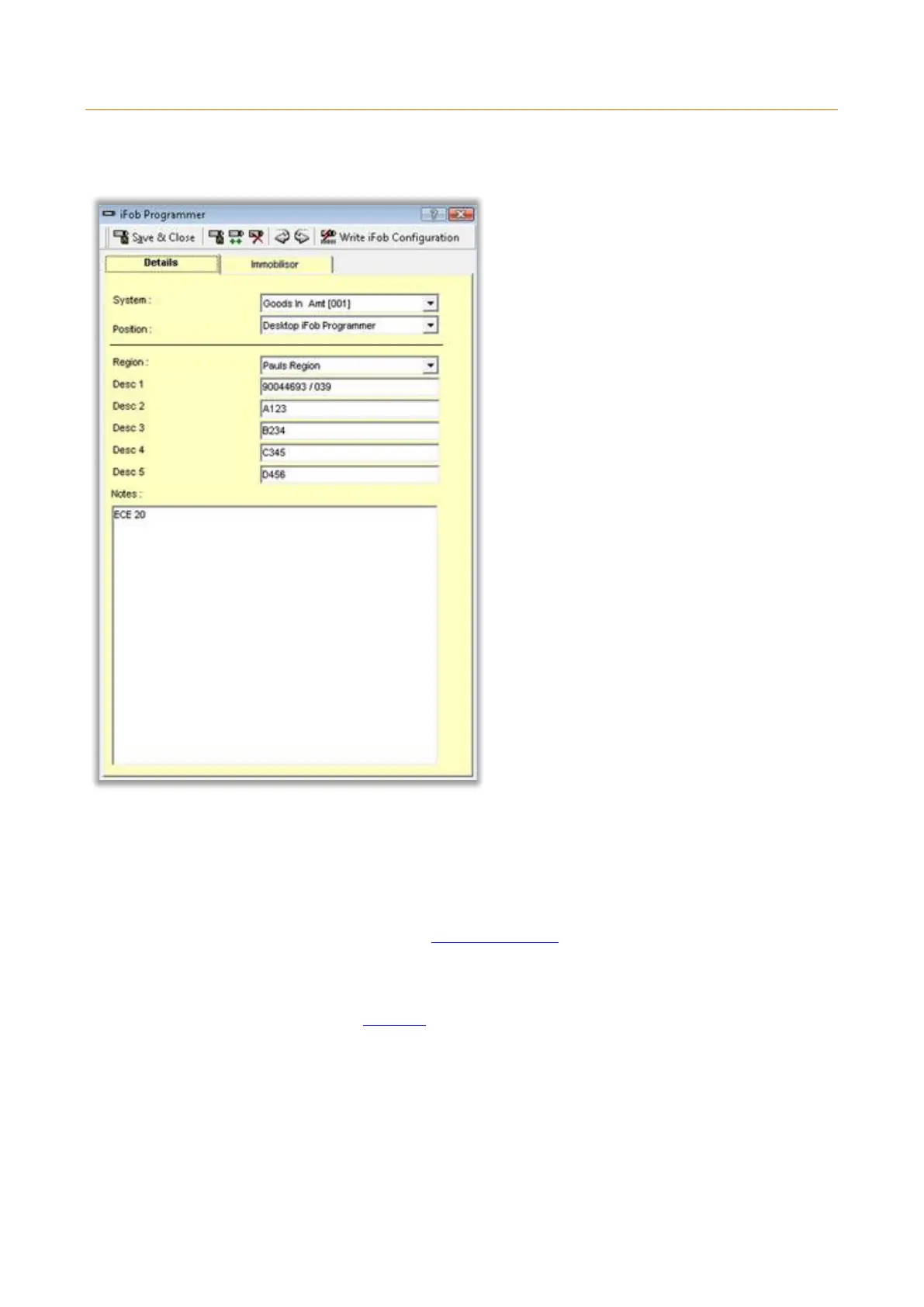
3.19.14.4.5 IMMOBILISOR DETAILS
The Immobilisor Details window allows you to add and edit the Immobilisor details.
Details Tab
System and Position
The system and position fields are used to select where the iFob is located.
Region
From this drop down box you can select which region you wish the truck to belong too. For information on
how to create Immobilisor please review the Immobilisor Regions topic.
Detail Fields
Here there are five definable detail fields for the Immobilisor. To change these field headings please refer to
the Immobilisor Details section of Properties topic.



 To Next Page