Allow user to always show PINs
There option allows members of a group to keep the status of the ‘Show PINs’ option. e.g. If the logged in
user has turned on the option to show users PIN numbers in the User Details or Properties screen, the PIN
numbers will only show until the user logs out of Traka32. If this new tick box is ticked and the logged in
user is a member of the correct Software Login group then when they log back into Traka32 the user PIN
numbers will still be shown.
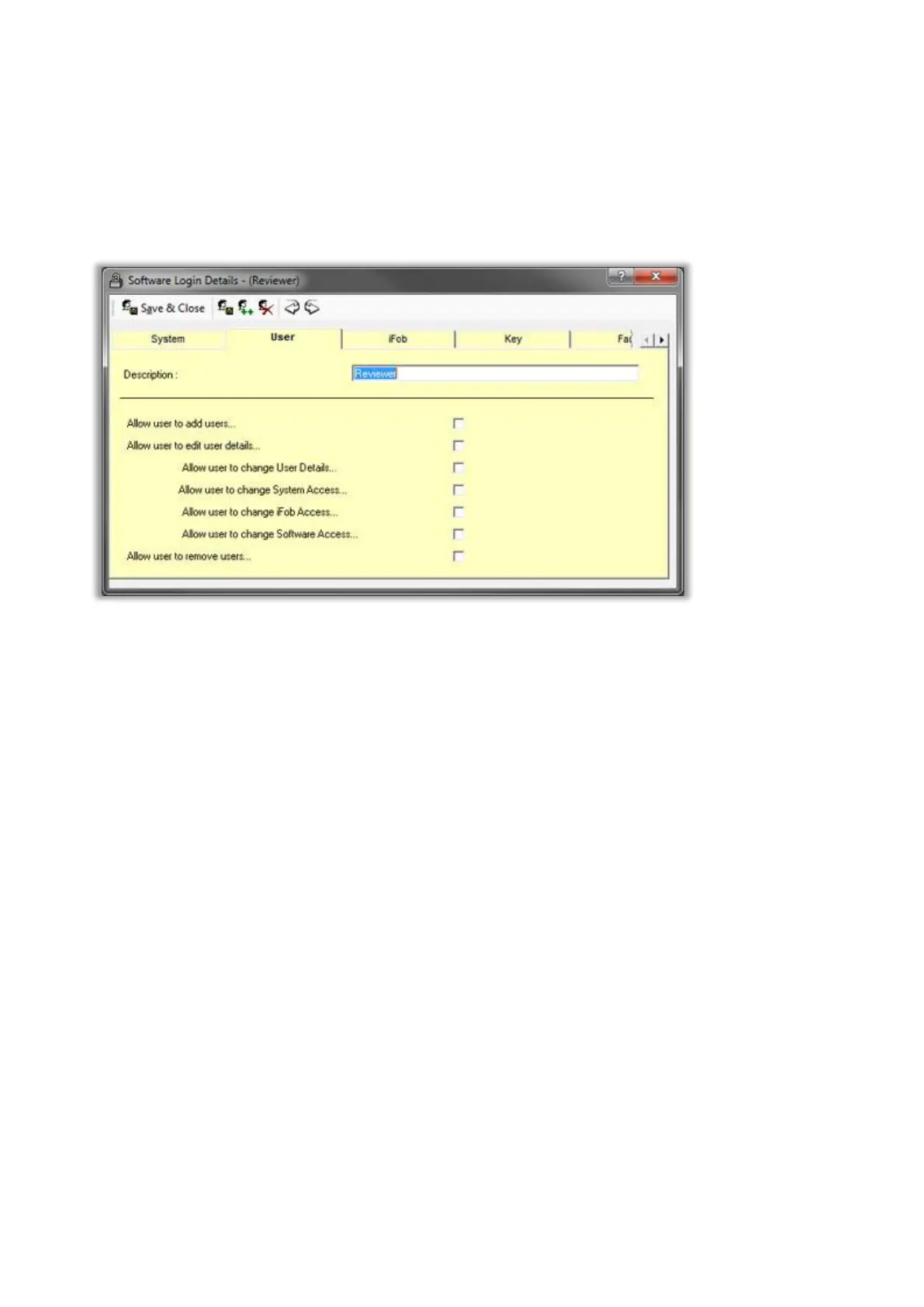
User
Allow user to add users
Check this box to allow the logged in user to be able to add user records. Checking this box will automatically
check the edit user's box.
Allow user to edit user details
Check this box to allow the logged in user to be able to edit user records.
Allow user to change User Details
Check this box to allow the logged in user to be able to edit a user's details.
Allow user to change System Access
Check this box to allow the logged in user to be able to edit user's system access.
Allow user to change iFob Access
Check this box to allow the logged in user to be able to edit user's iFob access.



 To Next Page