3.7.3 ADDING KEYS
1. From the main screen click on Key List and a list of the current keys will be shown.
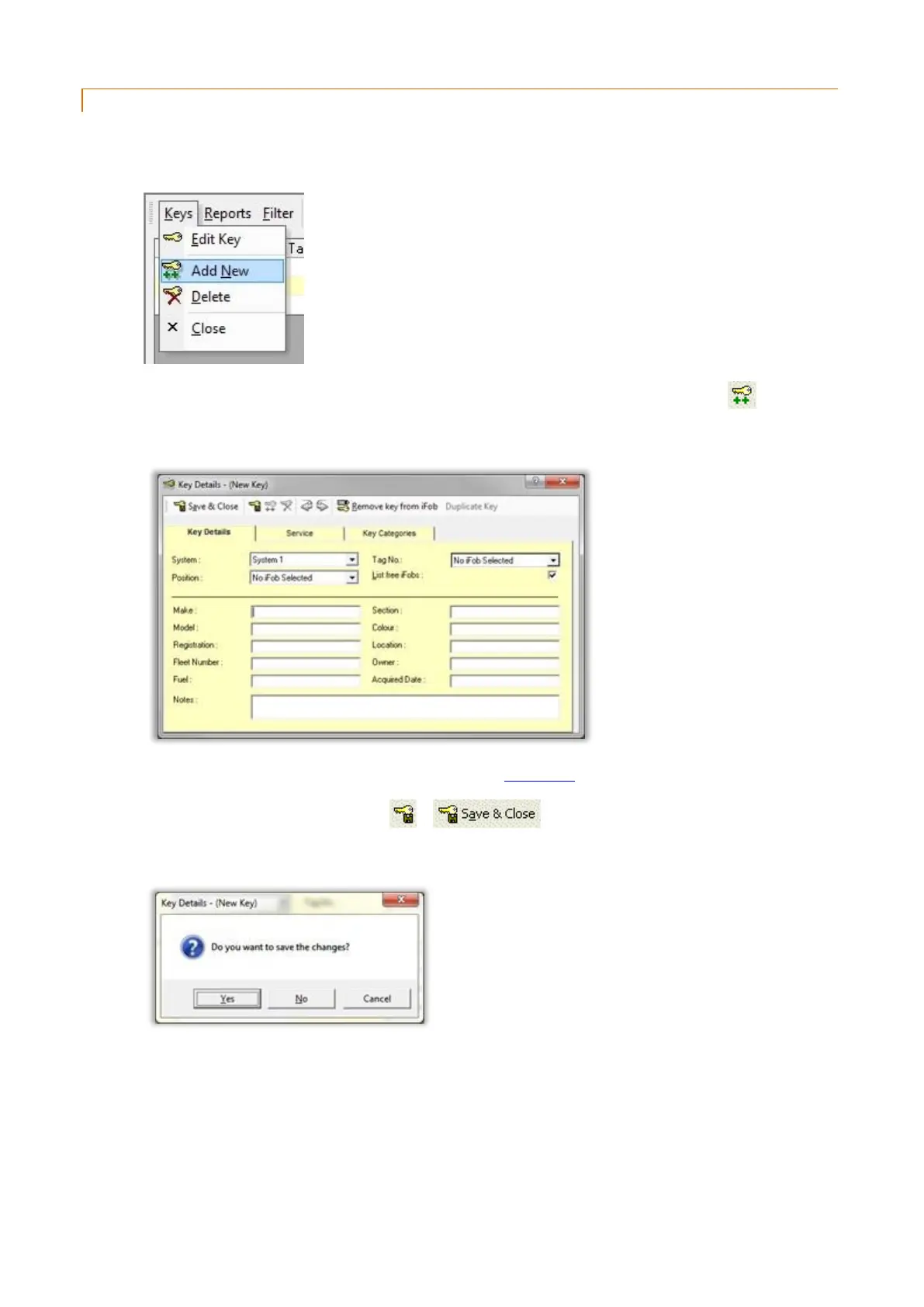
2. From the key list click on the Keys menu followed by Add New.
If you already have a key record open you can create a new record by simply clicking on the button.
3. A new blank key record will be created.
4. Edit the appropriate details. For more details refer to the Key Details section.
5. To Save your changes, simply click on or .
6. To Cancel your changes, simply close the window and click No when asked if you want to save the changes.



 To Next Page