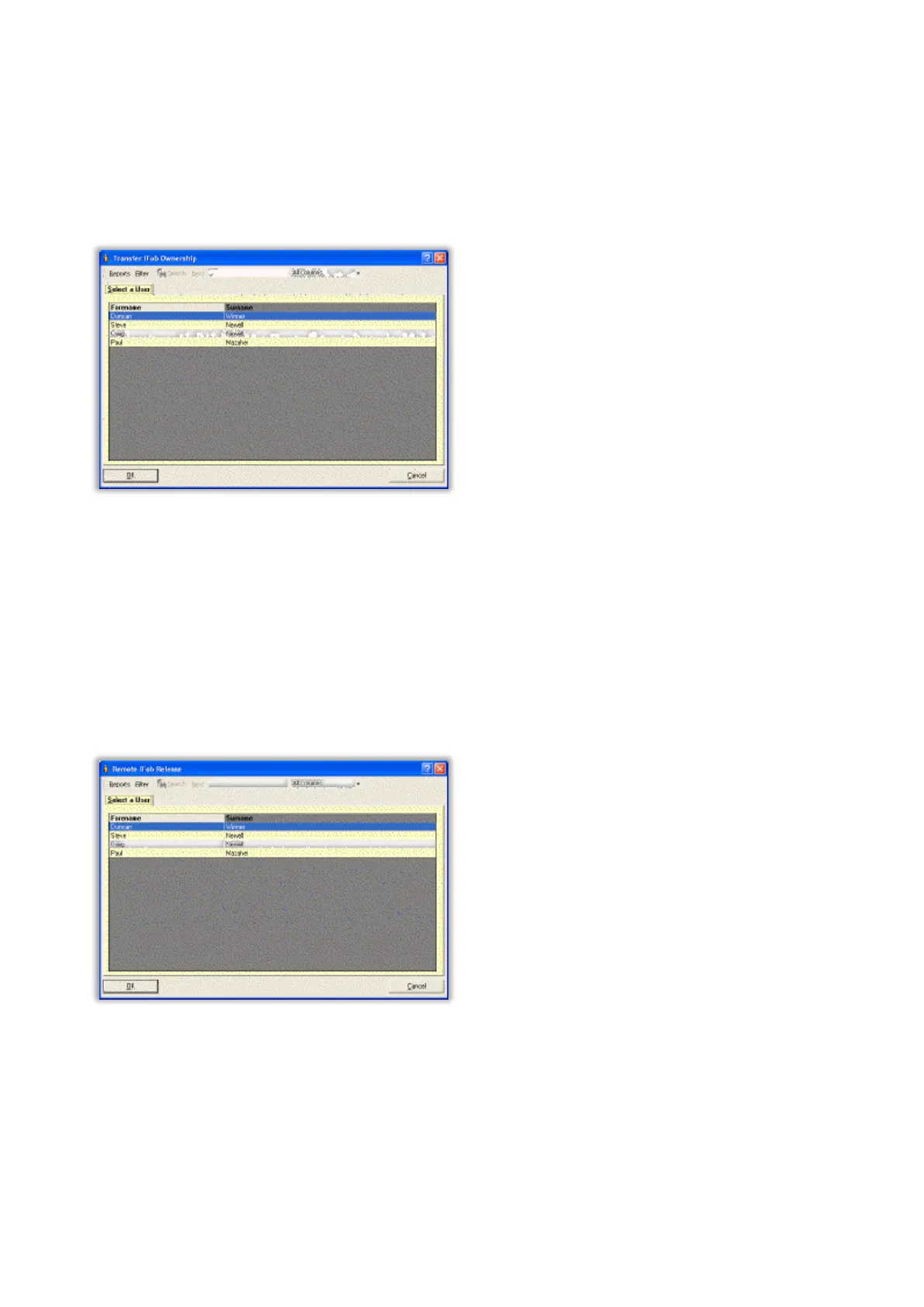
Transfer iFob Ownership
This allows the software user (subject to their access permissions) to change the owner of an iFob.
For example the key associated with an iFob may be a vehicle key. If the vehicle breaks down, the key and iFob
cannot be returned until the vehicle is repaired which may take some time. Therefore it is possible to change the
ownership of the iFob from the person who withdrew the iFob to another user or department (say Motor Transport
service).
Simply select the name of a user of whom you wish to transfer the ownership to and click OK.
NOTE: You cannot transfer the ownership of an iFob if the iFob is currently in the system or if the user that
you are transferring the iFob ownership to does not have the appropriate access.
NOTE: Transfer iFob Ownership is not available for systems with Random Return.
Remote iFob Release
This allows the software user to release a specific iFob to a selected user. The software records the name of the
software user who released the iFob as well as the person to whom the iFob was released.
Simply select the name of a user of whom you wish to release the iFob to and click OK.
NOTE: You cannot release an iFob if the user that you are releasing the iFob to does not have the
appropriate access.
NOTE: It is possible to hide this option within Traka32. If you require this feature to be hidden please
contact Traka or your distributor.



 To Next Page