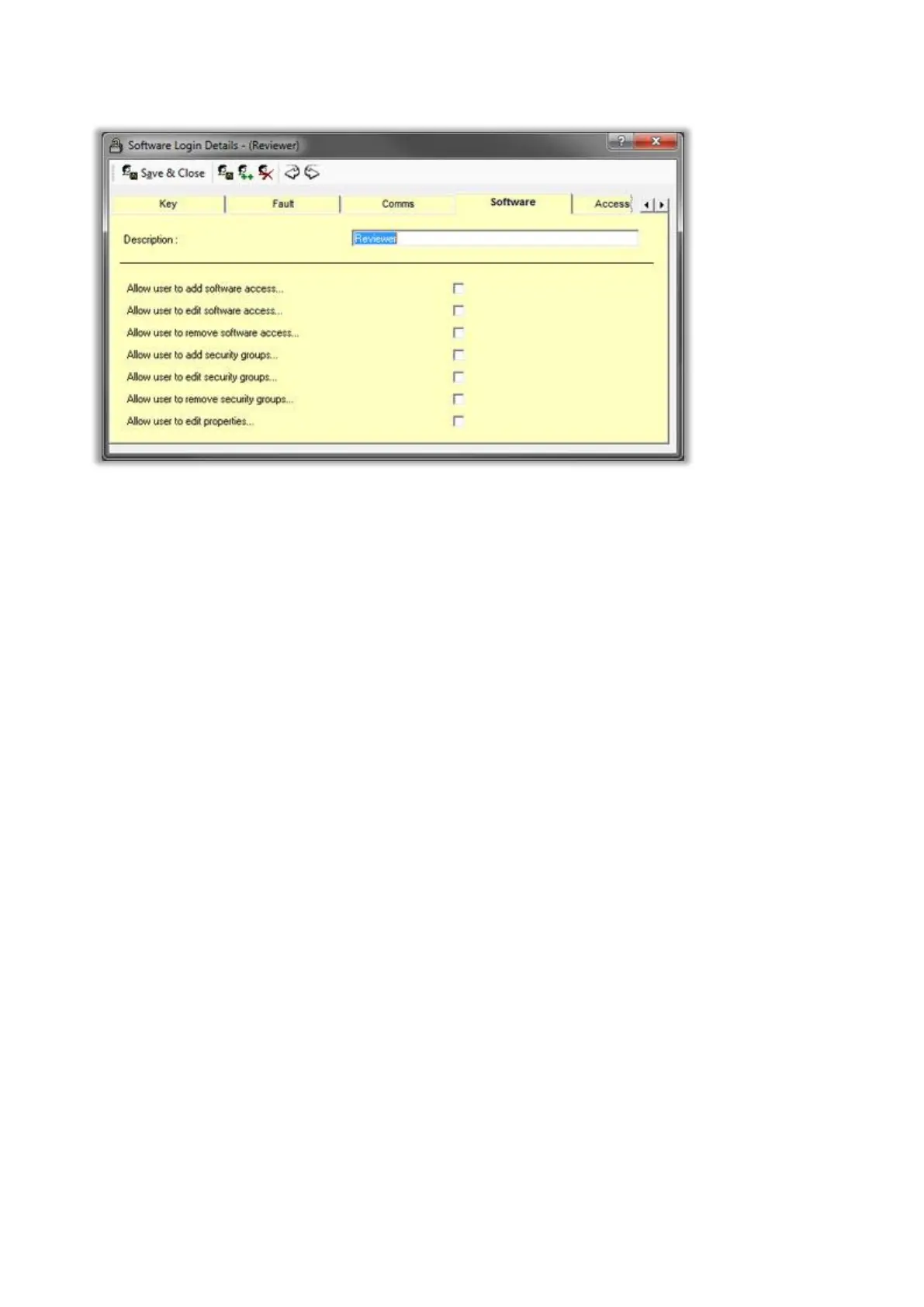
Software
Allow user to add software access
Check this box to allow the logged in user to be able to add software access records. Checking this box will
automatically check the edit software access box. This option should only be available to administrators.
Allow user to edit software access
Check this box to allow the logged in user to be able to edit software access records. This option should only
be available to administrators.
Allow user to remove software access
Check this box to allow the logged in user to be able to delete software access records. This option should
only be available to administrators.
Allow user to add security groups
Check this box to allow the logged in user to be able to add security group records. Checking this box will
automatically check the edit security group box.
Allow user to edit security groups
Check this box to allow the logged in user to be able to edit security group records.
Allow user to remove security groups
Check this box to allow the logged in user to be able to delete security group records.
Allow user to edit properties
Check this box to allow the logged in user to be able to edit the Traka32 properties. This option should only
be available to administrators.



 To Next Page