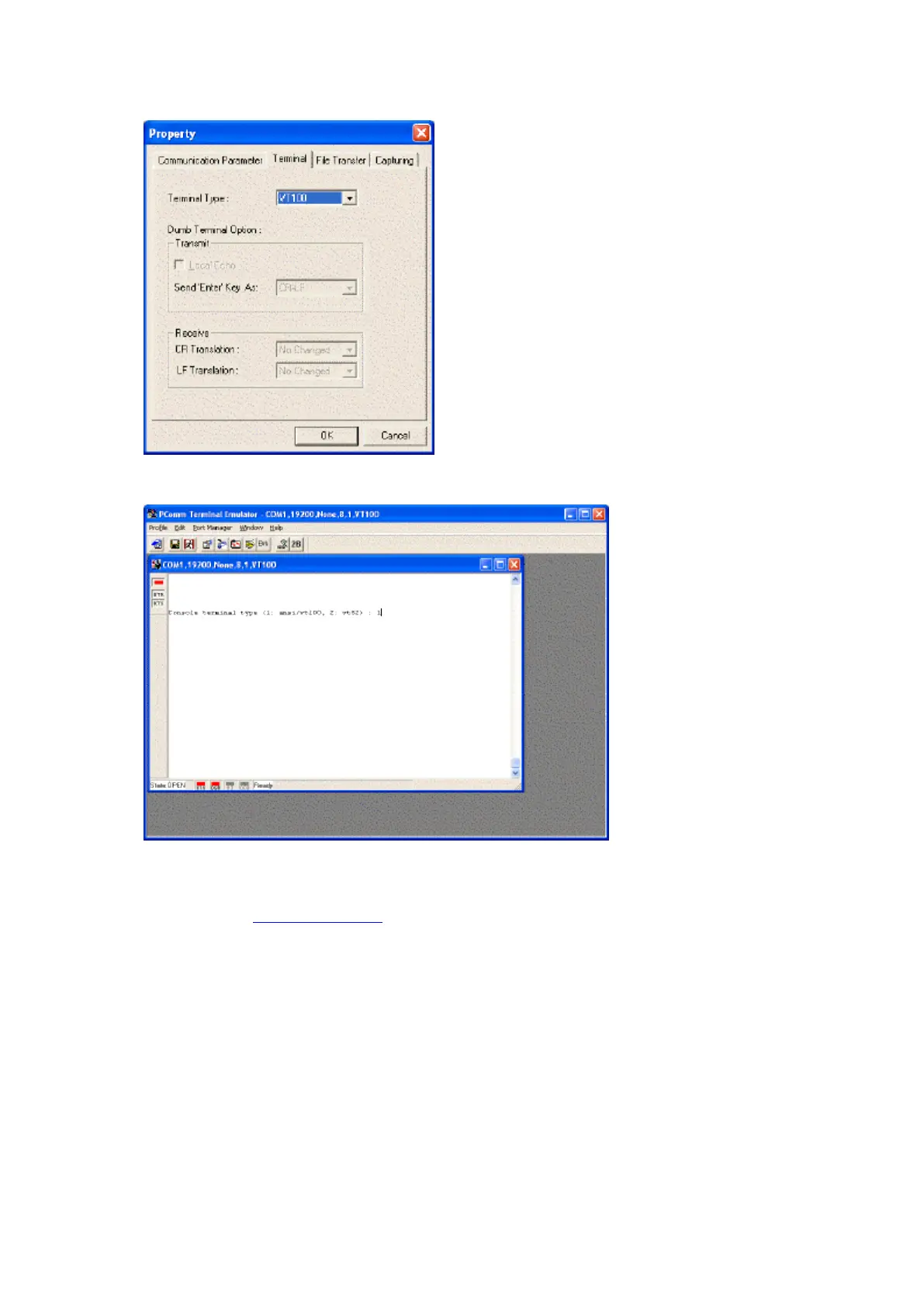
12. From the Property window's Terminal page, select set the Terminal Type to VT100.
13. Again from the Property window, click on OK and after a few seconds the following screen should appear...
Please note, if the following text "Console terminal type (1: ansi/vt100, 2: vt52) : 1" does not appear on the
screen then try powering down the TMED, waiting 5 seconds and powering back up again.
14. Next refer to the configuration section below.



 To Next Page