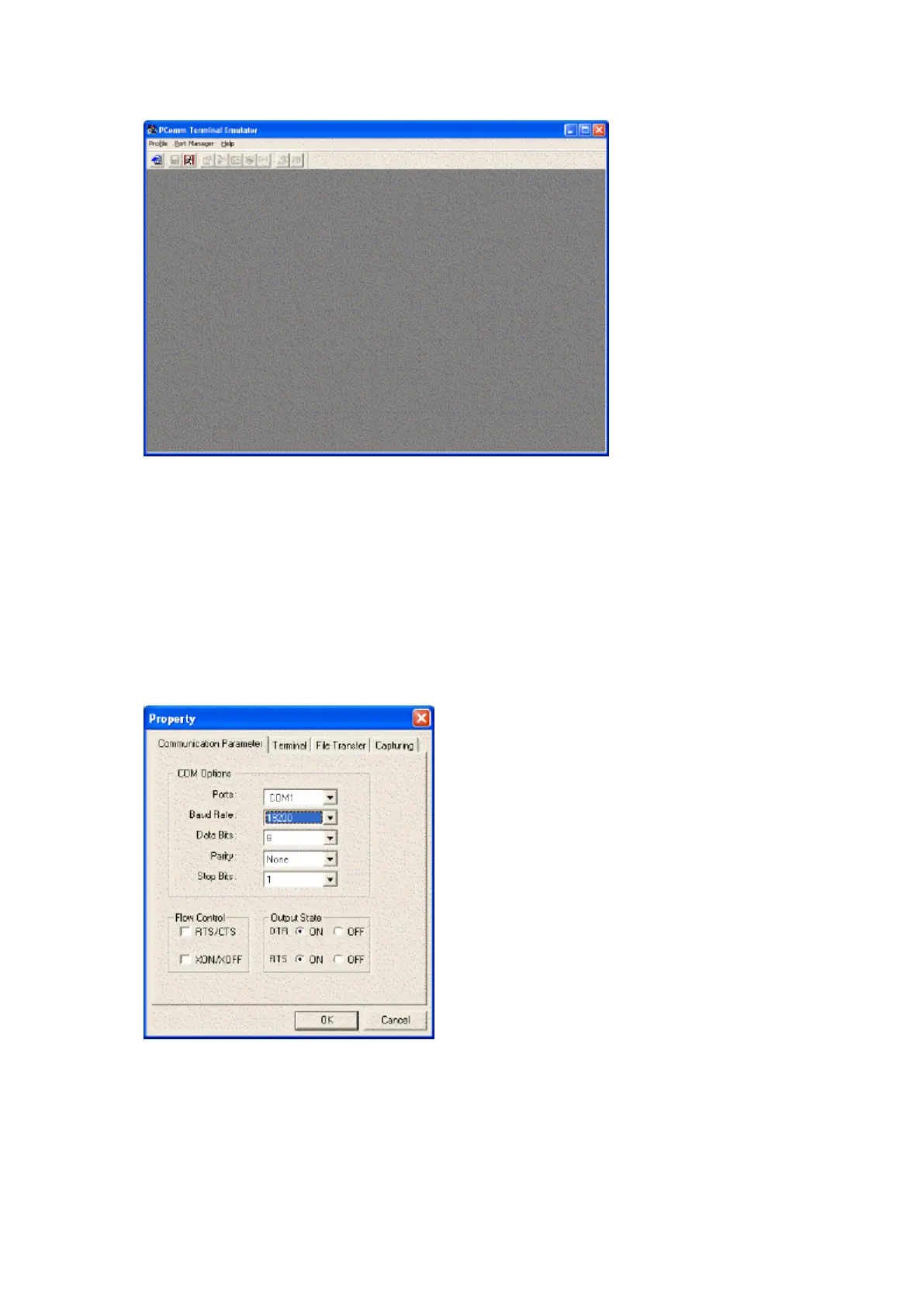
5. Once installed, click on Start>Programs>PComm Lite 2.5>Terminal Emulator.
6. Using the Master Key, unlock the Control Panel and tilt forward to gain access to the system electronics.
7. Disconnect the Traka from the RS232 Port of the TMED.
8. Connect the RS232 Port of the TMED to a spare RS232 Port on your PC using a 9-Pin Male to 9-Pin Female
Serial Cable or 9-Pin Male to 25-Pin Female Serial Cable depending on your PC.
9. Check that the DIP Switch Setting SW1 on the TMED is set to On.
10. Using the PComm Terminal Emulator, click on the Port Manager menu and then click on the Open icon.
11. From the Property window's Communication Parameter page, select the appropriate COM Port for the
connection e.g. COM1 and set the Baud Rate to 19200.



 To Next Page