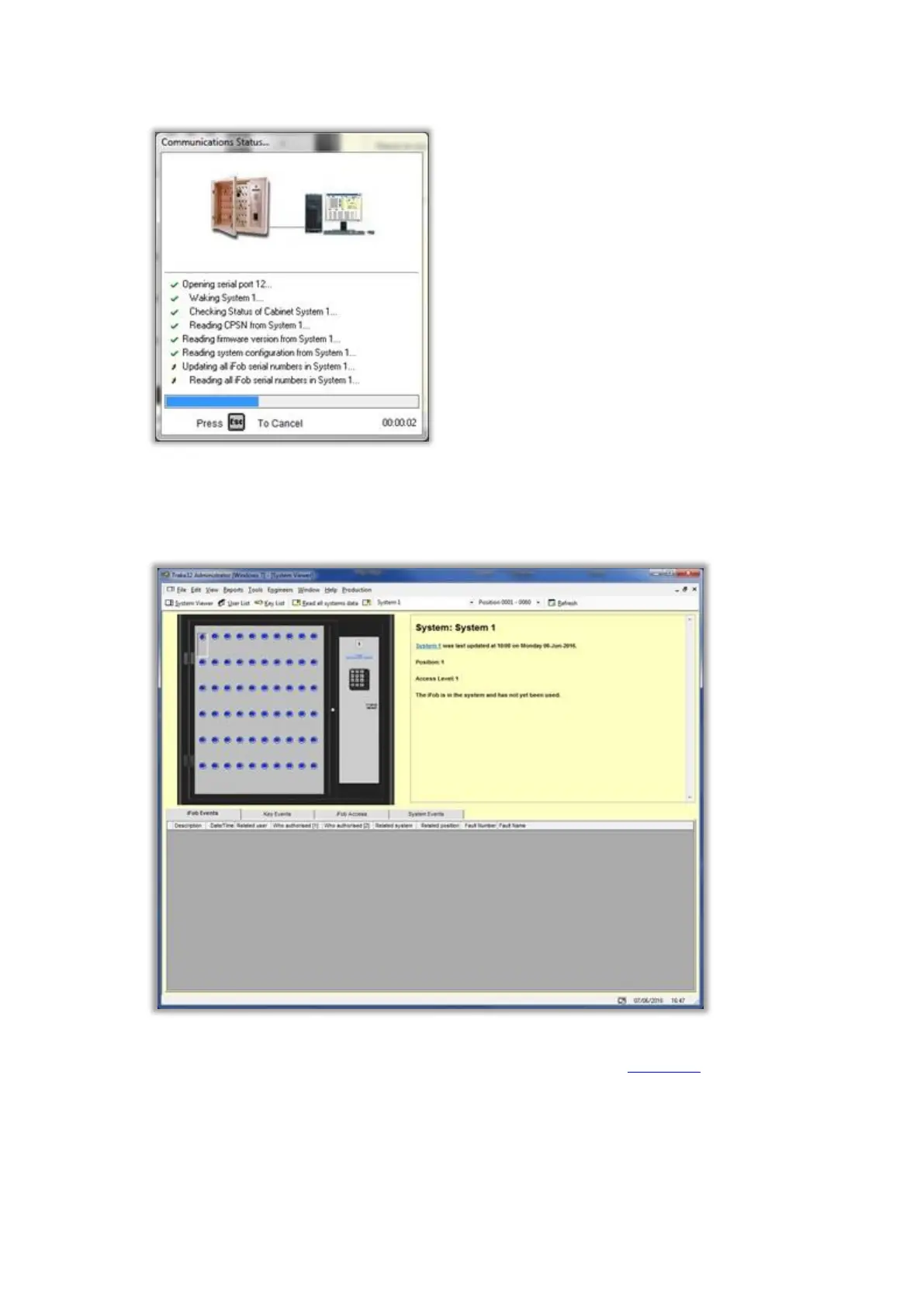
6. The software will then communicate with the Traka System.
This should only take a few seconds. If the communications fails, check the communications settings and
installation. If communications still fails you will need to contact your supplier for further help.
7. Your system viewer should now contain the iFobs.
By default, all the iFob Access Levels will be set to 1 which is sufficient for testing and basic use. For more in-depth
information on configuring the iFob access levels and access times please refer to the iFob Details section.



 To Next Page