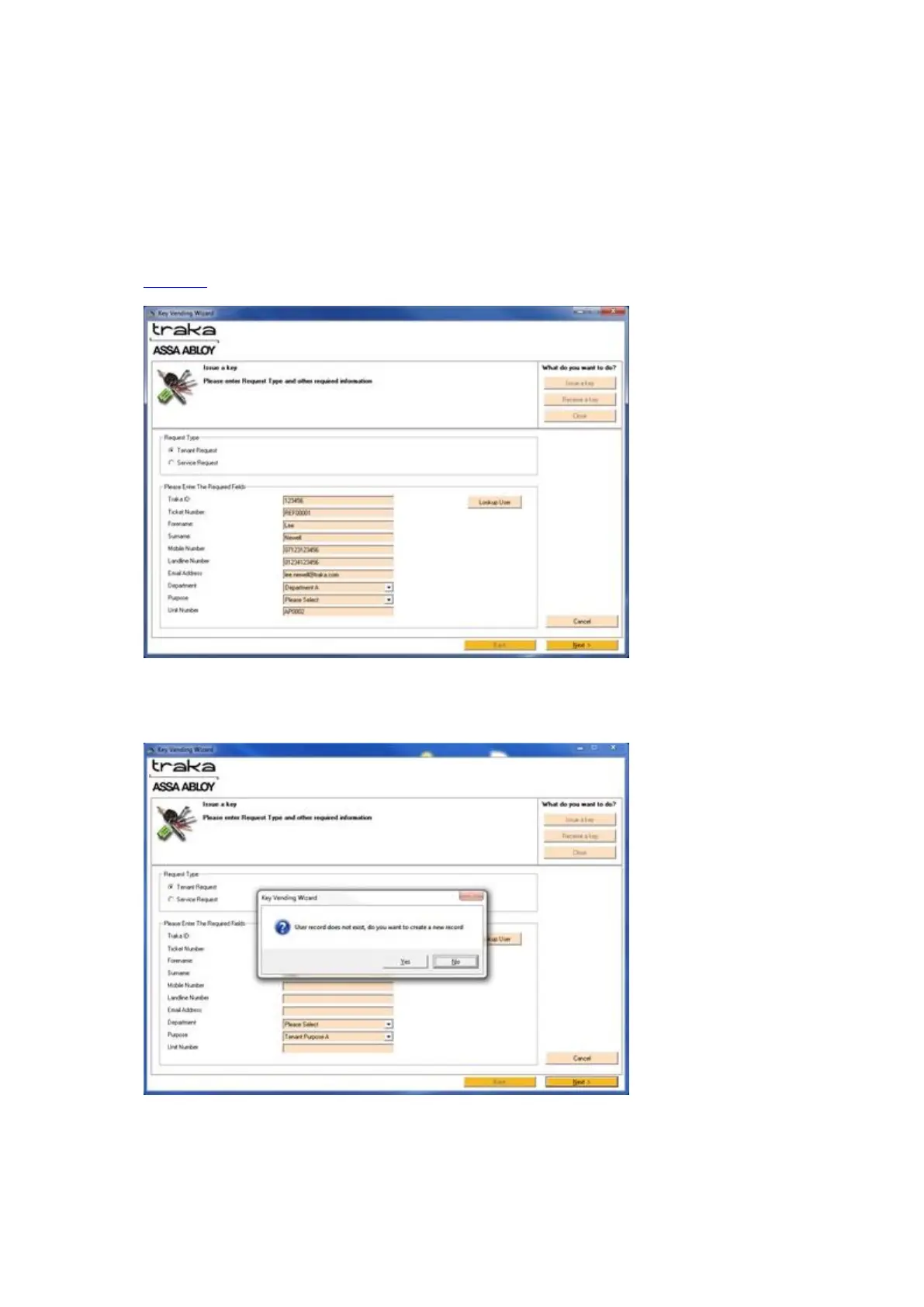
If the ID number is not known, you can leave the field blank and this can be added upon the return of the
key.
NOTE: It is compulsory to enter an ID number for a Service Key Request.
If the ID number is not in the database a message will pop up saying the User Record does not exist. If the
request is for a Tenant Key, it is possible to create a new user directly from the Key Vending Wizard. To do
this, enter the user’s details into the provided fields and continue to the next step.
4. Enter a Ticket Number (reference number) if applicable, and also specify the purpose for the key request. The
list of purposes will be those you specified during the setup on the Key Vending Wizard page of the
Properties.
5. Once you have entered the necessary information click Next. If the user is not currently in the Traka32
database a message will pop up asking if you wish to create a new user record. Click Yes and the user will be
added to the Traka32 database.



 To Next Page