Handheld Device Information Pages
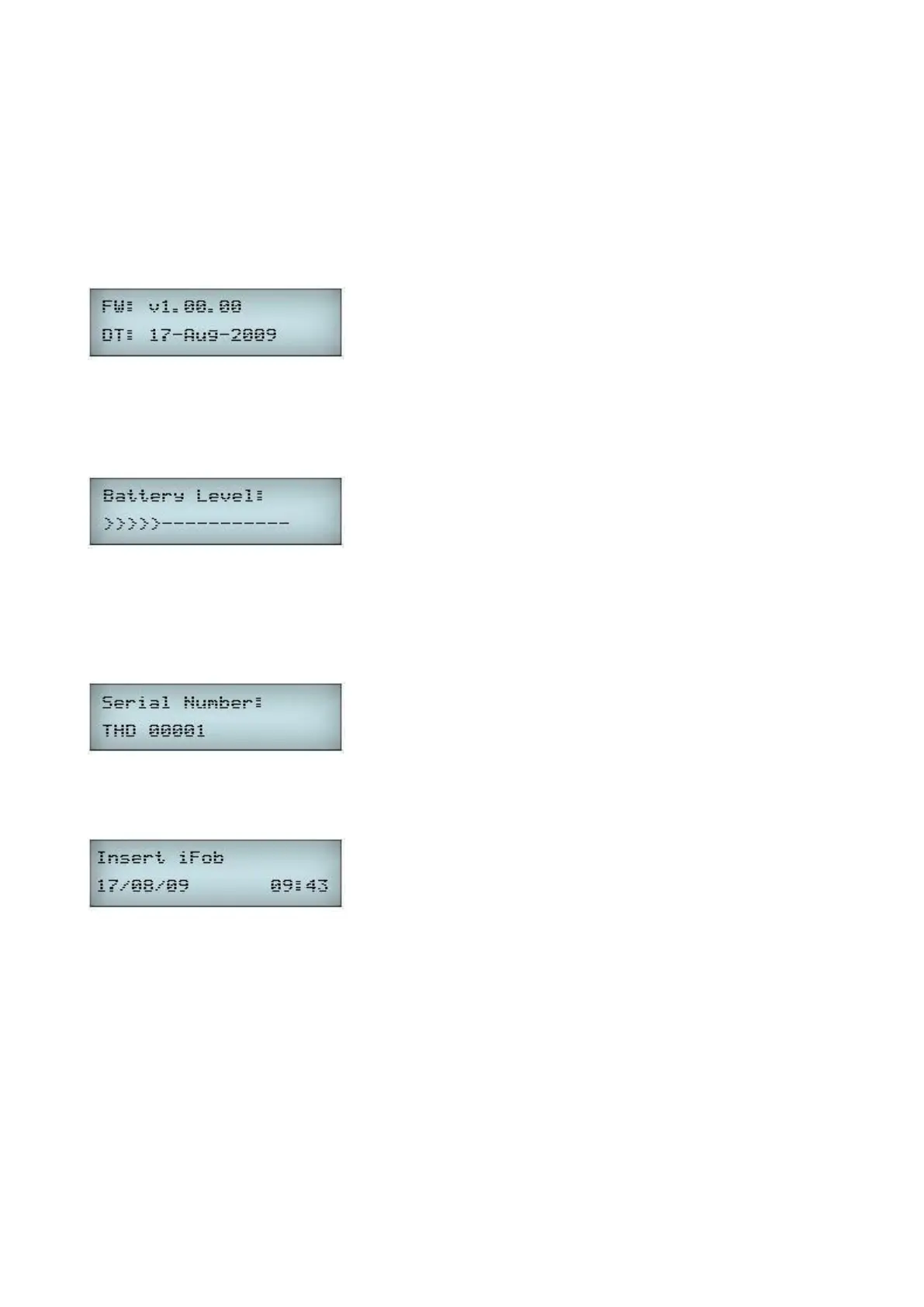
Each press of Function Button 2 from the idle screen of the iFob Transfer Unit application scrolls through the Device
Information Pages. These are displayed in the following order...
Firmware Version and Date:
This page shows the version of firmware running in the Handheld Device and the date on which it was released. This
information is useful for determining whether a firmware upgrade is available to support new features.
Battery Level:
This page shows the current battery level or power status if connected via USB. See Section 5 for more details.
Serial Number:
This page shows the unique Traka Serial number given to the product. The Handheld Device serial number format
consists of three letters and five digits. THD stands for Traka Handheld Device.
Pressing Function Button 2 for the forth time will take you back to the main display.



 To Next Page