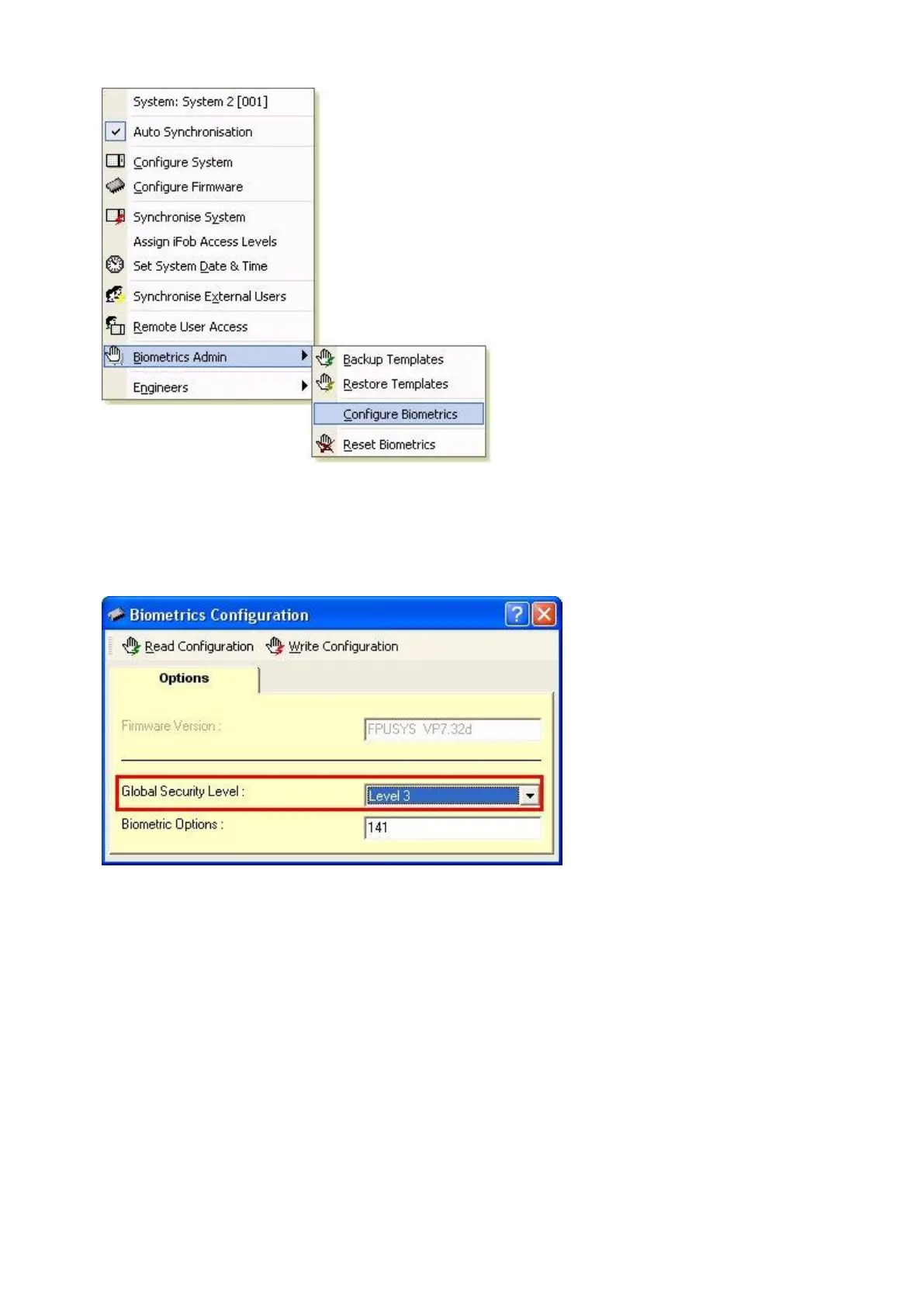
The Biometrics Configuration window will appear allowing you to change the Global Security Level as desired.
NOTE: the Biometric Options section is always set to number 141 by default, this should NOT be changed
unless advised otherwise.
As of firmware versions v6.07.58 (8bit) and v2.00.40 (16bit) upwards, when you backup the reader templates via
Traka32 the users security level will be saved along with their individual fingerprint template.



 To Next Page