a. Set the On/Off switch to On.
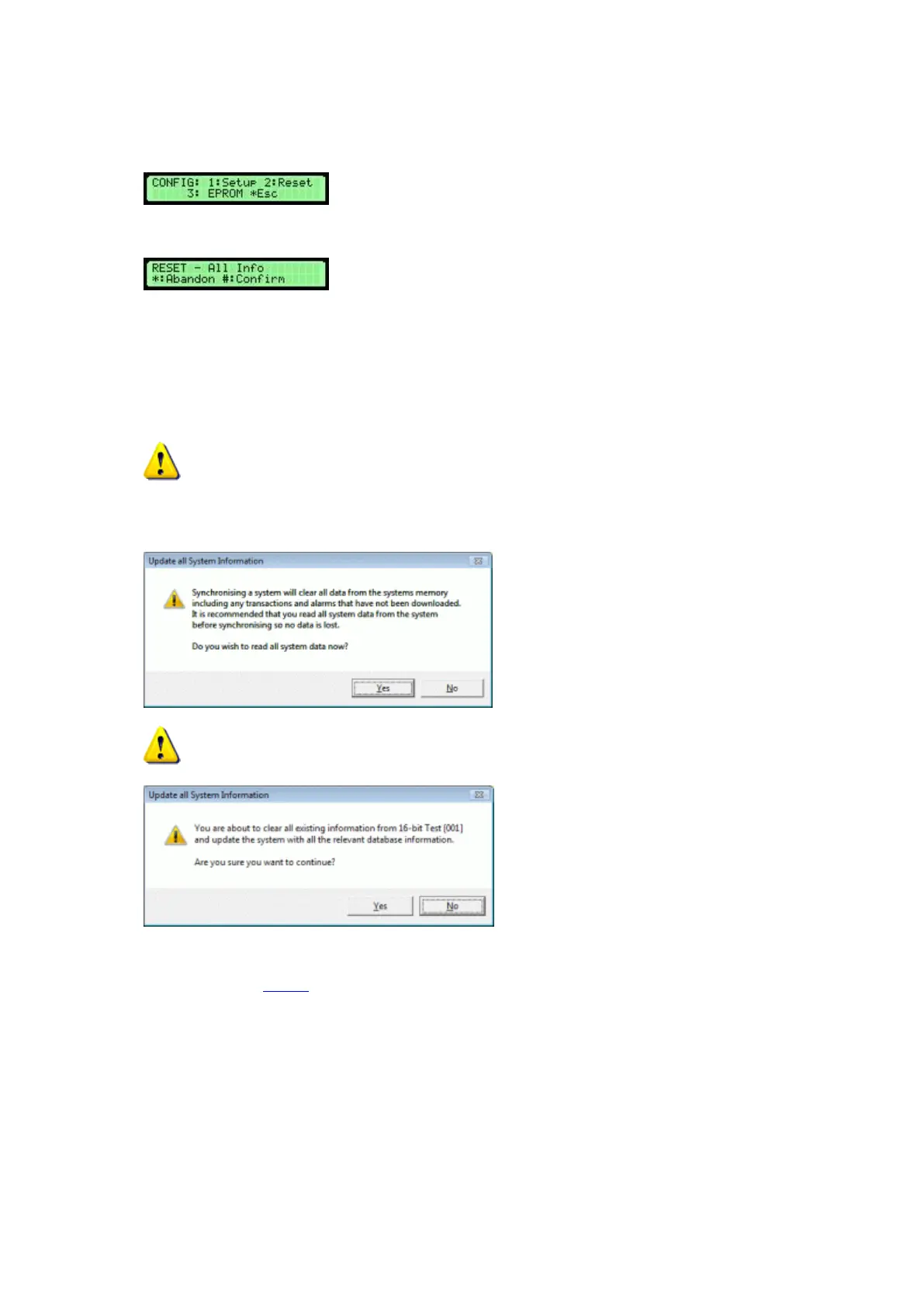
18. Hold down the # key on the keypad. At the same time press and release the Reset button on the Control
PCB.
19. Press 2 to reset the systems memory.
20. To reset, press the # key.
21. Press * to escape from the configuration menu.
22. Close the Control Panel carefully into the Pod and lock with the Master Key.
The Control Panel should fit easily, if not check that no wires have become caught or trapped between the
Control Panel and the Pod.
23. Please ensure nobody uses the system until the work is complete.
24. From the system viewer of Traka32, right click over the picture of the pod again and click on Synchronise
System.
25. Click on No first.
26. Then click on Yes.
27. Please refer to the Testing section for further details on fully testing the system.



 To Next Page