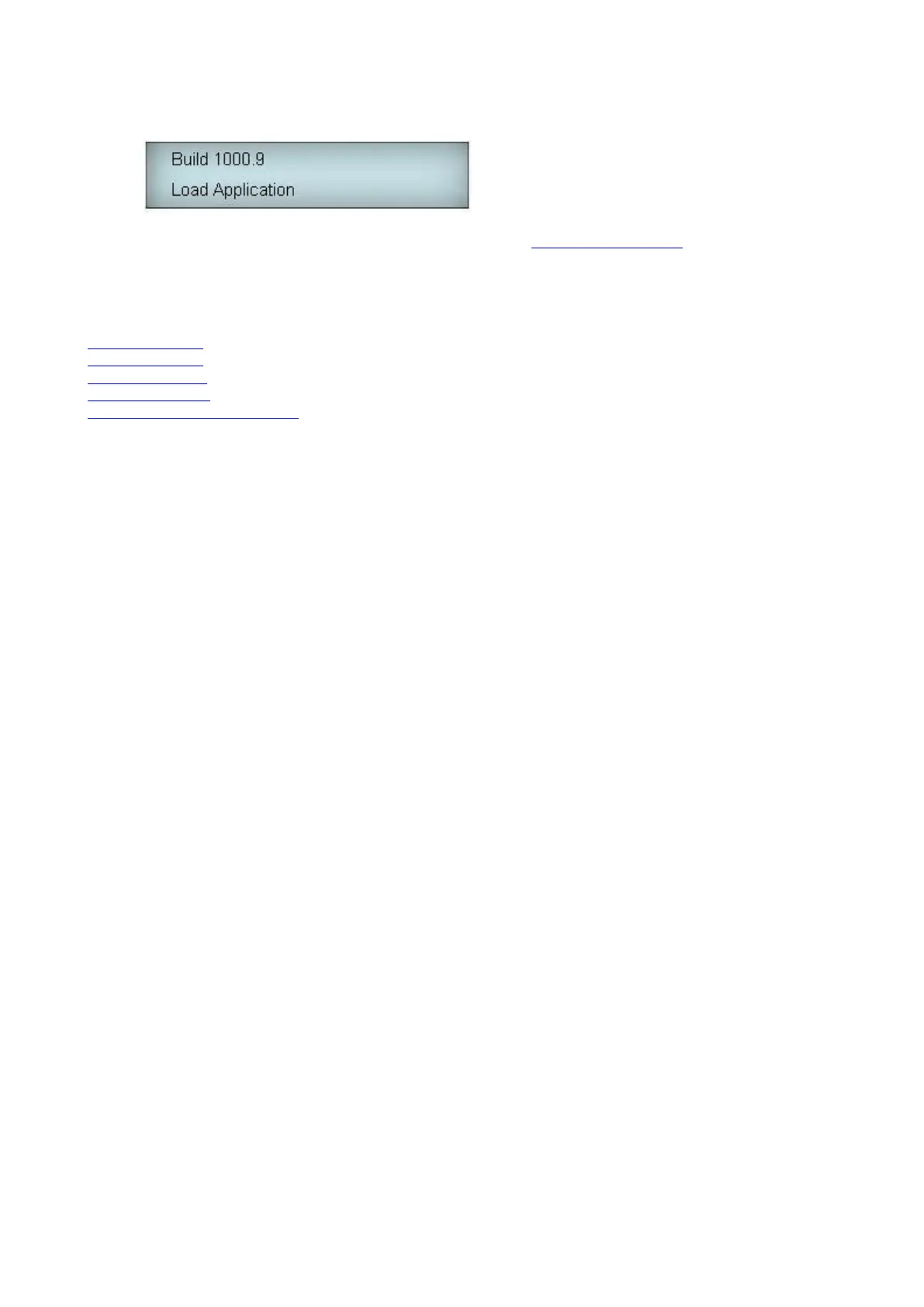
5. NOTE: The status LED should flash when there is an application loaded and is running. If there is no
application loaded, then the status LED will be on solid and the LCD will show:
In this case a firmware upgrade will be required. Refer to the 16bit Firmware Upgrade section for more
details.
Once the system is powered up refer to the following sections to configure communications and upload a configuration
file.
RS232 Installation - To configure communications via RS232
RS485 Installation - To configure communications via RS485
Modem Installation - To configure communications via Modem
XPort Configuration - To configure Ethernet communications via an XPort device
Loading a 16bit Configuration File



 To Next Page