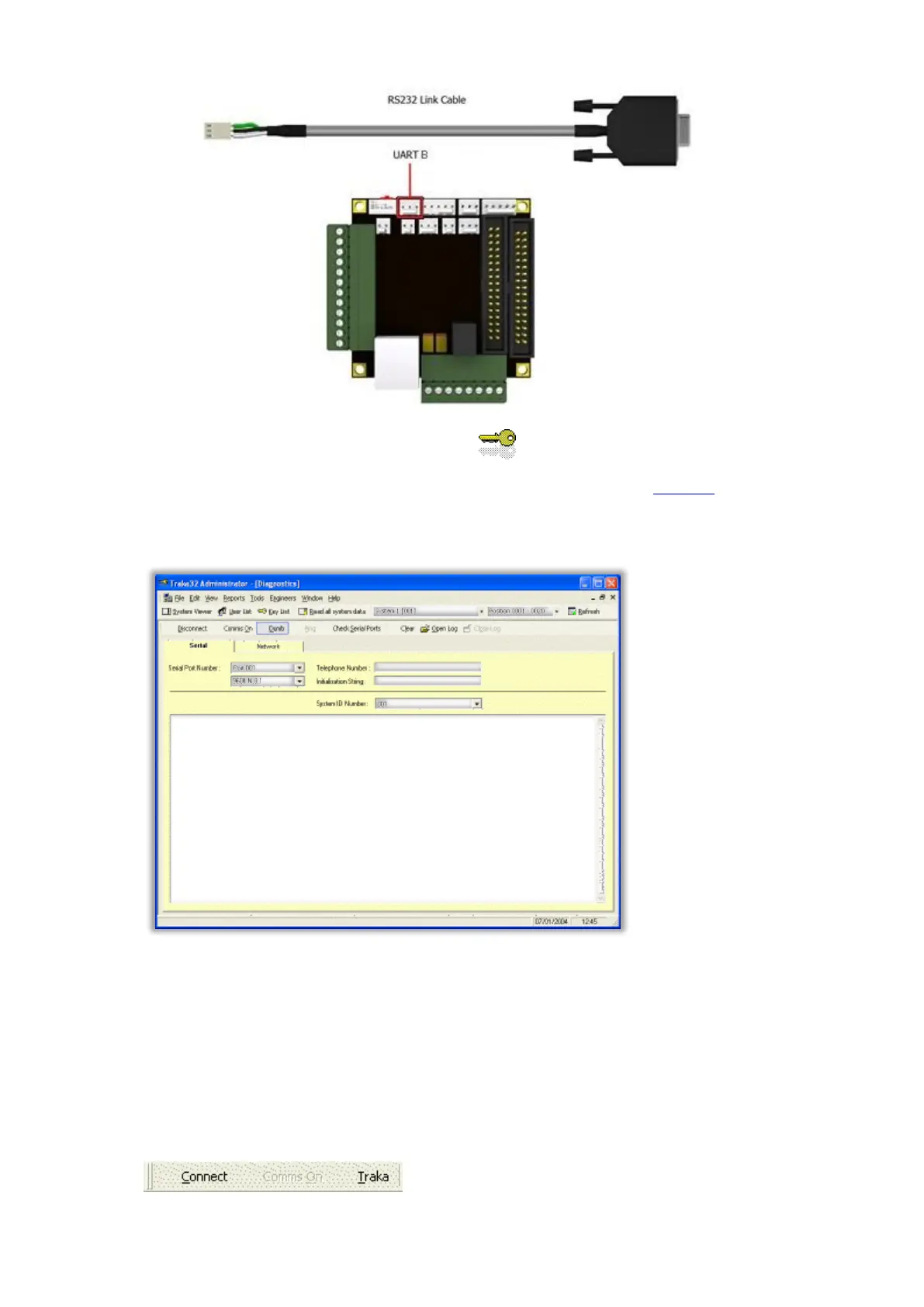
6. Open the Traka32 software by double clicking on the icon.
7. If you are prompted for a login, please login as an Engineer. Please refer to the Engineers section for further
details.
8. Click on the Engineers menu followed by Diagnostics.
9. Click on the Serial tab, if not already selected.
10. Select the appropriate Serial Port.
11. Do one of the following depending on your hardware...
For an 8-bit Control PCB, set the Serial Port Settings to 9600,N,8,1.
For a 16-bit Control PCB, set the Serial Port Settings to 38400,N,8,1.
12. Click on the Traka toolbar button to toggle it to Dumb.



 To Next Page