116 Chapter 6 Autel Enterprise App
on the screen remain aligned to the reference objects on the three-screen image transmission
screen.
Gimbal Parameters Reset
Tap the "Gimbal Parameters Reset" button, and then tap the "Confirm" button to reset the
gimbal parameters.
RTK Settings
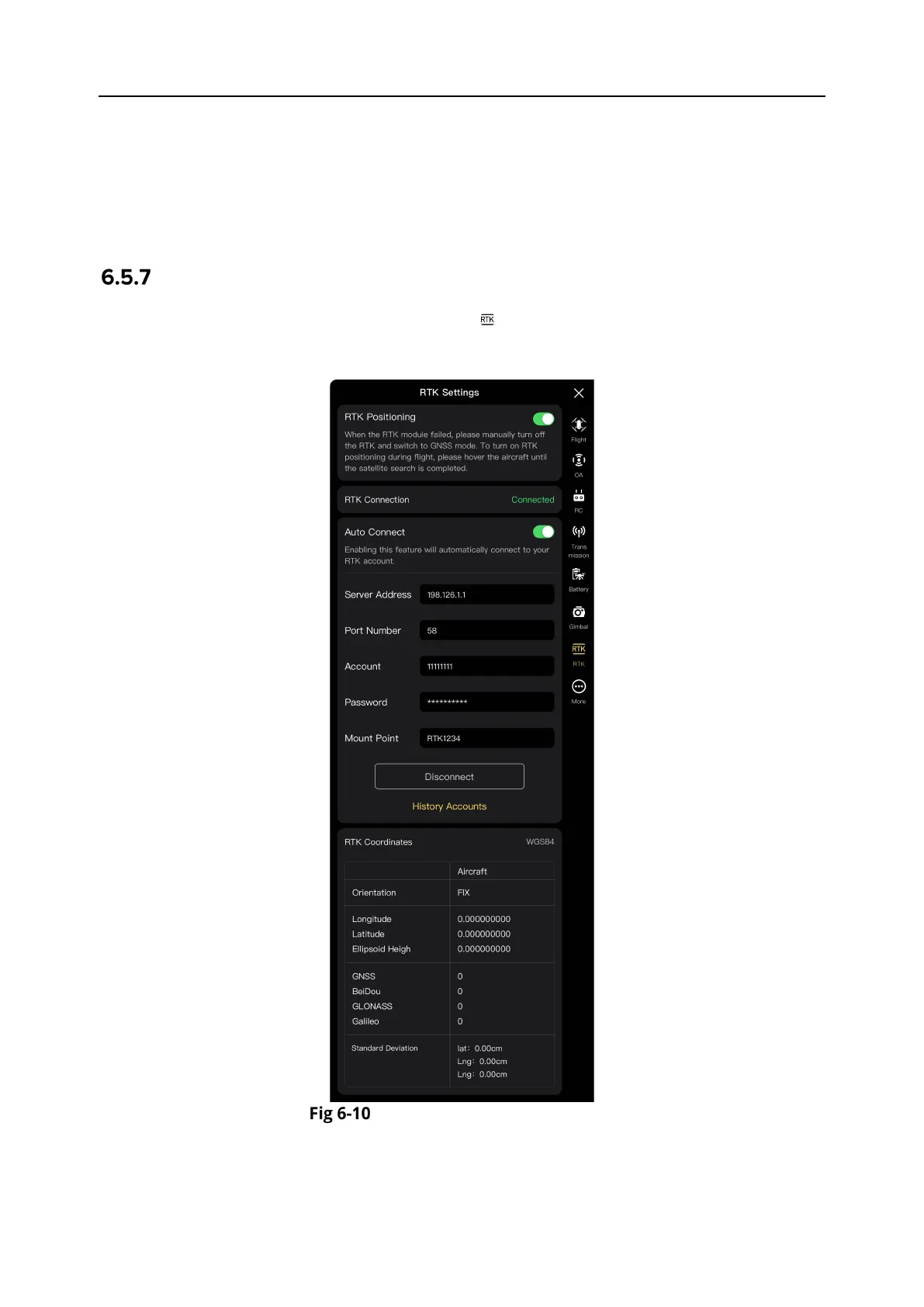
In the sidebar of the “Settings” interface, tap the " " icon to enter the "RTK Settings" interface,
Users can enable the RTK positioning function, check the RTK connection status, and configure
the reception mode for RTK signals.
"RTK Settings" Interface
Enable/Disable RTK Positioning
To enable or disable RTK positioning, tap the button on the right side of "RTK Positioning”.












 To Next Page