88 Chapter 4 Remote Controller
2
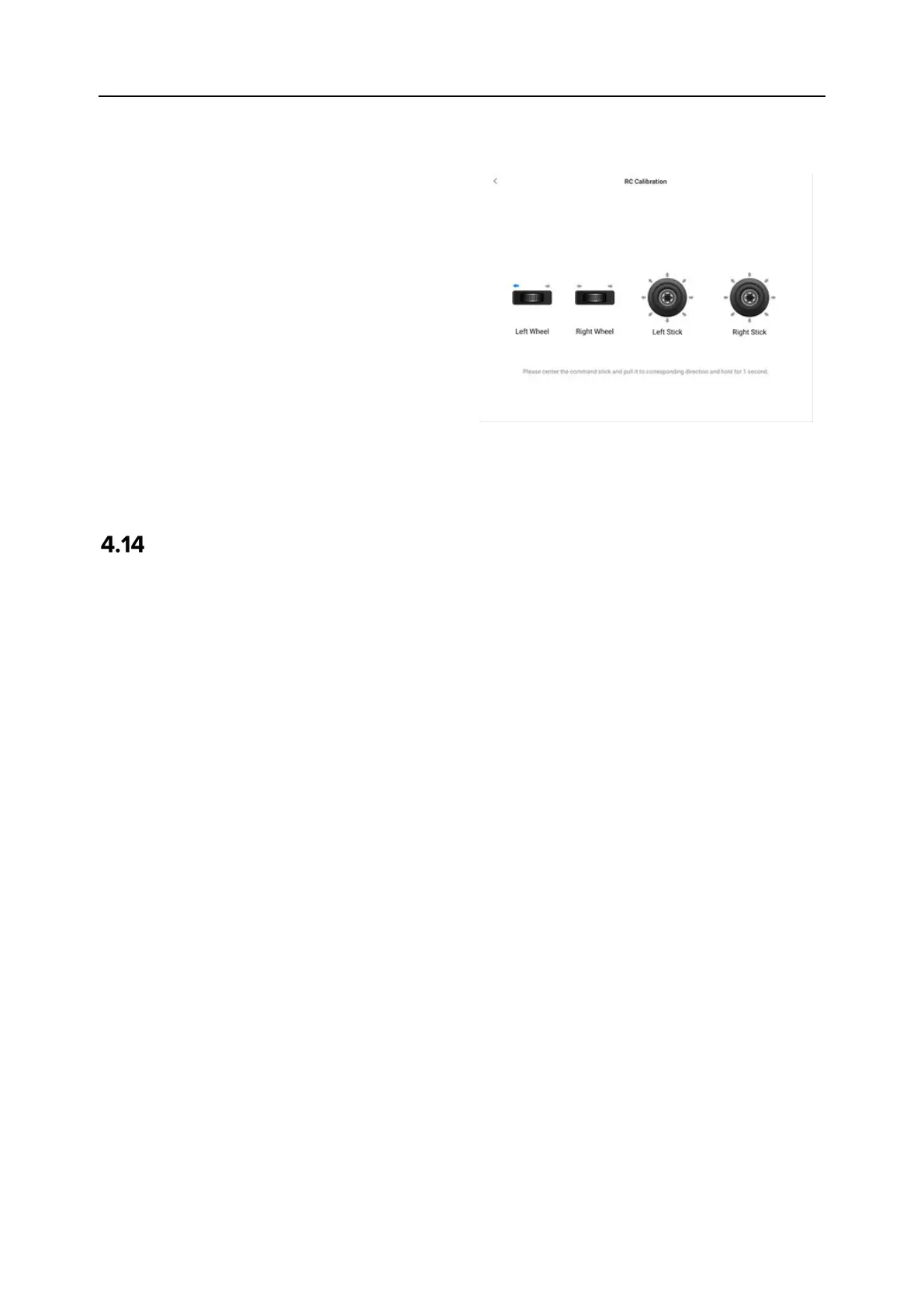
Calibration of the dials and command
sticks: According to the calibration
guide page of the remote controller,
move the left and right dial wheels
and the left and right sticks according
to the directions shown in the figure
and hold for 1 second. At this time, a
beep will be heard, and the
calibration direction icon will be
changed from gray to dark blue,
indicating that the orientation
calibration was successful.
There is no order in which directions
are calibrated, until all directions are
calibrated, the remote controller
calibration is done.
HDMI Screen Output
The remote controller is equipped with an HDMI interface. The interface allows you to output
the real-time screen of the remote controller to supported digital devices such as display screens.












 To Next Page