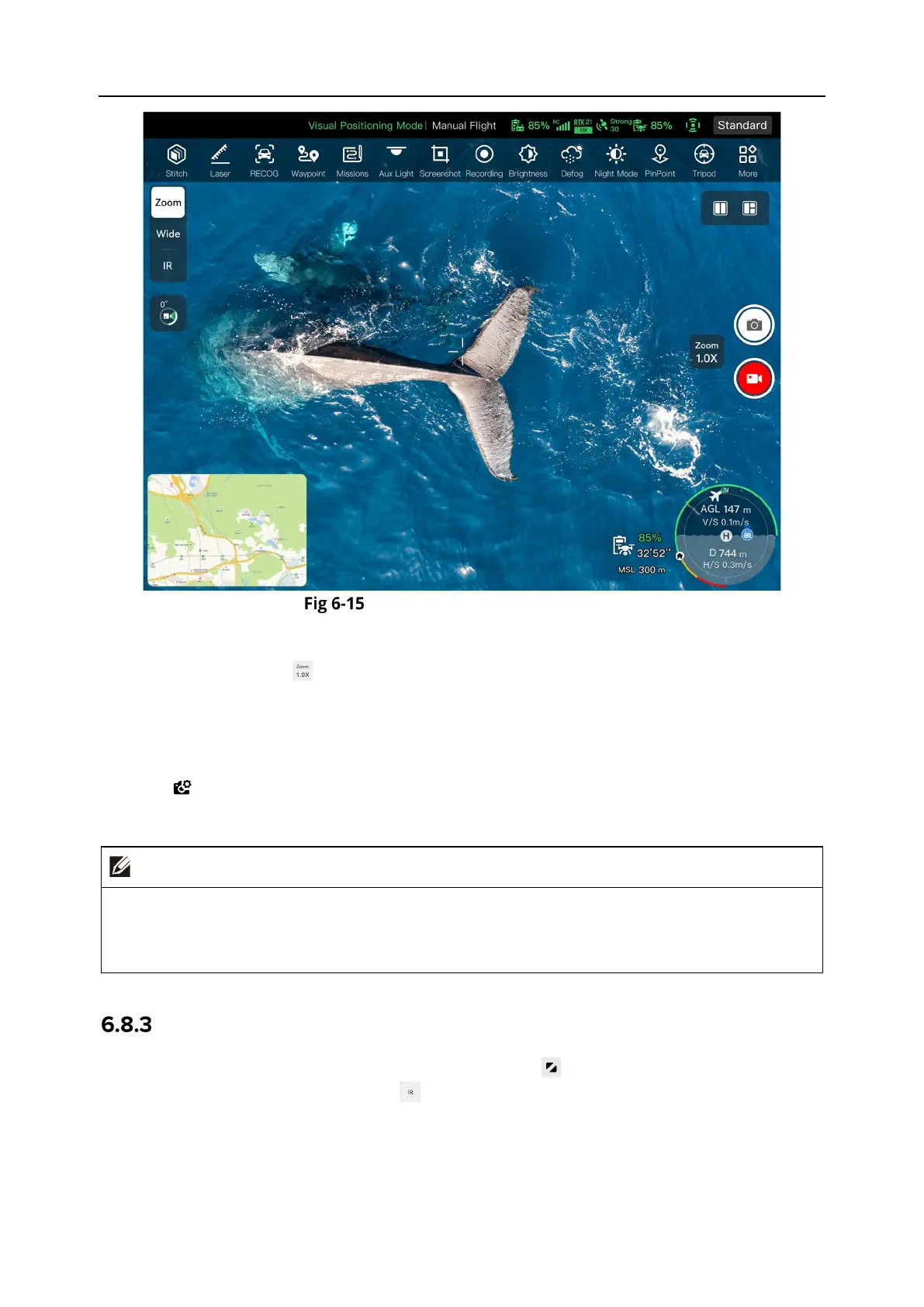
128 Chapter 6 Autel Enterprise App
“Zoom Camera” Interface
Adjust the Zoom Factor
When shooting, tap the " " dynamic icon, and the zoom factor setting window will pop up. A
maximum of 560x hybrid zoom is supported. You can drag up and down or tap the number on
the left to set the zoom factor according to your needs to zoom in and out on the shooting picture,
so as to flexibly shoot objects at different distances.
Camera Settings
Tap the " " icon to enter the "Camera Settings" interface and perform relevant settings. For
more information, see “6.8.1 Camera Function Area” in this chapter.
The zoom lens of the DG-L35T gimbal camera has the function of automatically switching
shooting modes. It will trigger the night vision mode when the ambient light intensity is
between 5~10lux (i.e. in a dark light environment).
“Thermal Camera” Interface
On the main interface of the Autel Enterprise App, tap the " " icon in the corner of the "Thermal
Camera" preview interface, or tap the " " icon after entering the "Zoom Camera" interface or
“Wide Angle Camera” interface, to enter the "Thermal Camera" full-screen interface.












 To Next Page