28 Chapter 2 Flight Safety
3
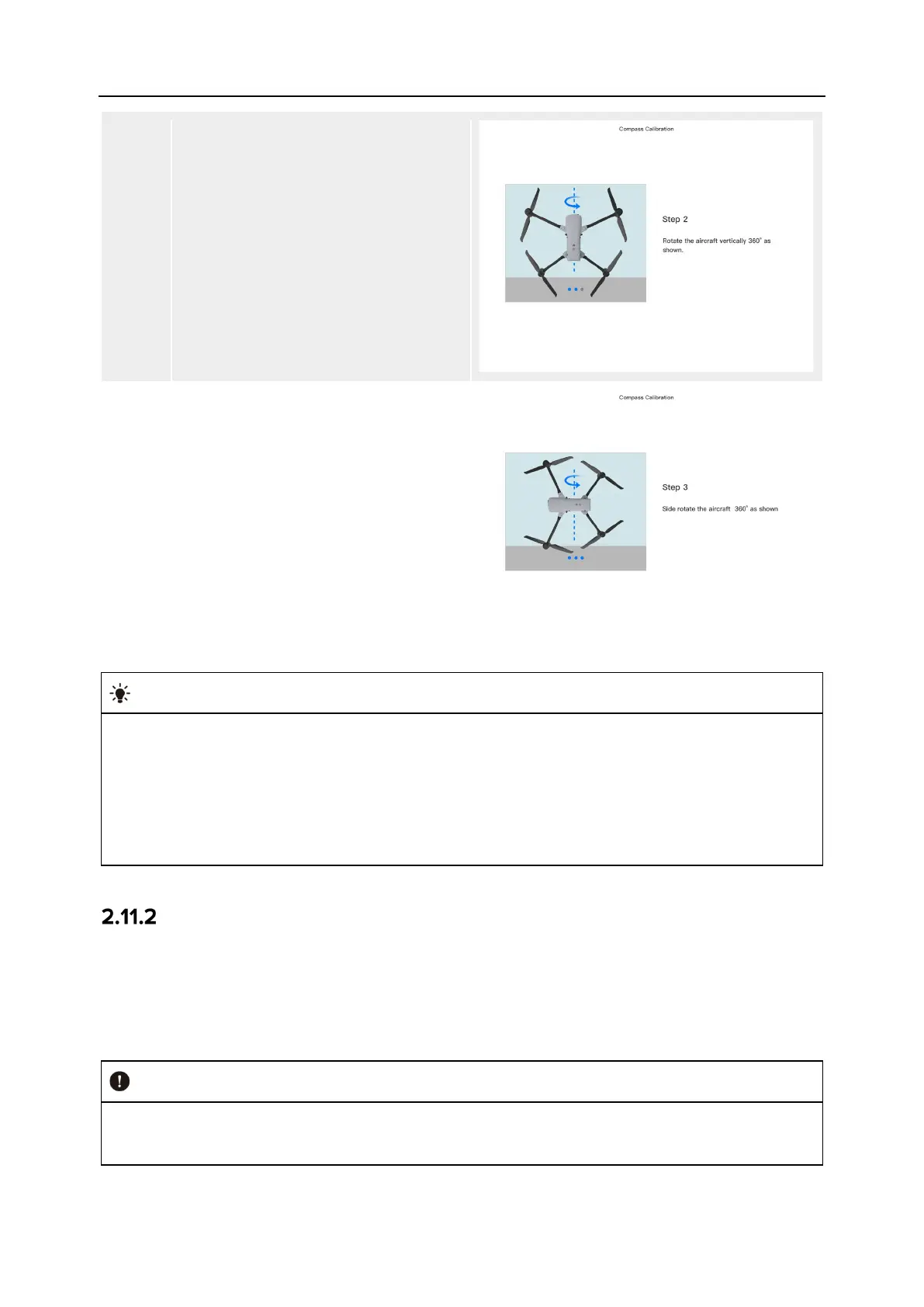
Hold the aircraft to keep it in a vertical
direction with the nose up.
Rotate the aircraft 360° horizontally
until the rear arm light of the aircraft
turns green and blinks.
4
Hold the aircraft to keep it with the
nose to the left and the side down.
Rotate the aircraft 360° horizontally
until the rear arm light of the aircraft
turns green and is always on.
Please perform the calibration steps according to the tips shown in the compass calibration
interface of the Autel Enterprise App.
If the calibration fails, the rear arm light of the aircraft will turn red and is always on, and
the above steps should be repeated at this time.
If the compass still cannot work properly after the calibration, fly the aircraft to other places
and calibrate the compass again.
IMU Calibration
The IMU (Inertial Measurement Unit) of the aircraft has been calibrated at the factory, and no
user calibration is required under normal conditions.
If the acceleration and angular velocity of the aircraft are abnormal, please follow the steps
below to calibrate it.
Please place the aircraft according to the tips shown in the IMU calibration interface of the
Autel Enterprise App, and keep the aircraft in a static state.












 To Next Page