144 Chapter 6 Autel Enterprise App
Complete Route Missions
When the aircraft completes the rectangle mission, the relevant flight mission data of this route
will be displayed at the bottom center of the map, including the route length, mapping area,
estimated time, the number of photos taken, and the number of flights.
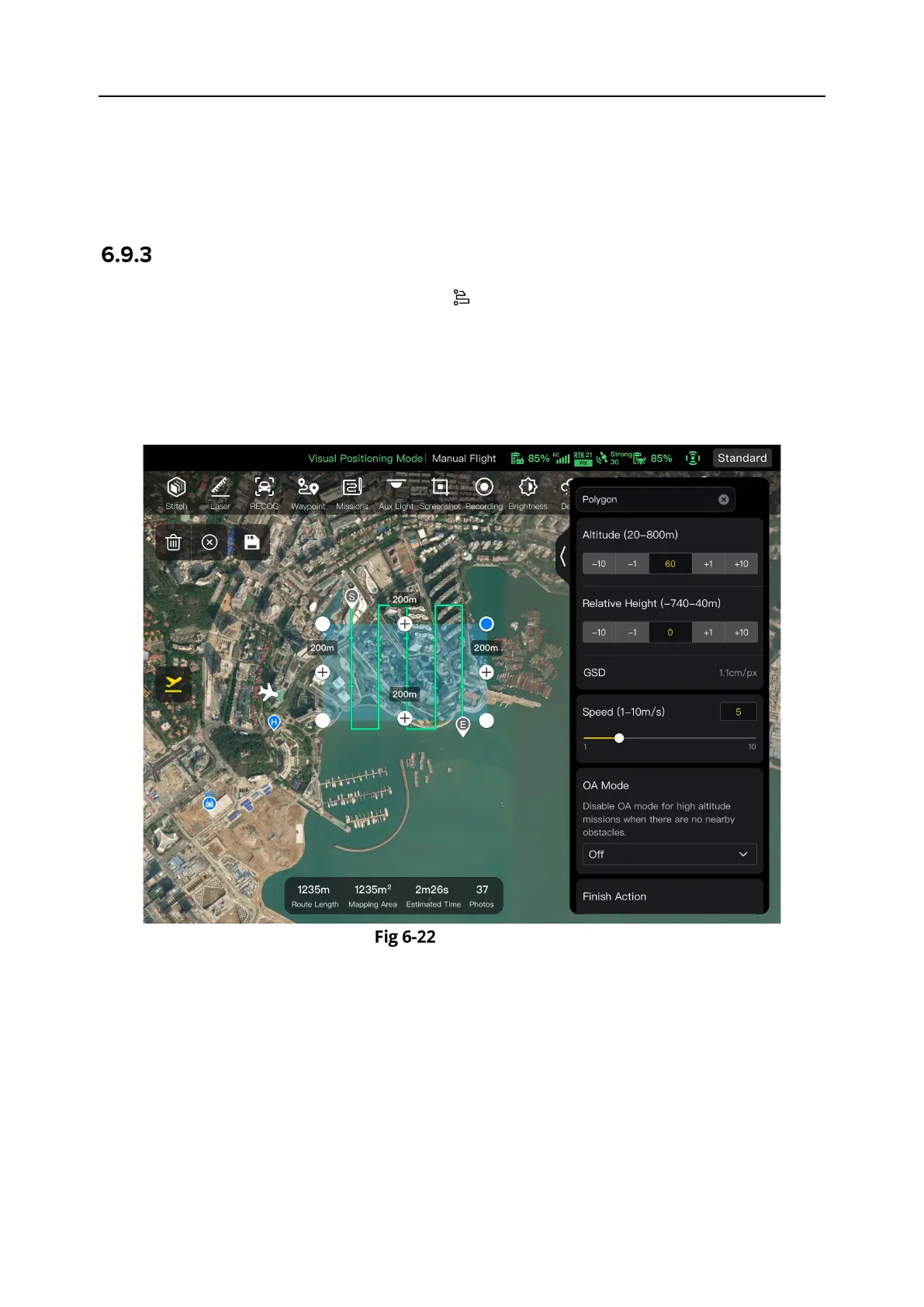
Polygon
In the shortcut toolbar (or Shortcuts), tap the " " icon to enter the "Polygon" mission interface.
You can add a square area on the map and perform operations such as dragging, adding side
boundaries, and dragging corner points to adjust the position and size of the area. After
adjustments, the Autel Enterprise App will automatically generate a continuous series of
equidistant flight routes within the polygonal area based on the side overlap and course angle
settings. The aircraft will then automatically fly to execute the shooting mission according to
these flight routes and relevant settings.
Polygon












 To Next Page