Chapter 4 Remote Controller 71
When using a brand-new remote controller for the first time, please follow the on-screen
instructions to complete the relevant setup.
Turning the Remote Controller Off
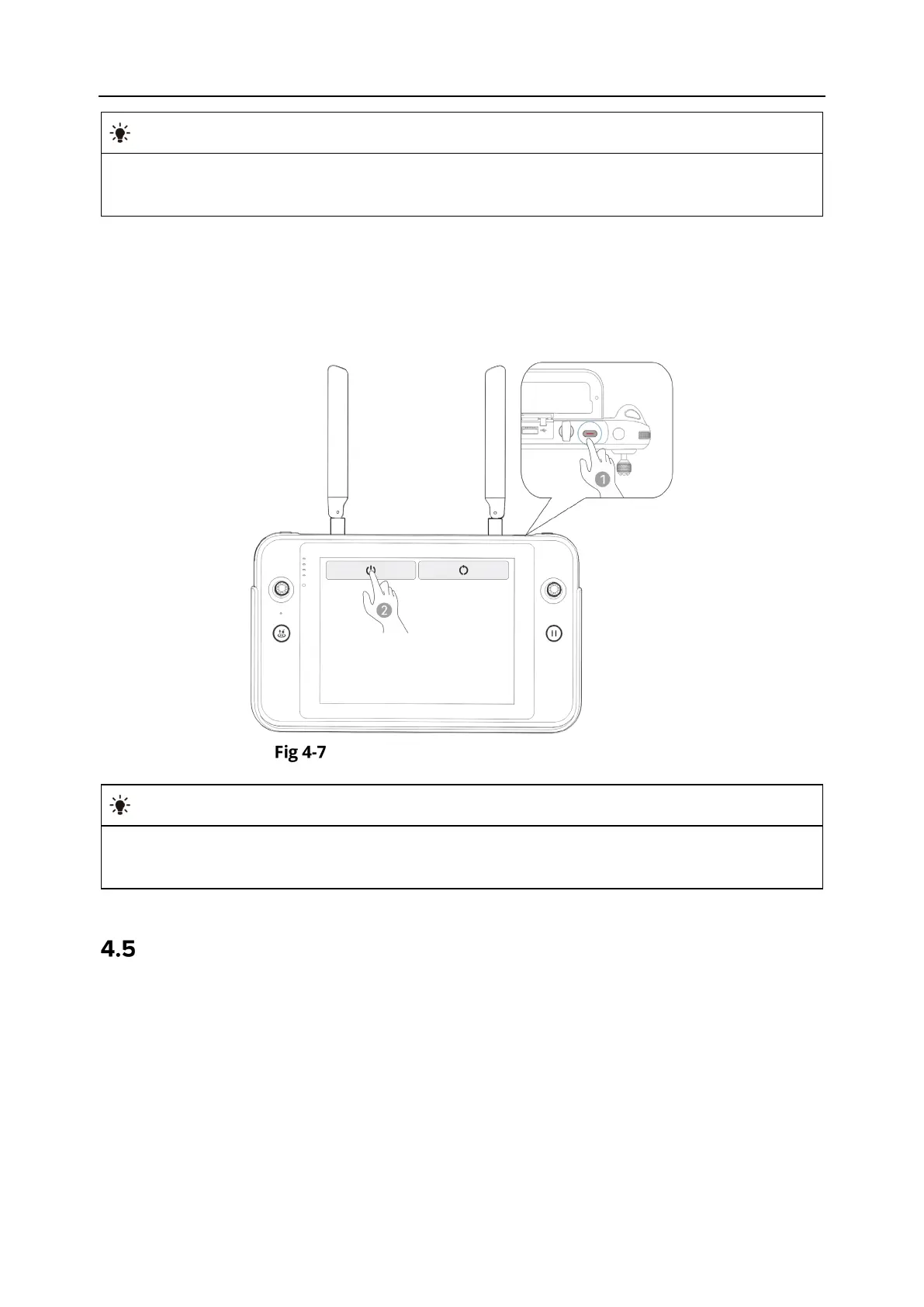
When the remote controller is on, press and hold the power button at the top of the remote
controller until the "Off" or "Restart" icon appears at the top of the controller's screen. Tapping
the "Off" icon will turn off the remote controller. Tapping the "Restart" icon will restart the
remote controller.
Turning the Remote Controller Off
When the remote controller is on, you can press and hold the power button at the top of
the remote controller for 6 seconds to forcibly turn it off.
Checking the Battery Level of the Remote Controller
When the remote controller is off, short press the power button of the remote controller for
1 second, and the battery level indicator will display the battery level of the remote controller.












 To Next Page