Chapter 3 Aircraft 57
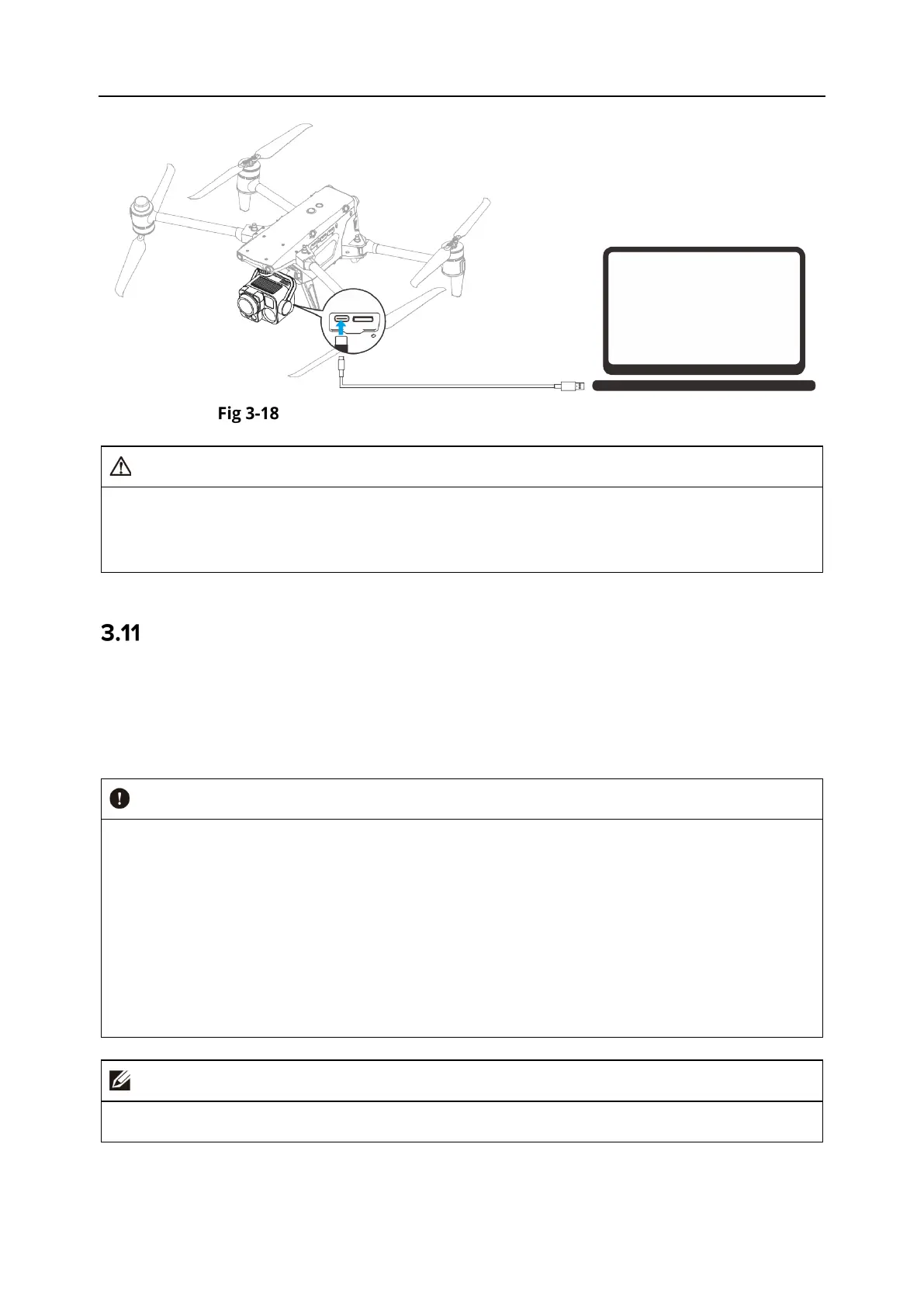
Connect to PC/MAC via Gimbal USB-C Interface
When connecting the gimbal camera to a PC/Mac, please do not operate the gimbal camera
through the remote controller to prevent damage.
The gimbal camera does not support PC/Mac connection when it is not powered on.
Extension Interface
The left and right sides of the aircraft are provided with expansion interfaces (PSDK interface,
OSDK interface) based on the form of USB-C interface, which can provide the aircraft with
additional functional expansion devices, such as searchlight, shouting device, upper gimbal and
so on.
Do not plug a device (like charger) that uses other USB-C interface standards into the
extension interface, as it may damage the aircraft.
Before flight, make sure that the external mount is securely connected to the aircraft and
the fixing screws on both sides are tightened.
Pay attention to the battery level of the aircraft during flight. Mount operations consume
the battery power of the aircraft, which will reduce the flight time of the aircraft.
After removing an external mount from the aircraft, be sure to close the rubber protective
cover over the interface area. Otherwise, the protective performance of the aircraft will be
For external mounts, see “3.2 Aircraft Components” in this chapter for more details.












 To Next Page