Chapter 4 Remote Controller 87
If the auto-return home point is not suitable for the aircraft to land (such as uneven ground
and crowds), please exit the auto-return before the aircraft reaches the home point, and
then manually resume control to land.
Turning On/Off the Remote Controller Prompt Sound
In some scenarios, the remote controller will send a prompt sound, such as the screen lock
sound and power-on sound.
You can access the system settings app from the main interface of the remote controller,
and then drag the volume slider in “Sound” to adjust the media volume and notification
Calibrating the Remote Controller
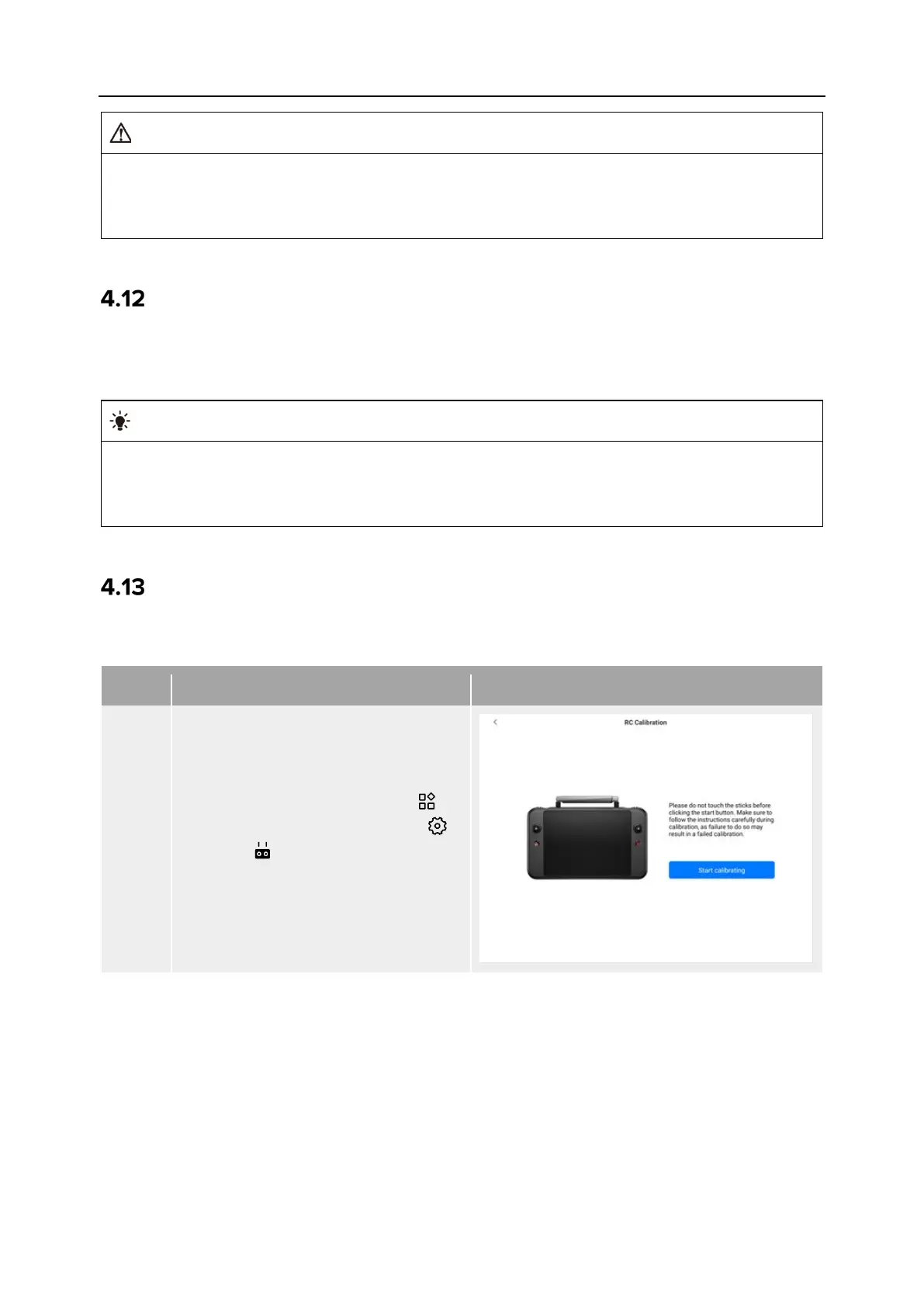
If the remote controller is abnormal, it is recommended to calibrate it, as shown below.
Table 4-17 Calibrating the Remote Controller
1
Turn on the remote controller.
After entering the main interface of
the Autel Enterprise App, tap “ ” in
the upper-right corner, tap “ ”,
select " ", and then tap "RC
Calibration". Follow the on-screen
instructions to calibrate the remote
controller.












 To Next Page