148 Chapter 6 Autel Enterprise App
Resume Mission
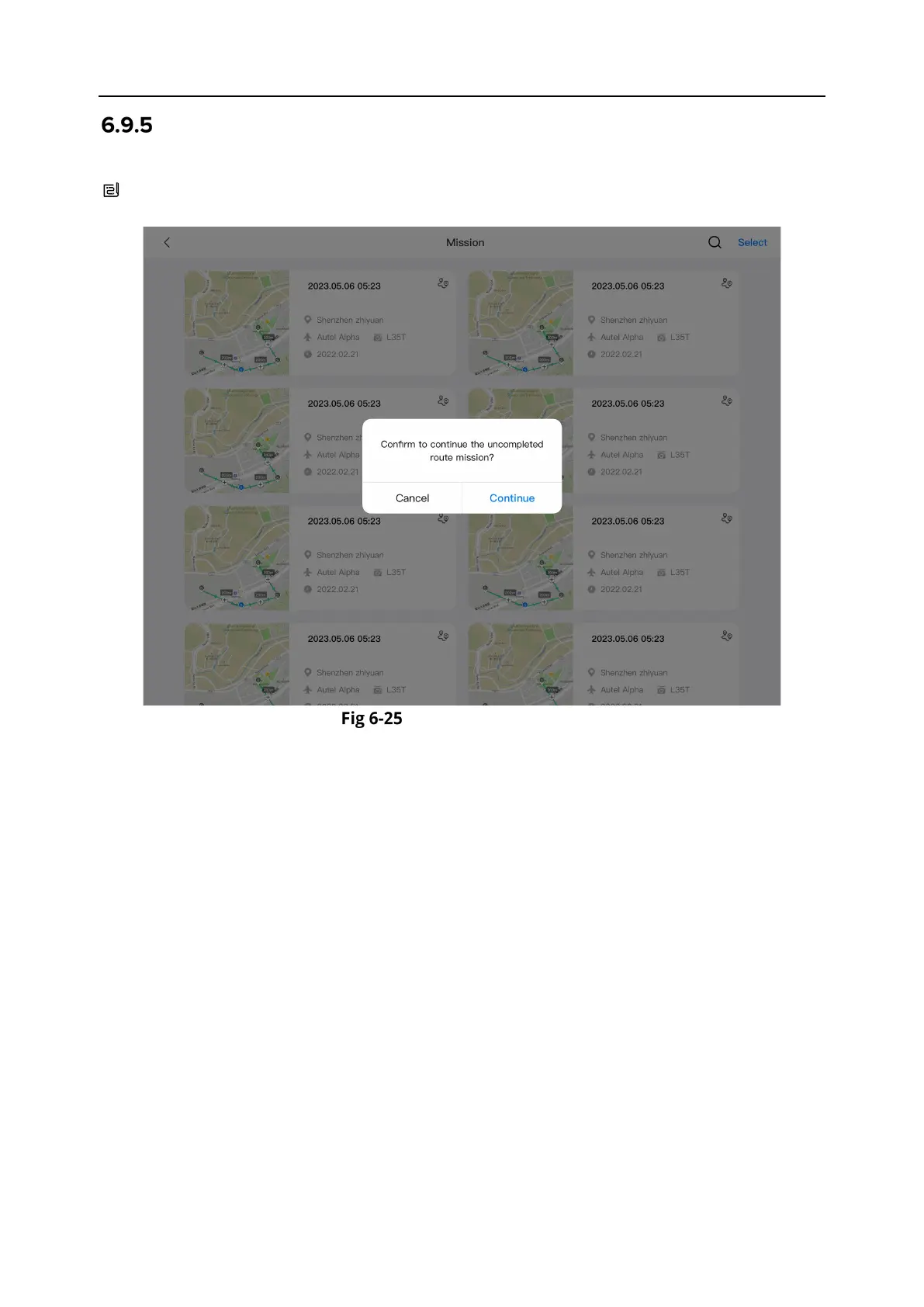
When an abnormal situation such as an abnormal exit occurs during a flight mission, tap the "
" icon to enter the "Mission" interface. This will trigger the “Resume Mission” function, and a
prompt window will pop up.
Resume Mission
Resume Mission Options
Tap the "Continue" button. The position where the aircraft stopped will be displayed, and the
aircraft will fly to this position to continue the last mission.
Tap the "Cancel" button. After closing the pop-up window, the mission will no longer be
executed from the last point.












 To Next Page