Chapter 6 Autel Enterprise App 131
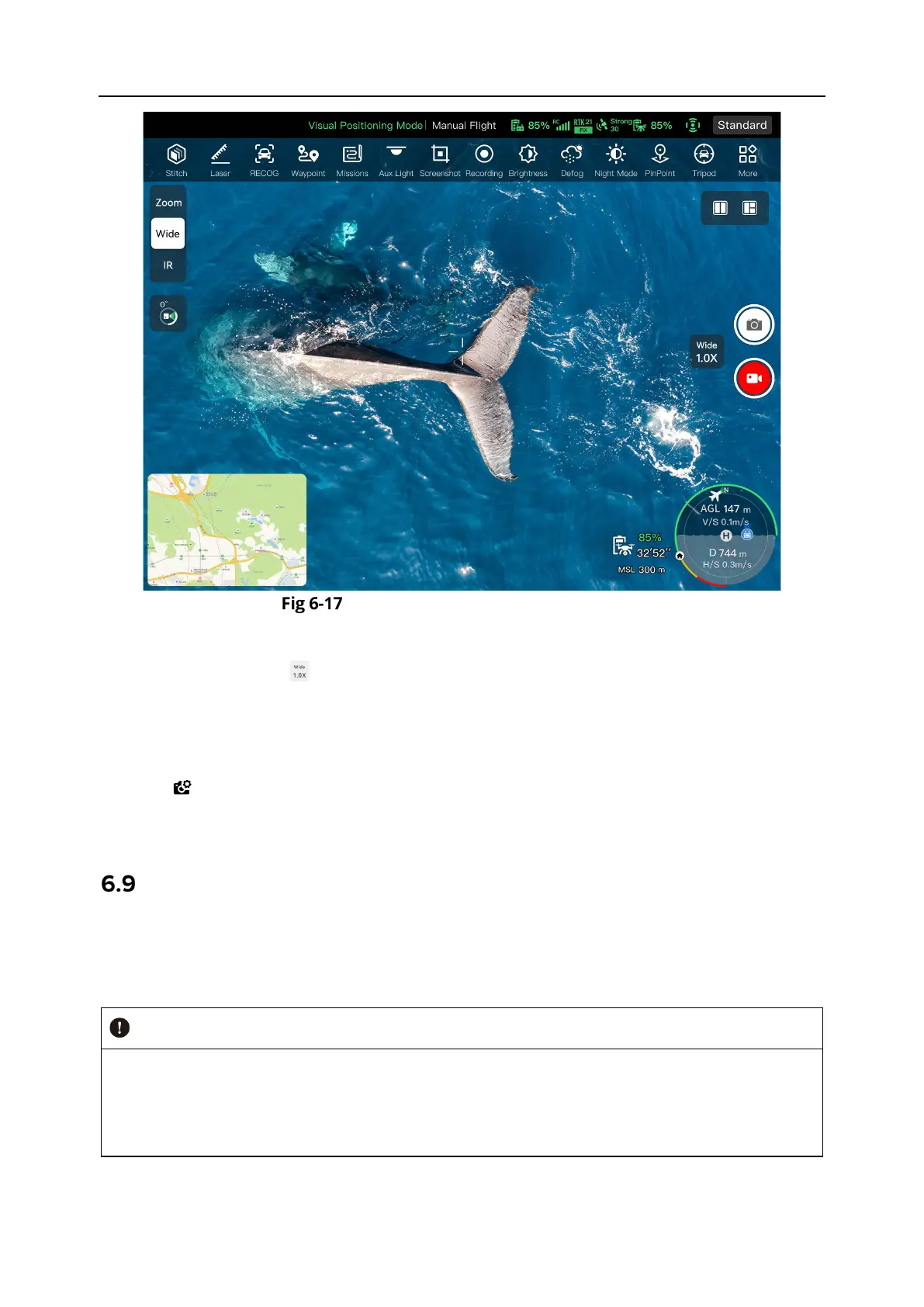
“Wide Angle Camera” Interface
Adjust the Wide Angle Zoom Factor
While shooting, tap the " " dynamic icon, and the wide angle zoom factor setting window will
pop up. A maximum of 16x digital zoom is supported. You can drag up or down to zoom in or
out on the picture captured by the wide angle camera, so as to flexibly shoot objects at different
distances.
Camera Settings
Tap the " " icon to enter the "Camera Settings" interface and perform relevant settings. For
more information, see “6.8.1 Camera Function Area” in this chapter.
Flight Missions
Flight missions are divided into waypoint missions, rectangle missions, and polygon missions in
terms of type. You can tap the corresponding icon in the shortcut toolbar or toolbox to enter the
relevant mission editing interfaces.
If any of the following conditions are detected, the flight mission will end automatically, and
the aircraft will perform other operations according to the following conditions:
Low battery power: A notification will pop up on the Autel Enterprise App to inform you that
the aircraft will return to the home point automatically.












 To Next Page