78 Chapter 4 Remote Controller
2 Time and Date
Displays the current system time, date, and week of the
remote controller.
3
Wi-Fi
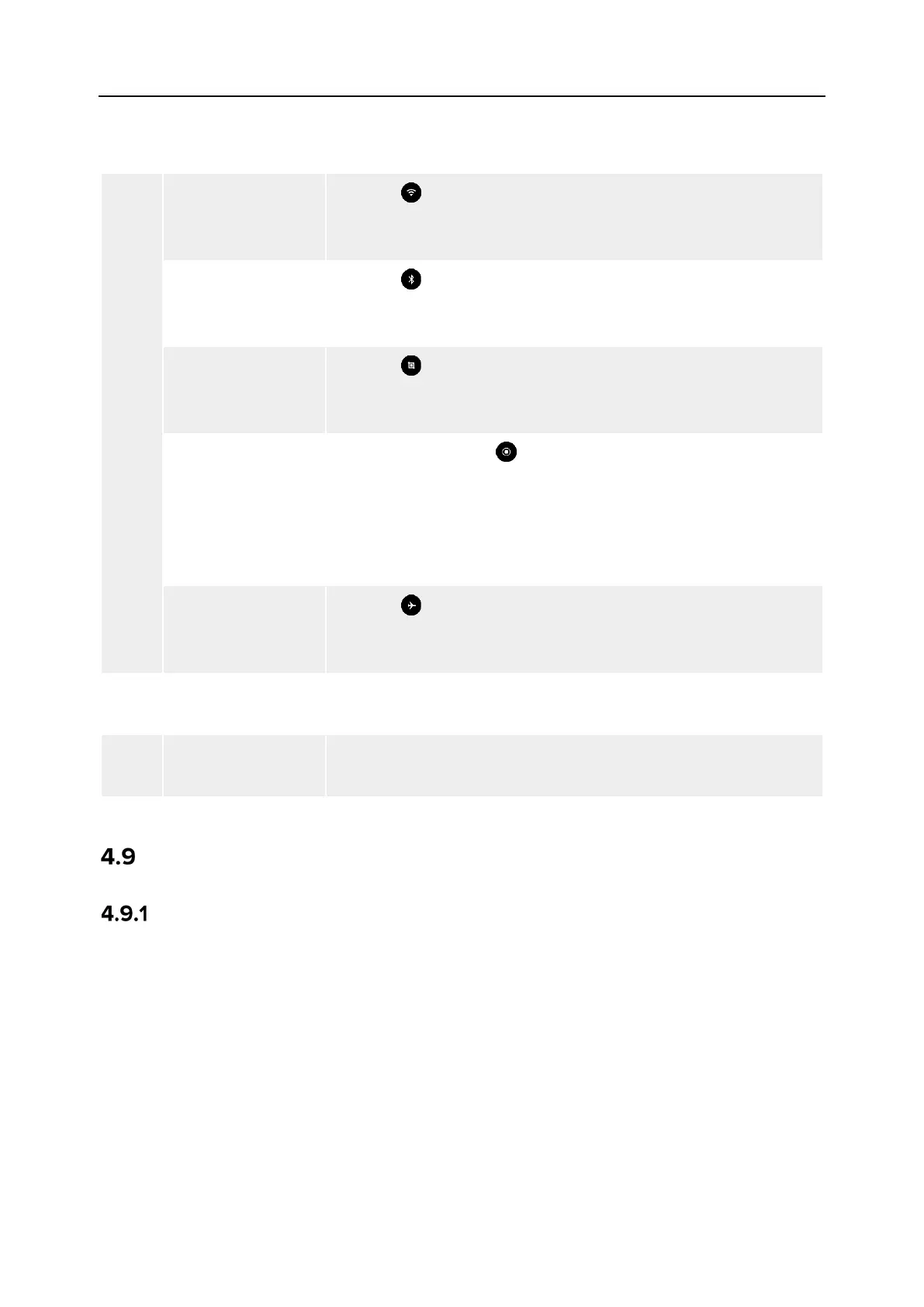
Tap the “ ” icon to enable or disable the Wi-Fi function. Long
press it to enter WLAN settings and select the wireless network
to be connected.
Bluetooth
Tap the “ ” icon to enable or disable the Bluetooth function.
Long press it to enter the Bluetooth settings and select the
Bluetooth to be connected.
Screenshot
Tap the “ ” icon to use the screenshot function, which will
capture the current screen (hide the Shortcut Menu to take a
Screen Recor..
Start
After tapping on the “ ” icon, a dialog box will pop up, where
you can choose whether to enable the functions of recording
audio and displaying the touch screen position, and then tap
the "Start" button, wait for 3 seconds, and start screen
recording. Tap the icon again or tap “Screen Recorder” to turn
off screen recording.
Airplane mode
Tap the “ ” icon to turn on or off the airplane mode, that is, to
turn on or turn off the Wi-Fi and Bluetooth functions at the
4
Screen Brightness
Adjustment
Drag the slider to adjust the screen brightness.
5
Drag the slider to adjust the media volume.
Frequency Pairing With the Remote Controller
Using the Autel Enterprise App
Only after the remote controller and the aircraft are paired can you operate the aircraft using
the remote controller.












 To Next Page