Chapter 6 Autel Enterprise App 149
Mission and Favorites
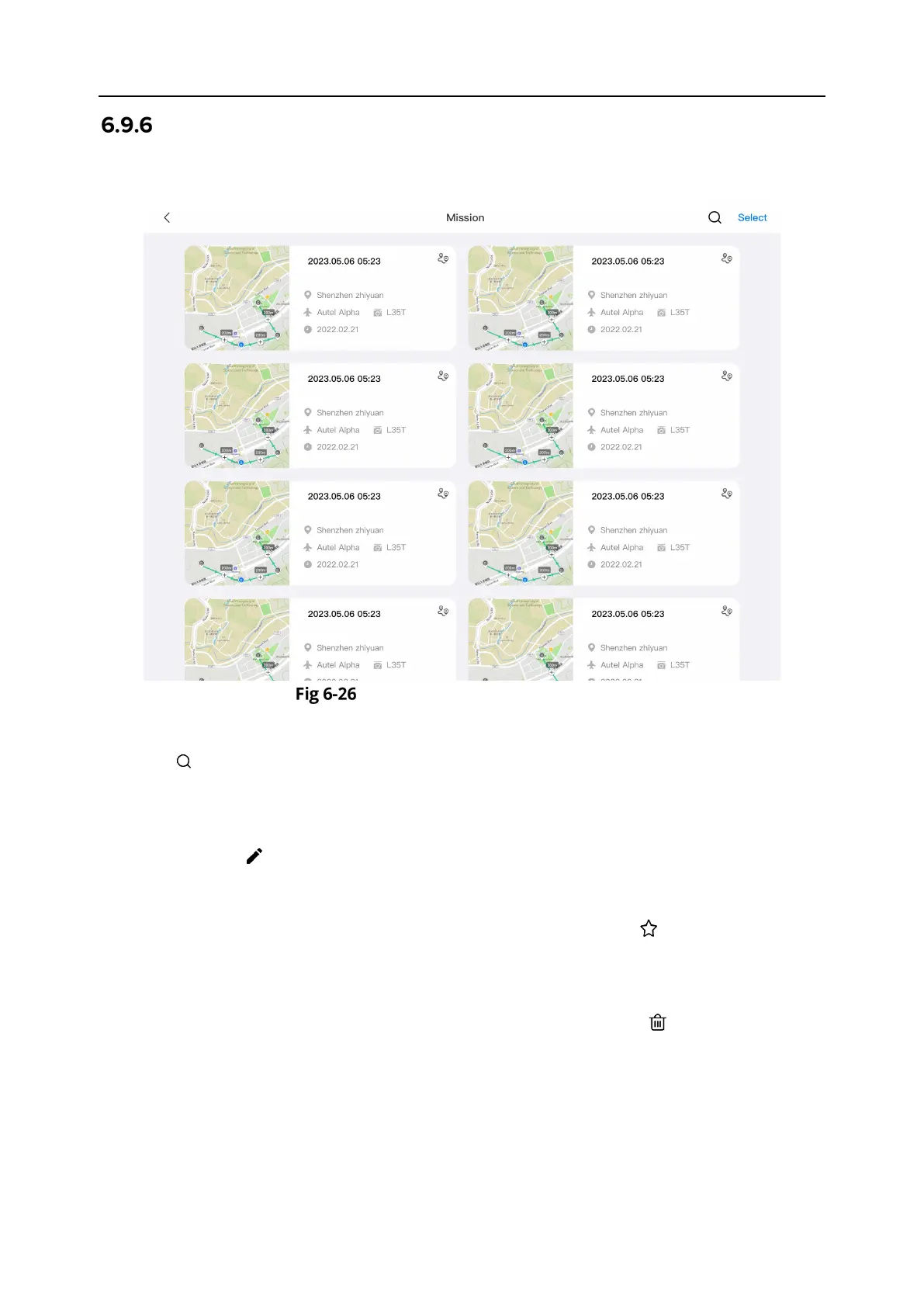
On the "Mission/Favorites" interface, you can query, edit, favorite, and delete previously saved
flight missions.
Mission/Favorites Interface
Query
Tap the “ ” icon in the upper-right corner of the “Mission” interface and enter the desired
content to quickly locate the corresponding historical flight mission.
Edit
Tap a historical flight mission on the “Mission” interface to enter the waypoint mission editing
interface. Tap the “ ” icon to edit the flight mission.
Favorite
Tap the "Select" button in the upper-right corner of the “Mission” interface, then single-select,
multi-select, or select all the missions to be favorited, and then tap the “ ” icon to complete the
favoriting action. Favorited missions will be displayed on the "Favorites" interface for easy access.
Delete
Tap the "Select" button in the upper-right corner of the “Mission” interface, then single-select,
multi-select, or select all the missions to be deleted, and then tap the “ ” icon. After a dialog
box pops up, tap the “Confirm” button. This way, the selected flight missions are deleted.












 To Next Page