124 Chapter 6 Autel Enterprise App
Camera Interfaces
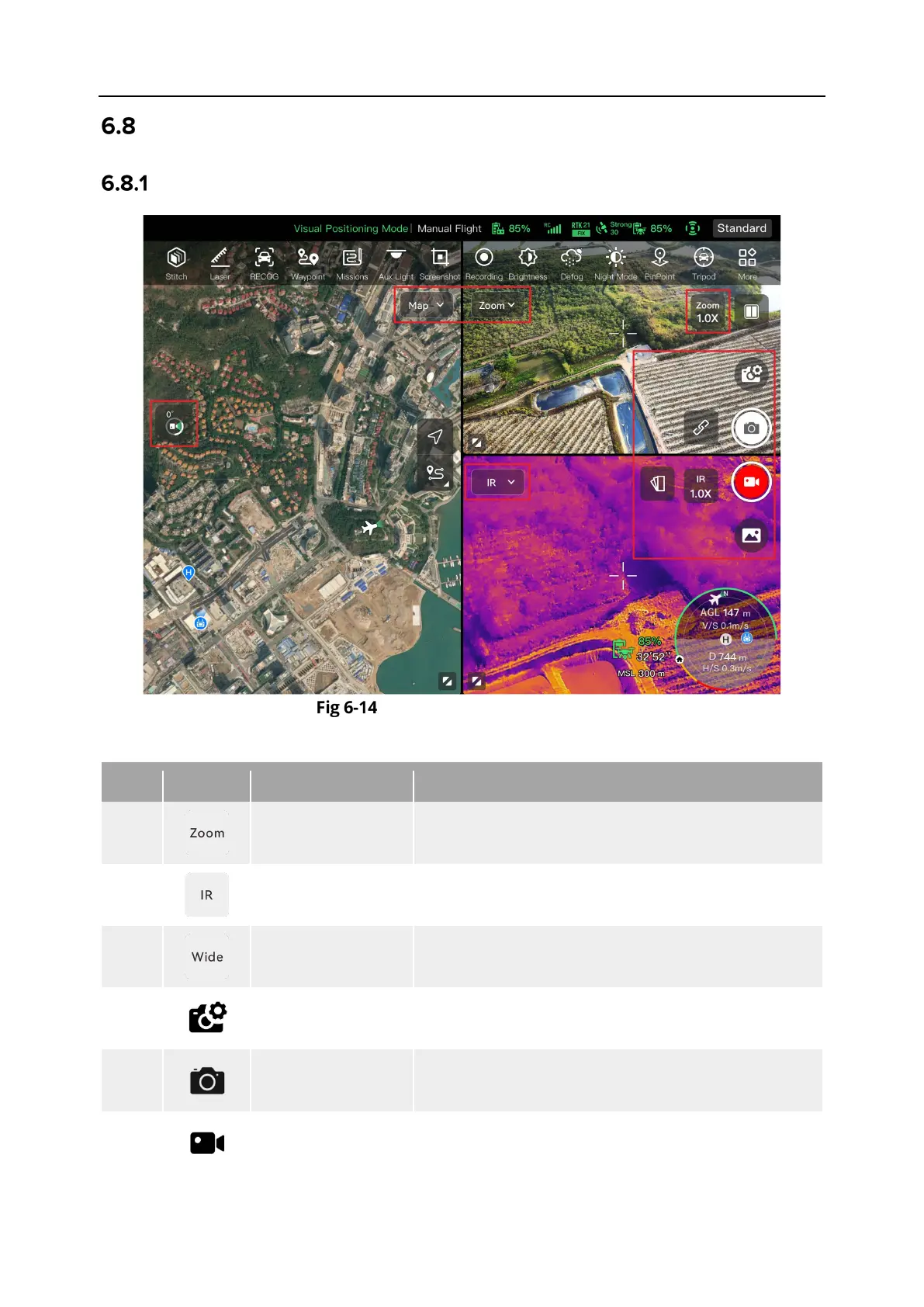
Camera Function Area
Camera Function Area
Table 6-8 Camera Menu Details
1
On any camera interface, tap this icon to enter the
zoom camera interface.
2
On any camera interface, tap this icon to enter the
thermal camera interface.
3
Switch to Wide
On any camera interface, tap this icon to enter the
wide angle camera interface.
4
Camera Settings
Tap this icon to view and set parameters related to
5
Photo Tap this icon to take a photo.
6
Video Tap this icon to start recording.












 To Next Page