Chapter 6 Autel Enterprise App 123
When the remote controller is rotated, the display
direction of the map will change accordingly. Tap
this icon to lock the display direction of the map of
the current remote controller.
5
Overview
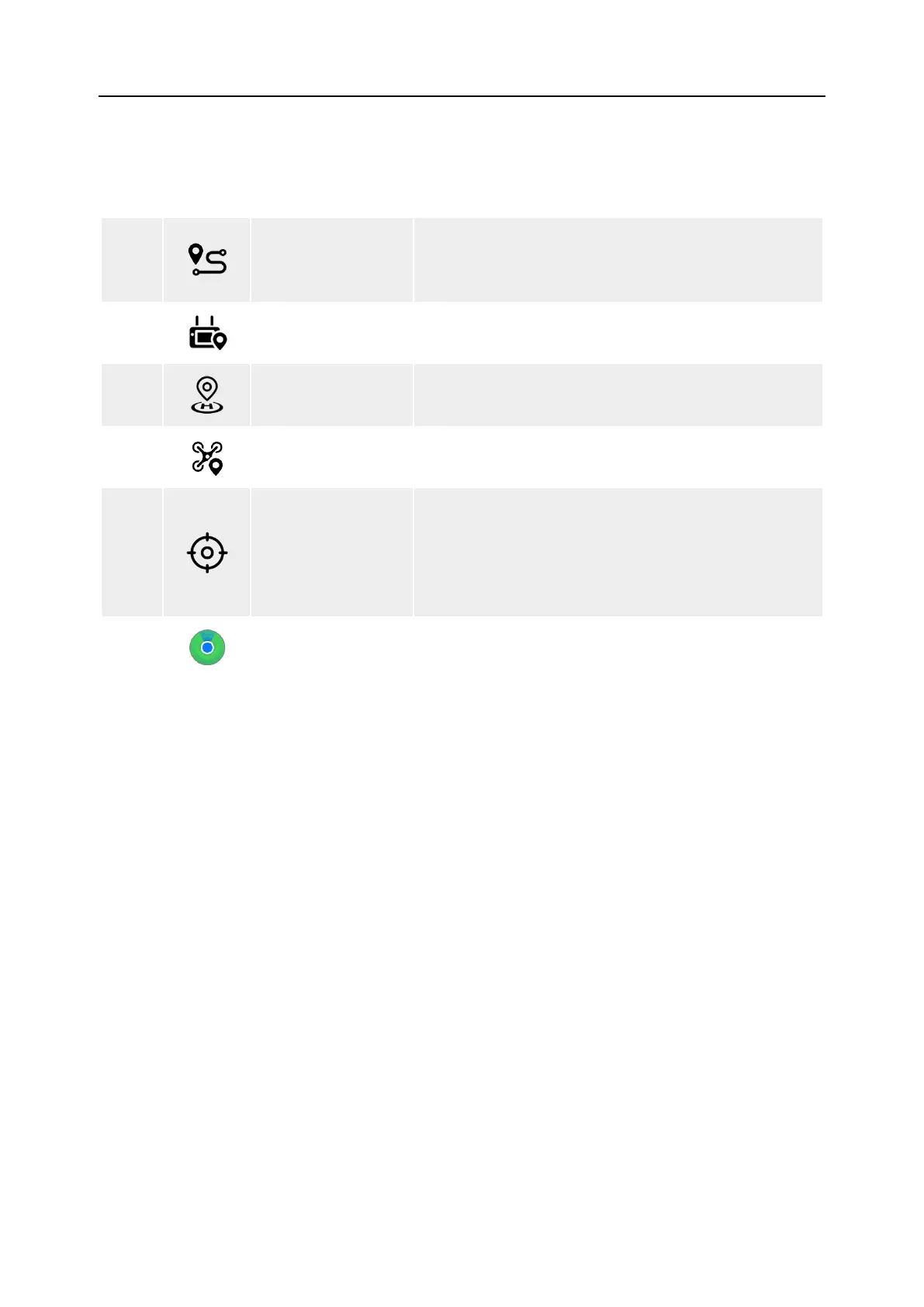
Tap this icon to simultaneously locate the positions
of the remote controller, the home point, and the
aircraft on the map.
6
Remote Controller
Location
Tap this icon to locate the position of the remote
controller on the map.
7
Tap this icon to locate the position of the home point
on the map.
8
Aircraft Position
Tap this icon to locate the position of the aircraft on
the map.
9
Re-center
If the map is moved from the current positioning
point to another location, this icon will appear on the
right side of the screen.
Tap this icon, and the map will quickly return to the
current positioning point.
10
Aircraft Search
When the aircraft is lost, you can tap this icon to
query the location information of the lost aircraft.












 To Next Page