122 Chapter 6 Autel Enterprise App
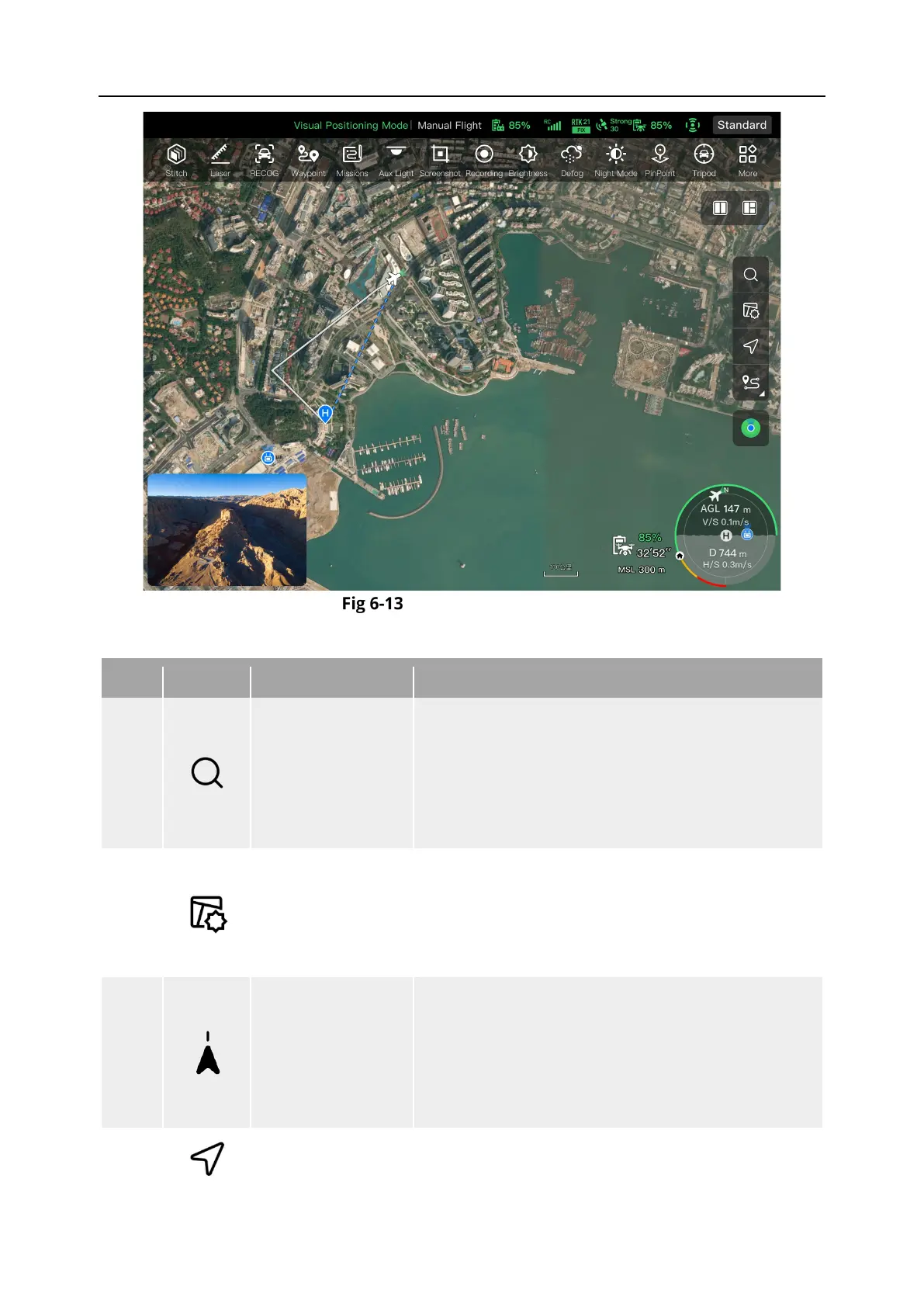
"Map" Interface
Table 6-7 Interface Button Details
1
Search Map
When the remote controller is connected to the
Internet, tap this icon and enter the desired location
name in the “Search Map” edit box.
Based on the selected location, the map interface
will switch to display the map of the corresponding
2
Map Management
Tap this icon to adjust the map display style to a
standard map or a hybrid map, as well as to set
“Display/Clear Flight Path” and import GEO-fence.
Standard: 2D map.
Hybrid: 2D map and satellite map combined.
3
Orientation Lock
This icon indicates that the display direction of the
map is locked.
When the remote controller is rotated, the display
direction of the map will not change accordingly.
Tap this icon to unlock the display direction of the
map of the current remote controller.
4
Orientation Unlock
This icon indicates that the display direction of the
map is unlocked.












 To Next Page