Chapter 4 Remote Controller 85
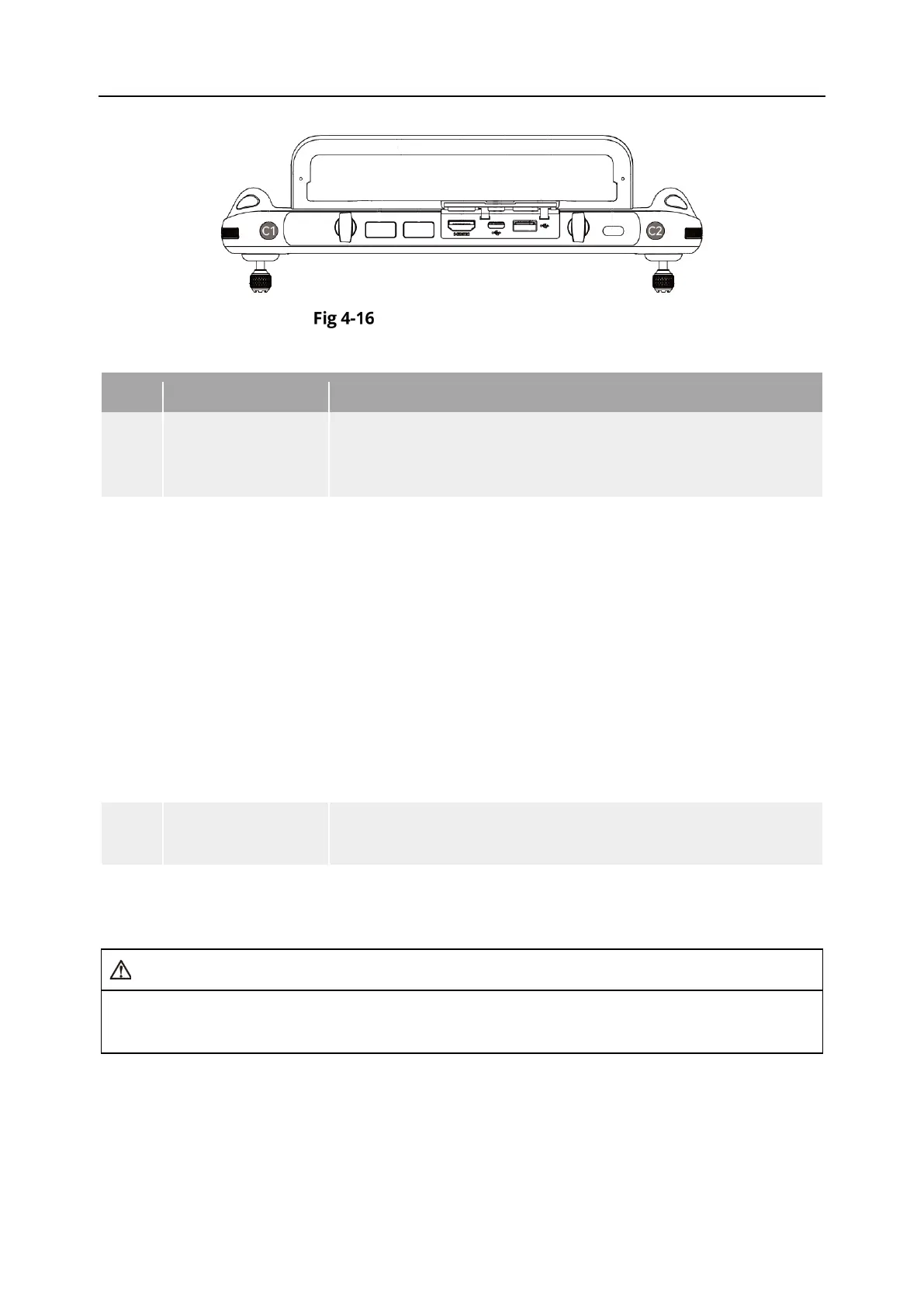
Custom Keys C1 and C2
Table 4-16 C1 and C2 Customizable Settings
No. Function Description
1
Visual Obstacle
Avoidance On/Off
Press to trigger: turn on/off the visual sensing system.
When this function is enabled, the aircraft will automatically
hover when it detects obstacles in the field of view.
2
Gimbal Pitch
Recenter/45°/Down
Press to trigger: switch the gimbal angle.
Gimbal Pitch Recenter: The heading angle of the gimbal
returns from the current position to be consistent with the
heading of the aircraft nose, and the gimbal pitch angle
returns to a 0° direction from the current angle;
Gimbal Pitch 45°: The heading angle of the gimbal returns
from the current position to be consistent with the heading
of the aircraft nose, and the gimbal pitch angle returns to a
45° direction from the current angle;
Gimbal Pitch Down: The heading angle of the gimbal returns
from the current position to be consistent with the heading
of the aircraft nose, and the gimbal pitch angle rotates to a
90° direction from the current angle.
3
Map/Image
Press to trigger: switch the map/image transmission view.
4 Speed Mode
Press to trigger: switch the flight mode of the aircraft. For more
information, see “3.8.2 Flight Modes” in Chapter 3.
When the speed mode of the aircraft is switched to “Ludicrous”, the visual obstacle
avoidance system will be turned off.












 To Next Page