8. Configurator, Projector adjustment settings
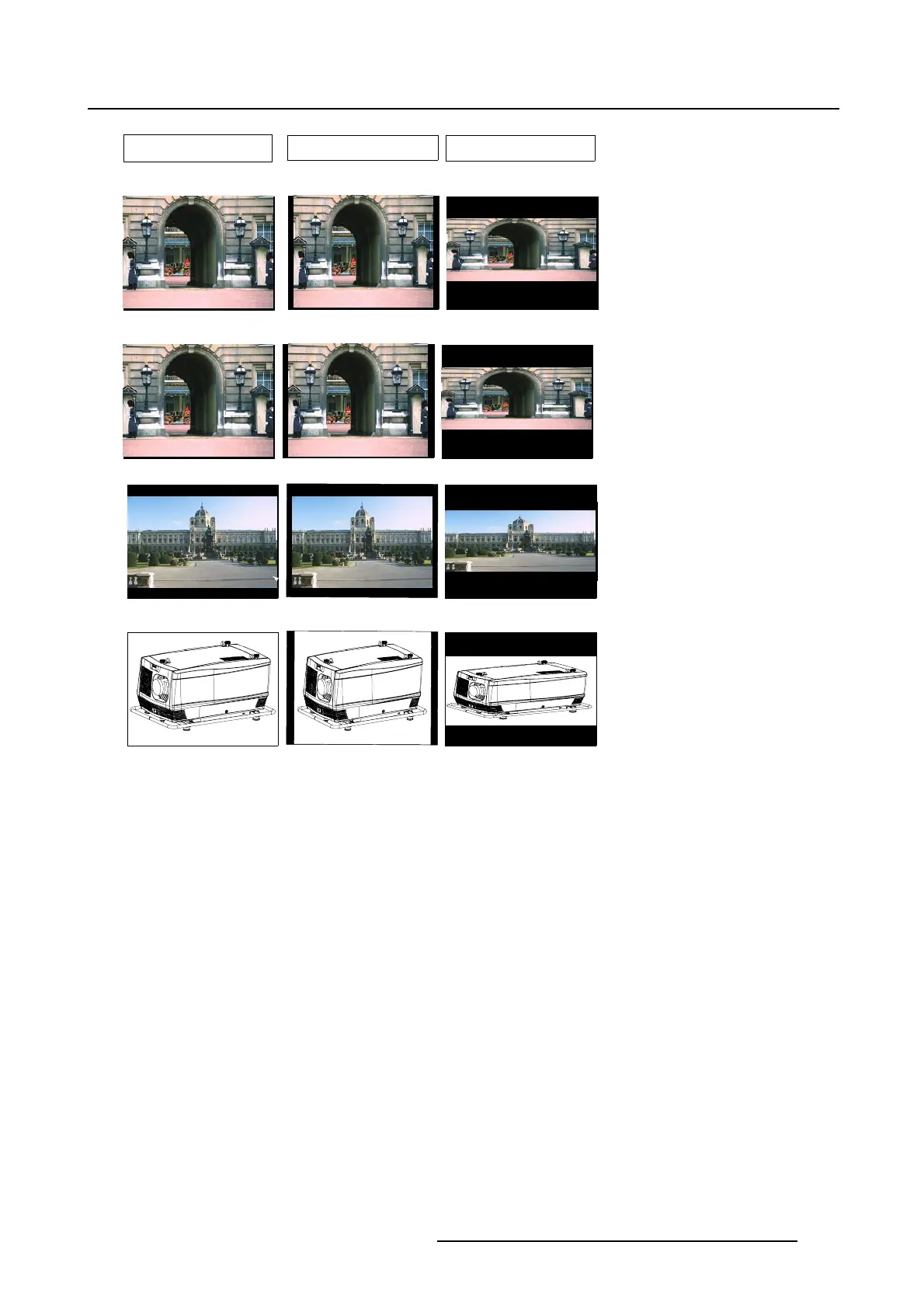
4/3
5/4
16/9
Video Signal Pal/Secam
Video Signal NTSC
Video Signal 16/9
4/3 RGB Signal
Image 8-19
Some examples for aspect ratio
How to select
1. Select first the input for which the aspect ratio must be set. (image 8-20)
2. Click on Adjust (a).
The Input dialog box opens (b).
3. Click on Select an aspect ratio (c).
The Select an aspect ratio dialog box opens.
The current aspect ratio is filled
out.
4. To change the aspect ratio, click on Change... .
The Aspect ratio dialog box opens.
5. Select the desired aspect ratio and click Open.
6. Close the Select an aspect ratio dia
log box.
R5976924 PROJECTOR TOOLSET 16/04/2009
127



 To Next Page