3. Menus
The versions indicated on the illustrations are only given as info and these versions can
be different with the current versions.
How to start up
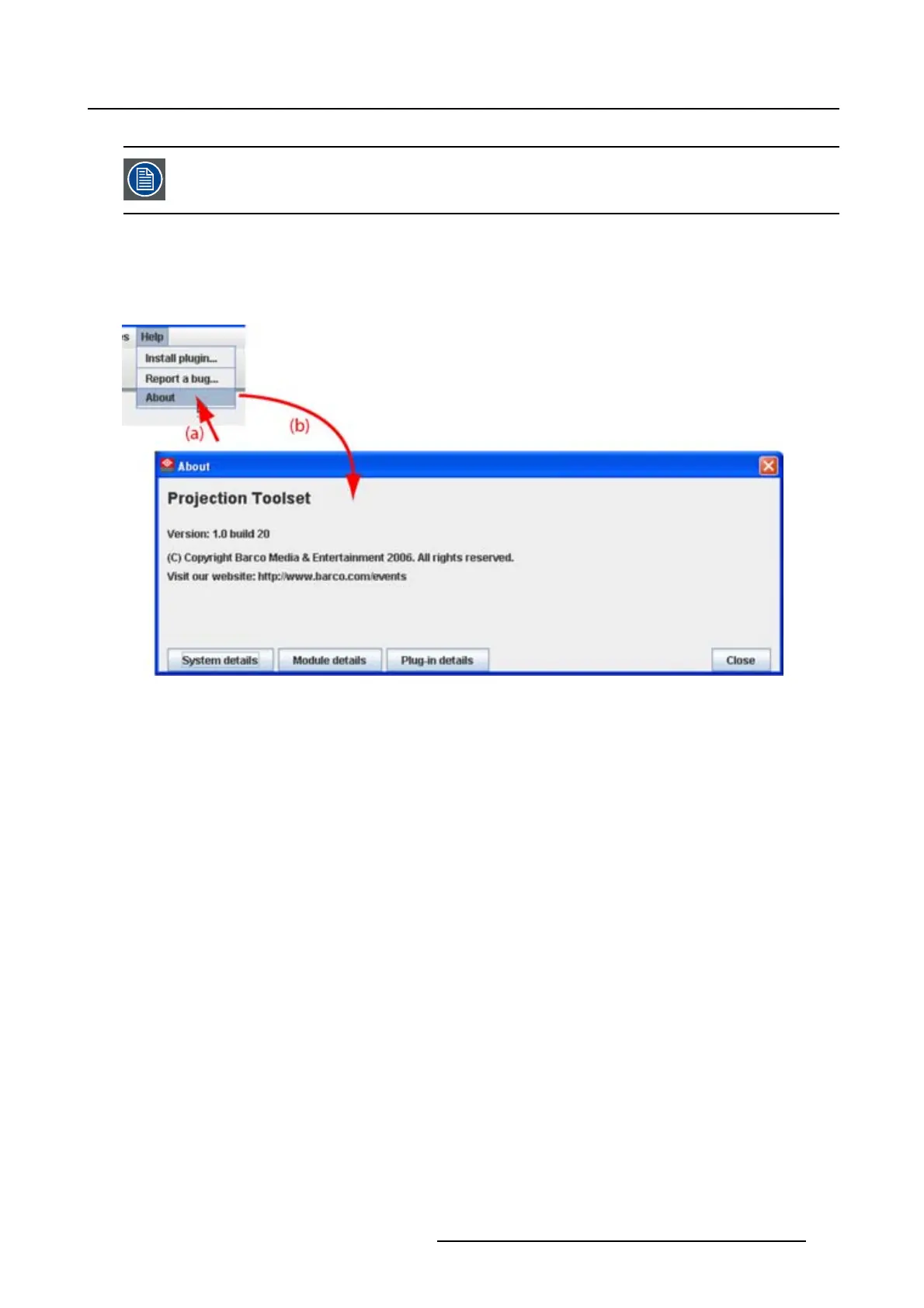
1. Click Help on the menu and select About (a). (image 3-5)
The About start up dialog box opens (b).
Image 3-5
About window
System details
Click on System details to see the system parameters on which Projector Toolset is running.
R5976924 PROJECTOR TOOLSET 16/04/2009
23



 To Next Page