138 BD FACSCalibur Instructions for Use
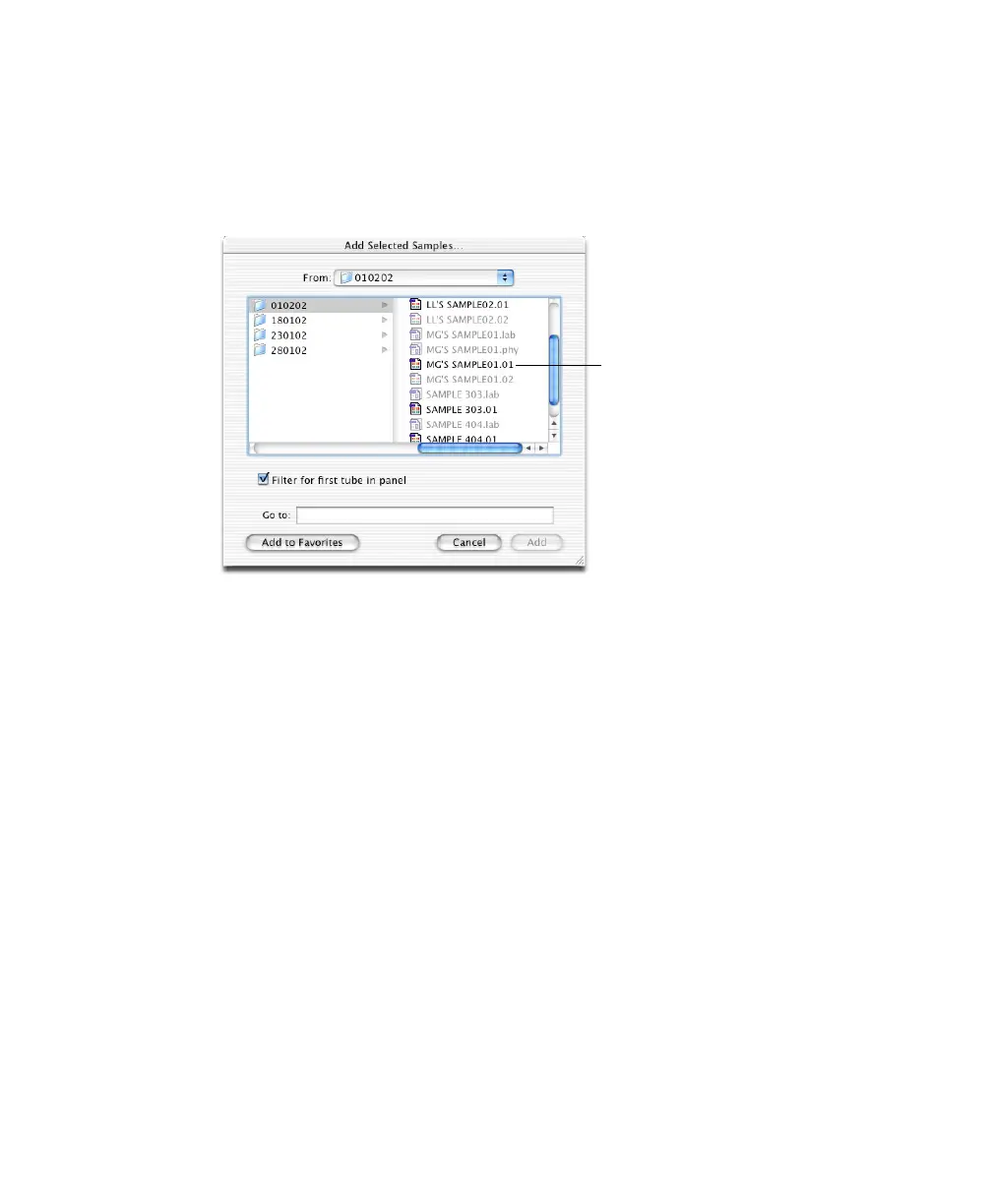
Double-click any available file. By default, Filter for first tube in panel is
checked, so only the first file from a panel is available. When you select this
file, other files in the panel are automatically added.
Figure 5-7 Choosing files for analysis
NOTICE BD CellQuest Pro files, version 4.0 or later, can be similarly
filtered if they were created using a panel whose name is recognized by
BD Multiset software. If there is no match, all files are enabled. Select only
the first tube’s file in each panel to add all files for the panel.
The Samples view appears, listing all selected files.
To delete a sample, click the sample number to select the entire row, and
press Delete.
; Tip Although you cannot edit ID information read from the file, you can
enter new ID information or change WBC and lymph values. You can also
change the panel type and add information to blank fields. The added
information can be saved with the Schedule document, but not with the data
file.
3 Click Run Tests.
NOTICE The Return key does not work at this view.
first tube in panel



 To Next Page