Chapter 5: Running Samples Manually 137
Reviewing the Summary Report
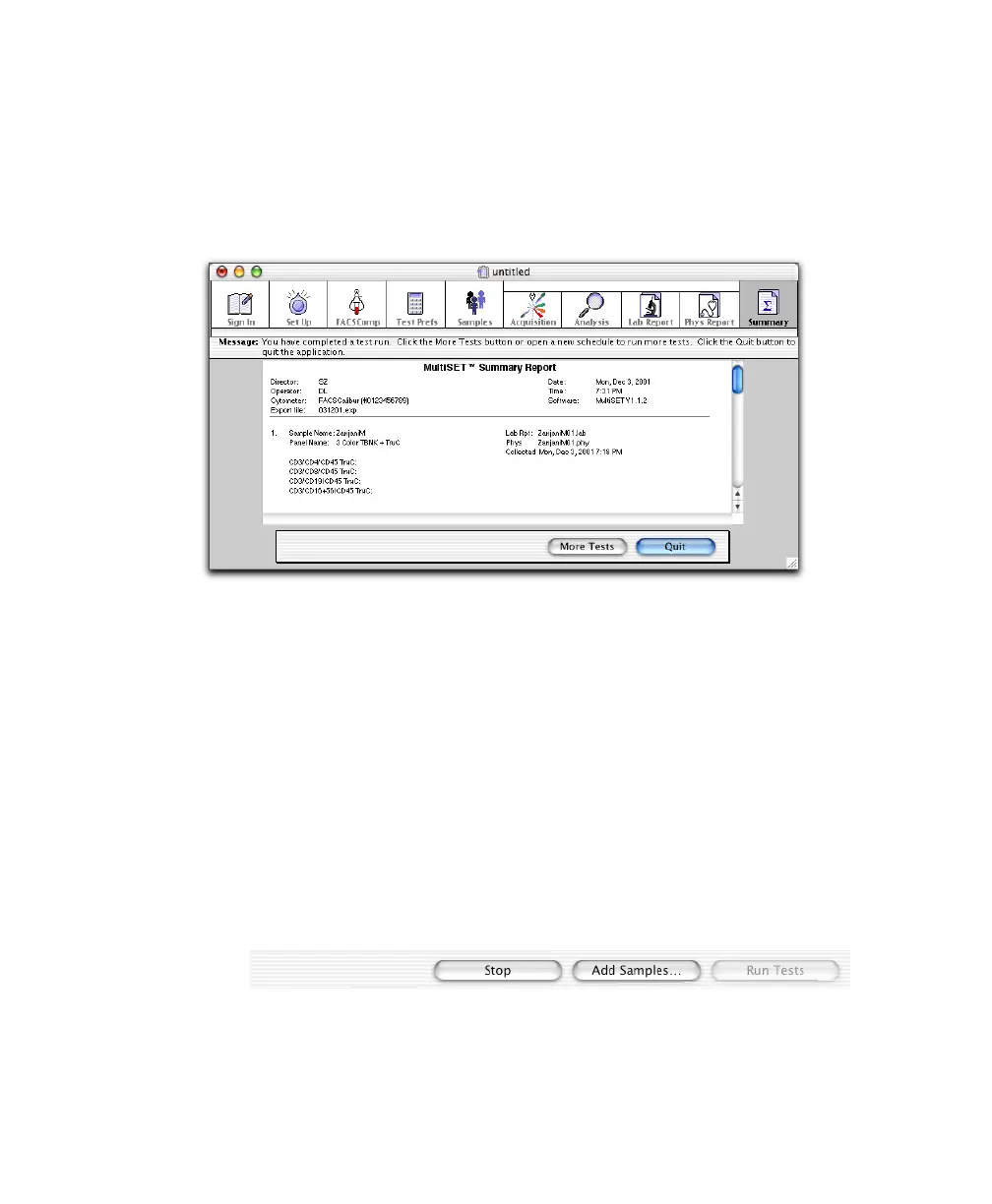
The Summary Report appears after the last sample in the schedule has been run.
The report contains a list of all entries in the Schedule document; it has no
editable fields.
Analyzing Data
BD Multiset software can analyze FCS 2.0 data files acquired in BD Multiset,
BD CellQuest version 3.1 or later, or BD CellQuest Pro software. The files must
be 1024 resolution, with 3–6 parameters (FSC, SSC, FL1-H, FL2-H, FL3-H,
FL4-H). All files per sample must have the same file name prefix.
NOTICE You cannot mix cytometer-based entries with data file–based entries in
the same Schedule document. During setup, select From Data Files as the Data
Source in the Set Up view.
1 From the Samples view, click Add Samples.
2 Choose files for analysis (Figure 5-7).



 To Next Page