62 BD FACSCalibur Instructions for Use
Setting Up for QC
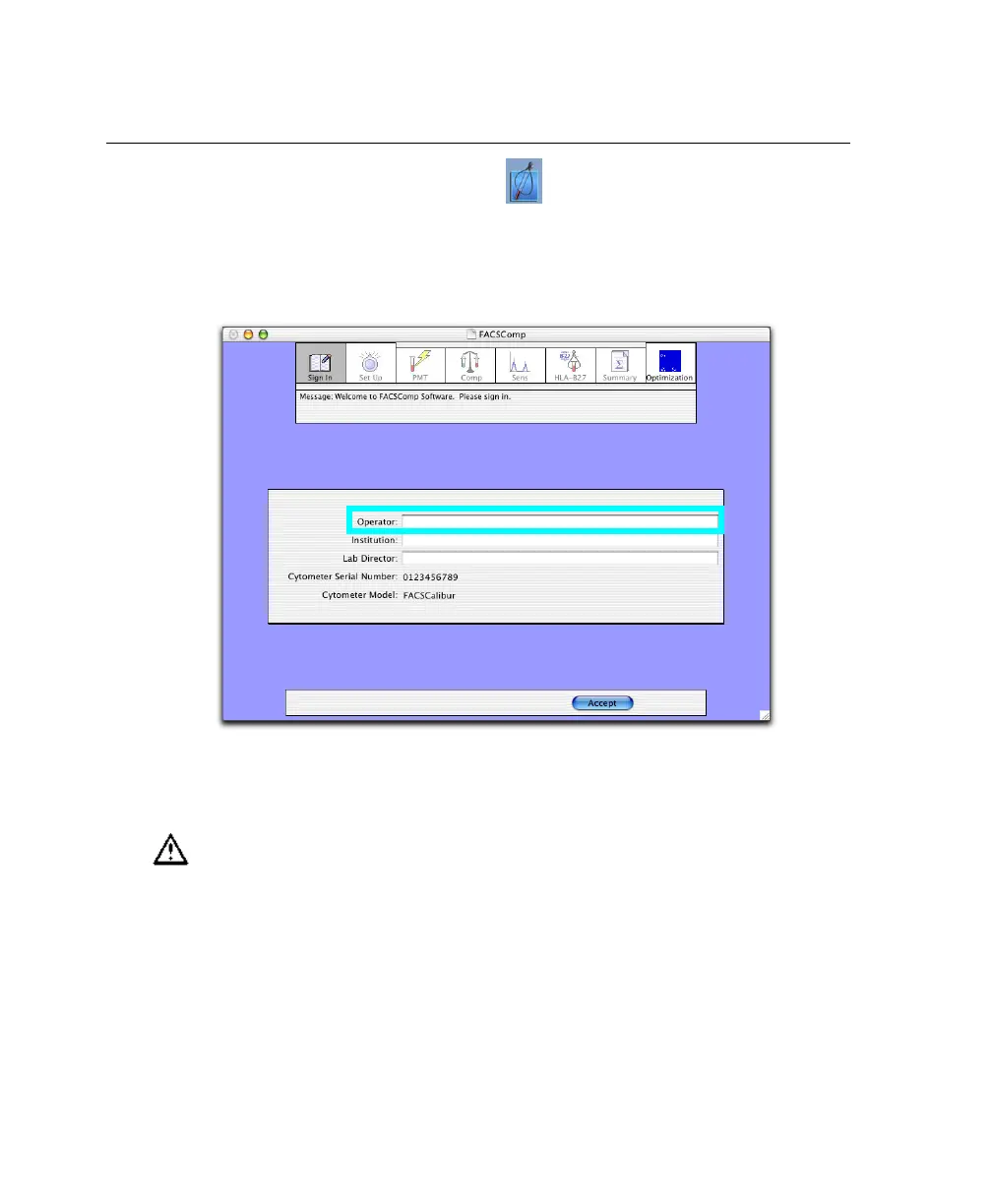
1 Launch BD FACSComp software:
2 At the Sign In view, enter at least the Operator name and click Accept.
Institution and Lab Director are optional.
3 At the Set Up view under Assay Selection, click the checkbox for each
required assay.
Running the wrong BD Calibrite beads for the selected assay will result in
inaccurate setup results. Make sure the assay corresponds with the FL3
beads to be run.



 To Next Page