Chapter 4: Instrument QC 65
Editing Target Values
When BD Calibrite bead raw material changes, BD Biosciences will notify you
that you need to input new target values in BD FACSComp software. Do not
change the values unless notified.
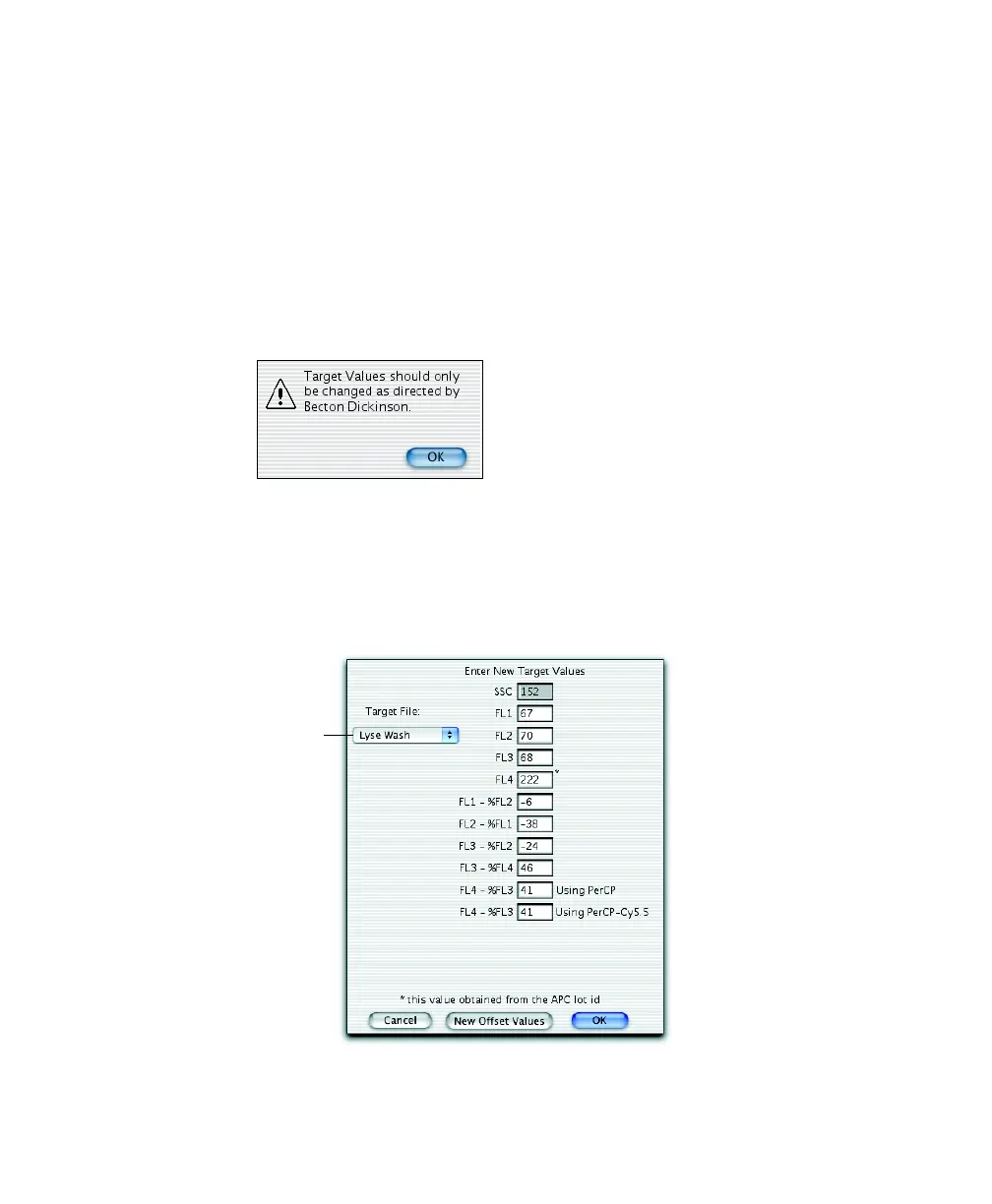
1 Choose FACSComp > Edit Target Values.
2 Click OK in the dialog that appears.
3 Enter new Target Values from the insert in the BD Calibrite bead kit.
To view target values for Lyse/No-Wash, select Lyse/No-Wash from the
Target File menu. The FL4 target value is from the APC bead lot ID entered
at the Set Up view. If no ID has been entered, the value is 0.
Target File
menu



 To Next Page