Chapter 5: Running Samples Manually 139
The Acquisition view appears briefly while data is read from the first file. You
can then view data on the Acquisition and Lab Report views for each tube, the
Phys Report view for each panel, and the Summary view for the run.
Running Samples with BD HLA-B27 Software
This section describes how to launch and run BD FACSComp within
BD HLA-B27 software, and how to acquire and analyze data.
Setting Up
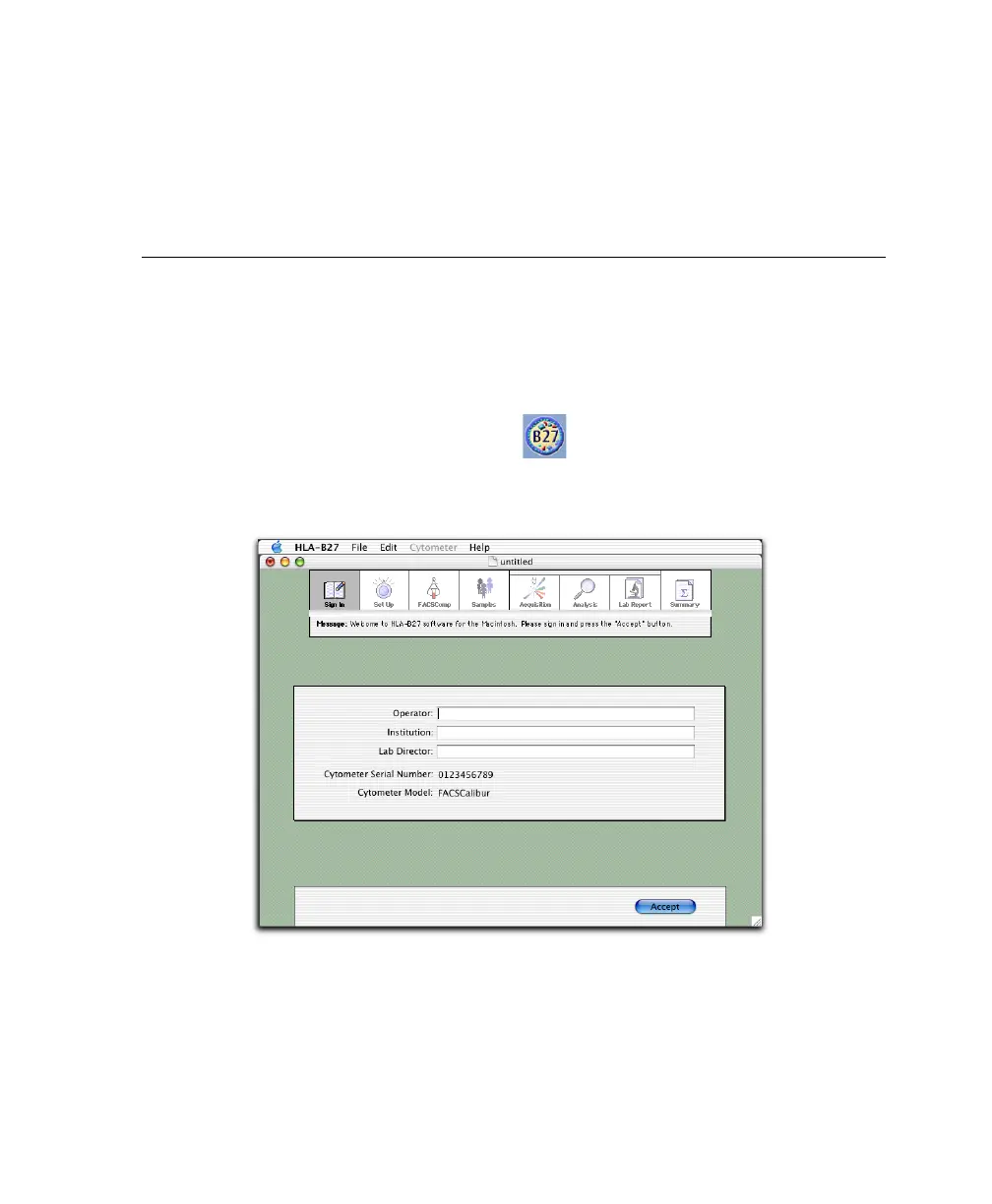
1 Launch BD HLA-B27 software:
2 At the Sign In view, enter at least the Operator name and click Accept.



 To Next Page