158 BD FACSCalibur Instructions for Use
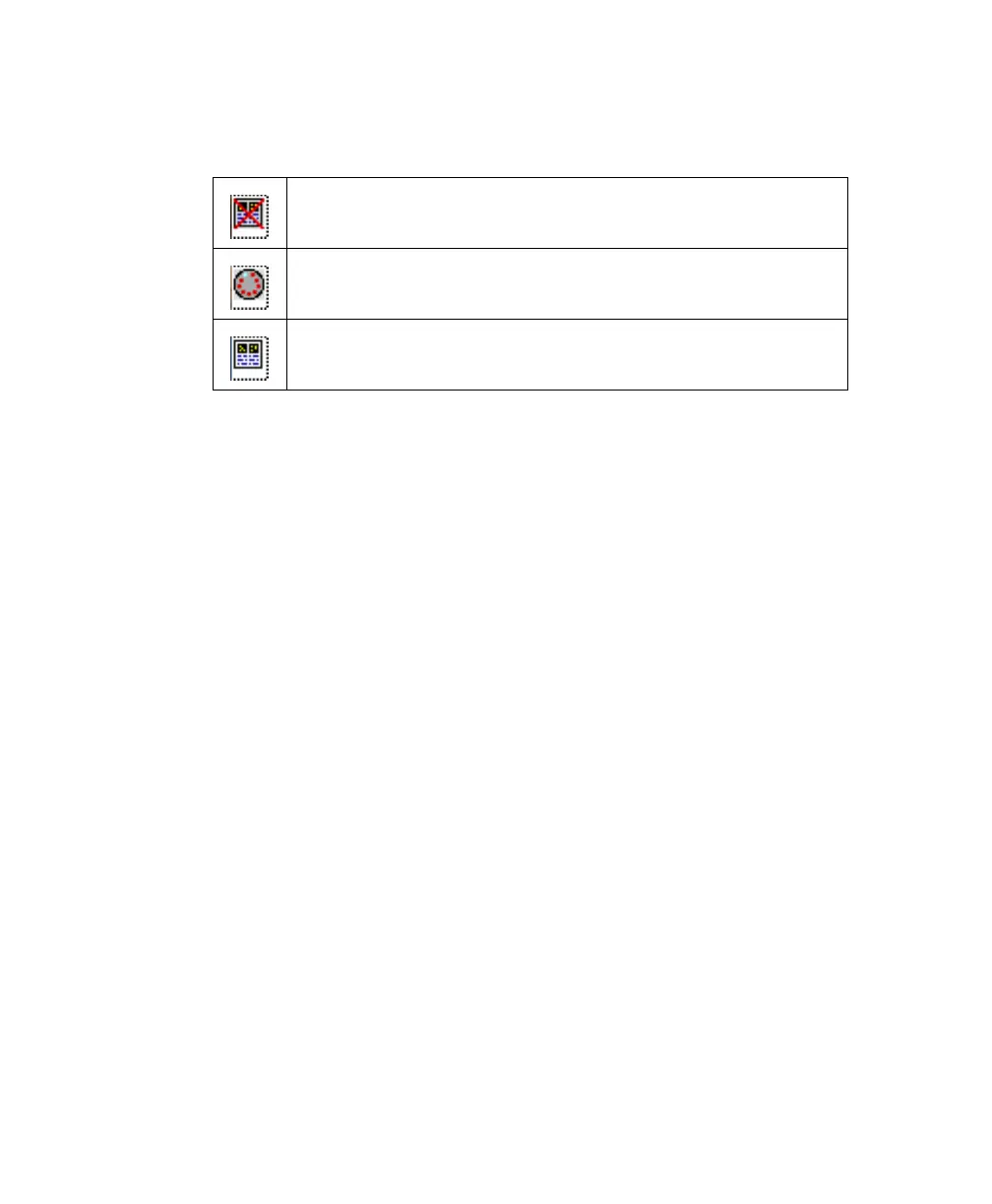
5 Use status icons next to the entry numbers to verify that all information
was entered:
6 Save the Worklist document.
Assigning Racks
Each tube in a worklist must be assigned to a rack location. Tube positions are
assigned to samples according to their order in the Worklist view, and are filled in
an unbroken sequence.
All the tubes from a sample’s panel must reside on one rack; they cannot be split
between two racks. Positions 39 and 40 are usually reserved for bleach and DI
water tubes. These are used for cleaning between assays and at the end of a
Worklist run.
1 Click Assign Rack at the Worklist view.
The Assign Racks dialog shows suggested tube positions for the first
sample.
2 Select a sample in the Sample list to view tube rack locations.
Tubes associated with the sample are highlighted, and the reagents for each
tube are shown in a scrollable list (Figure 6-1).
3 If you have more than 40 tubes, insert or move rack breaks.
File Name Prefix not entered, or Assay and Panel Name not defined
File Name Prefix, Assay, and Panel Name entered, ready for rack
assignment
Information complete, tube location and rack ID defined, ready to run



 To Next Page