Chapter 6: Running Samples with the Loader 157
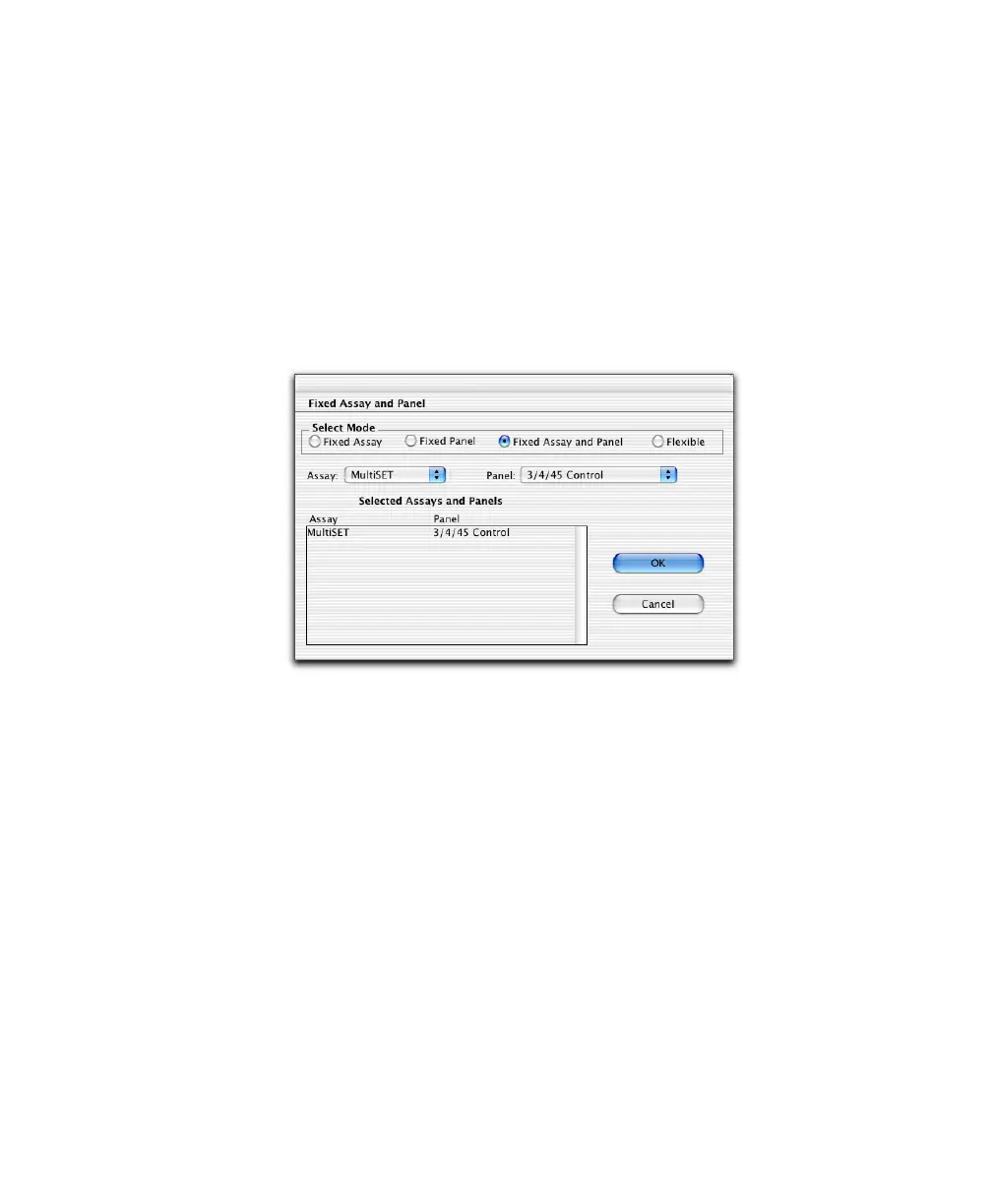
2 Assign an assay and panel to each sample, or assign a fixed assay or panel
to all samples.
• To assign individual samples, click in the Assay and Panel Name
columns and choose options from the drop-down menus.
• To assign all samples, click Fixed Assay/Panel and select an option for
Mode (Fixed Assay, Fixed Panel, Fixed Assay and Panel, or Flexible).
For fixed assay or panel, choose the Assay or Panel you would like to
appear by default, and click OK.
3 Verify the instrument settings file for each sample.
To change the associated file, go to Assay Settings at the Set Up view.
4 Click Sort by Assay when running multiple assays.
; Tip BD Biosciences recommends that you group like assays together for
multiple assays in the same Worklist.



 To Next Page