Chapter 6: Running Samples with the Loader 153
6 Under Automatic Saving Options, choose the Assay Type.
7 Click the checkbox for each file you want to save; click Location to change
the default name or storage location.
; Tip For Export Documents, append data by selecting an existing file in
the Choose Location dialog.
Setting Up Assay Settings
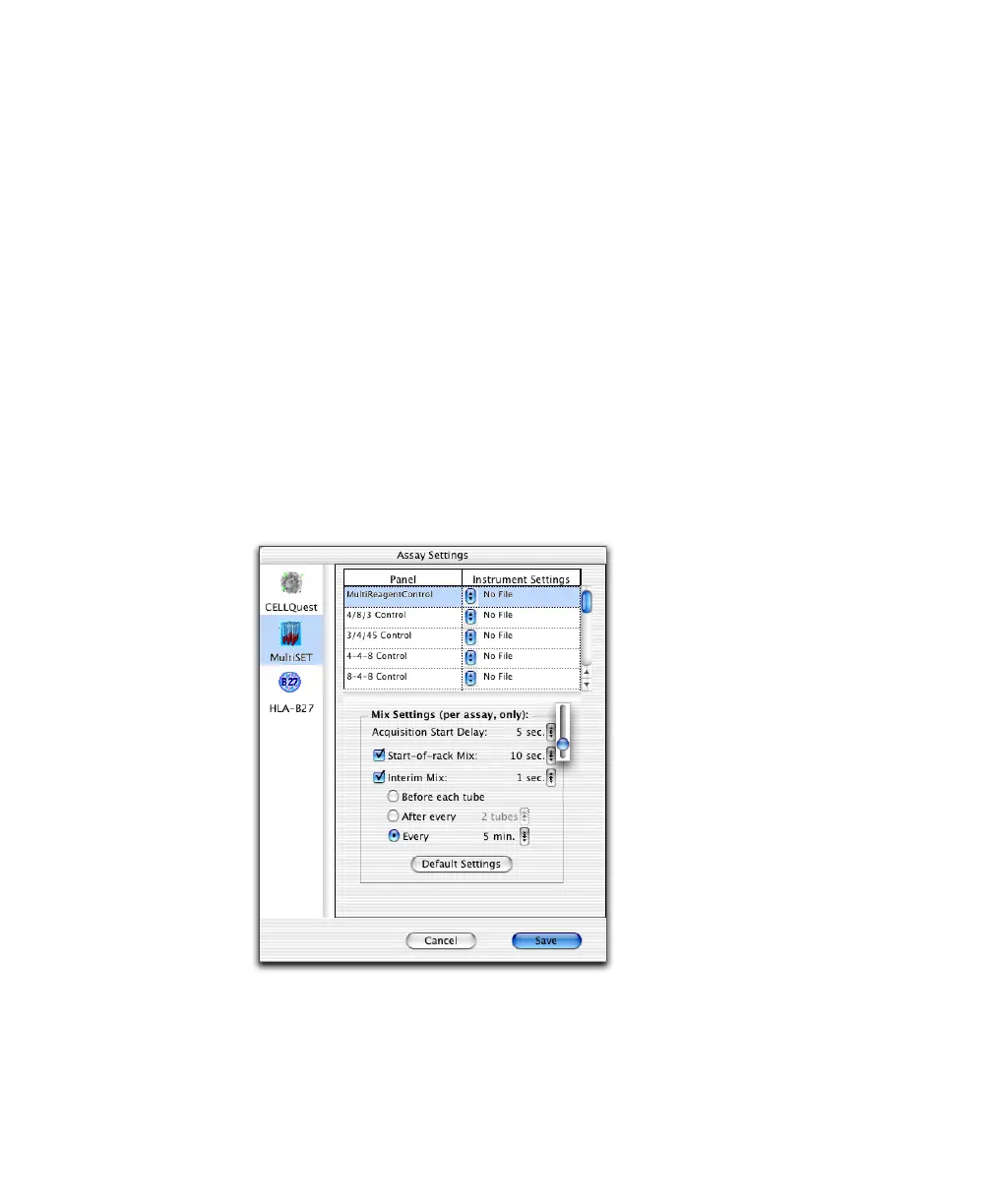
Use Assay Settings to associate instrument settings with a panel, customize mix
settings, and specify whether to print plots in BD CellQuest Pro software.
1 Click Assay Settings in the Set Up view.
2 Select an assay icon (CELLQuest, MultiSET, HLA-B27).



 To Next Page