154 BD FACSCalibur Instructions for Use
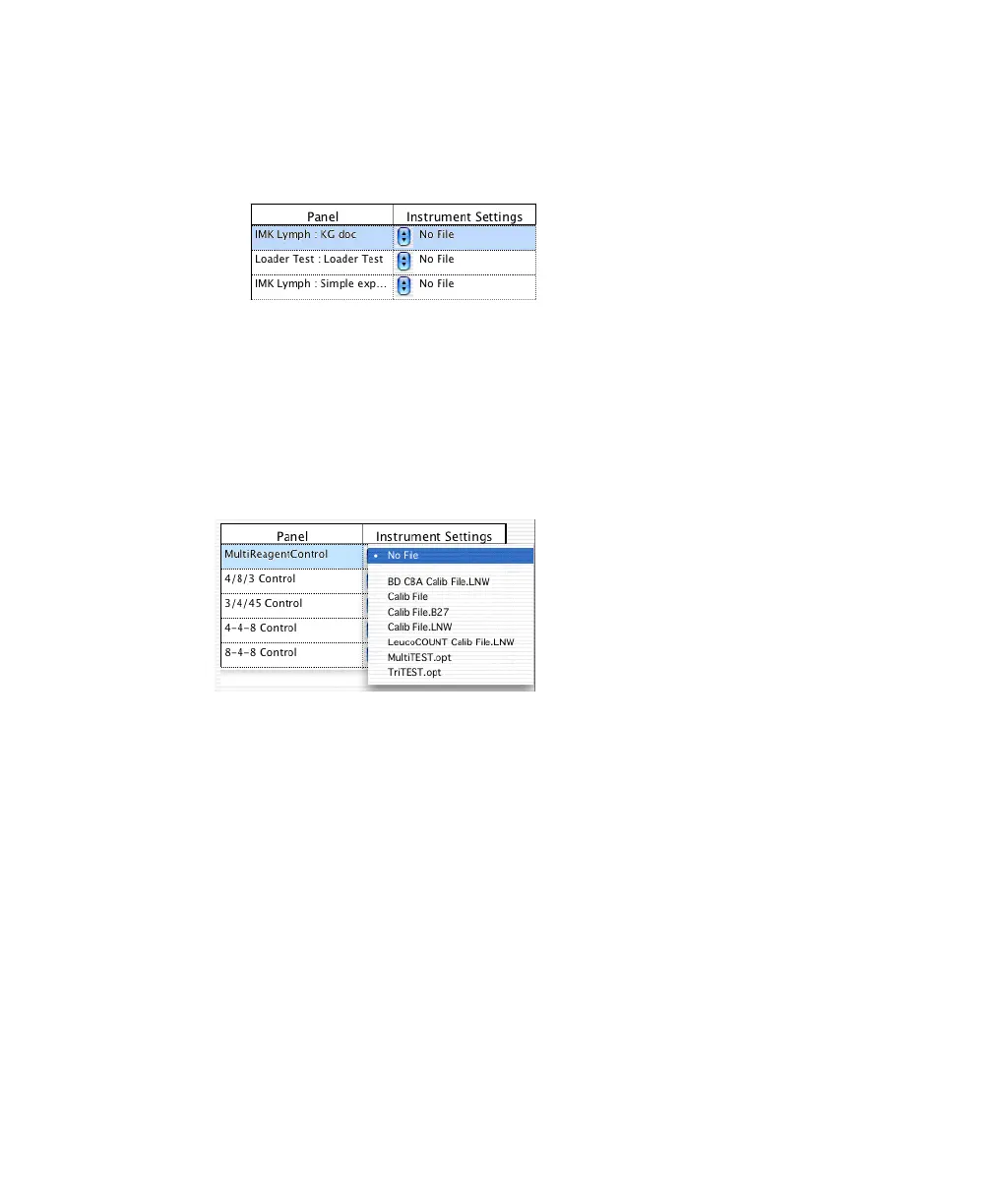
• For BD CellQuest Pro assays, all panels from Experiment documents in
BD Applications > Worklist Manager > CellQuest Experiments folder
are shown (Panel name : Experiment document name).
• For BD Multiset assays, all defined panels are shown.
• For HLA-B27 assays, one panel is shown.
3 Click the pop-up control next to each panel, and choose the appropriate file.
All instrument settings files in BD Files > Instrument Settings Files are shown.
4 Adjust Mix Settings, if needed.
• For BD CellQuest Pro assays, mix settings are panel-specific. Each time
you run that panel, assigned settings are used. Default settings are
appropriate for immunophenotyping.
• For BD Multiset and HLA-B27 assays, mix settings are common to all
panels.
5 (Optional) For BD CellQuest Pro assays, select the Print CELLQuest Plots
checkbox.
This feature is useful if your Experiment document has acquisition-to-
analysis plots and displays the appropriate statistics. If only acquisition



 To Next Page