86 BD FACSCalibur Instructions for Use
Running Samples with BD CellQuest Pro Software
This section describes how to optimize settings and acquire and analyze data
using BD CellQuest Pro software. As an example, data will be acquired and
analyzed for a peripheral blood sample stained with 3- or 4-color reagents. For
other analysis methods, refer to the information provided by the reagent
manufacturer.
Setting Up an Experiment Document
The Standard Acquisition Experiment document can be used or adapted to
optimize instrument settings for your sample. For example, this section shows
how to add a plot for 4-color optimization. The document is set up as a
stationery pad, so that each time you open it, you create a copy of the original.
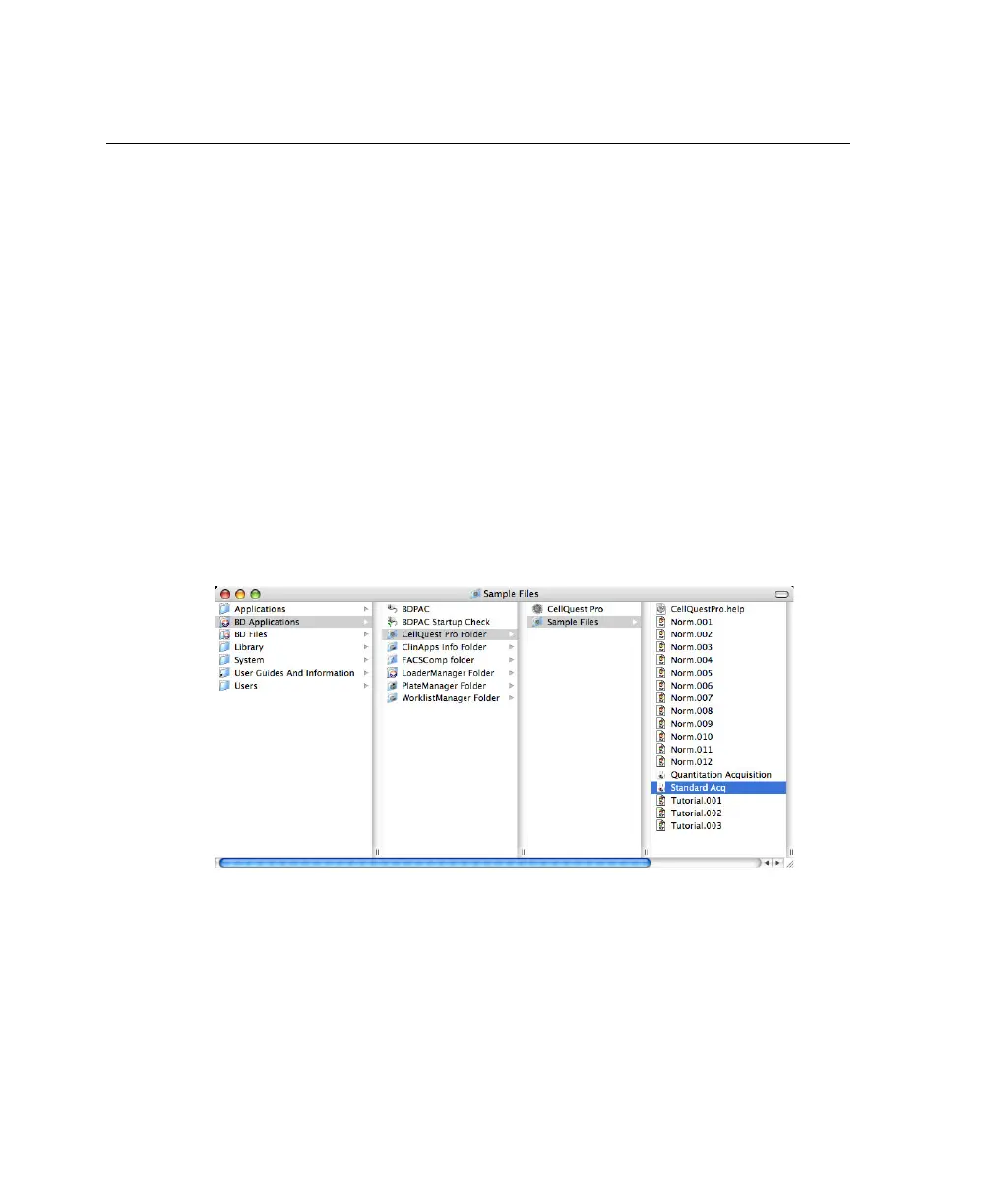
1 In the Finder window, navigate to BD Applications > CellQuest Pro Folder
> Sample Files, and double-click the Standard Acq Experiment document.
BD CellQuest Pro software launches. The Experiment document window
shows the Standard Acquisition document (four plots and statistics views).



 To Next Page