156 BD FACSCalibur Instructions for Use
document prevents the original worklist from being accidentally overwritten.
Refer to Mac Help for instructions.
1 Choose File > Save.
2 Enter a name for the file and choose a storage location.
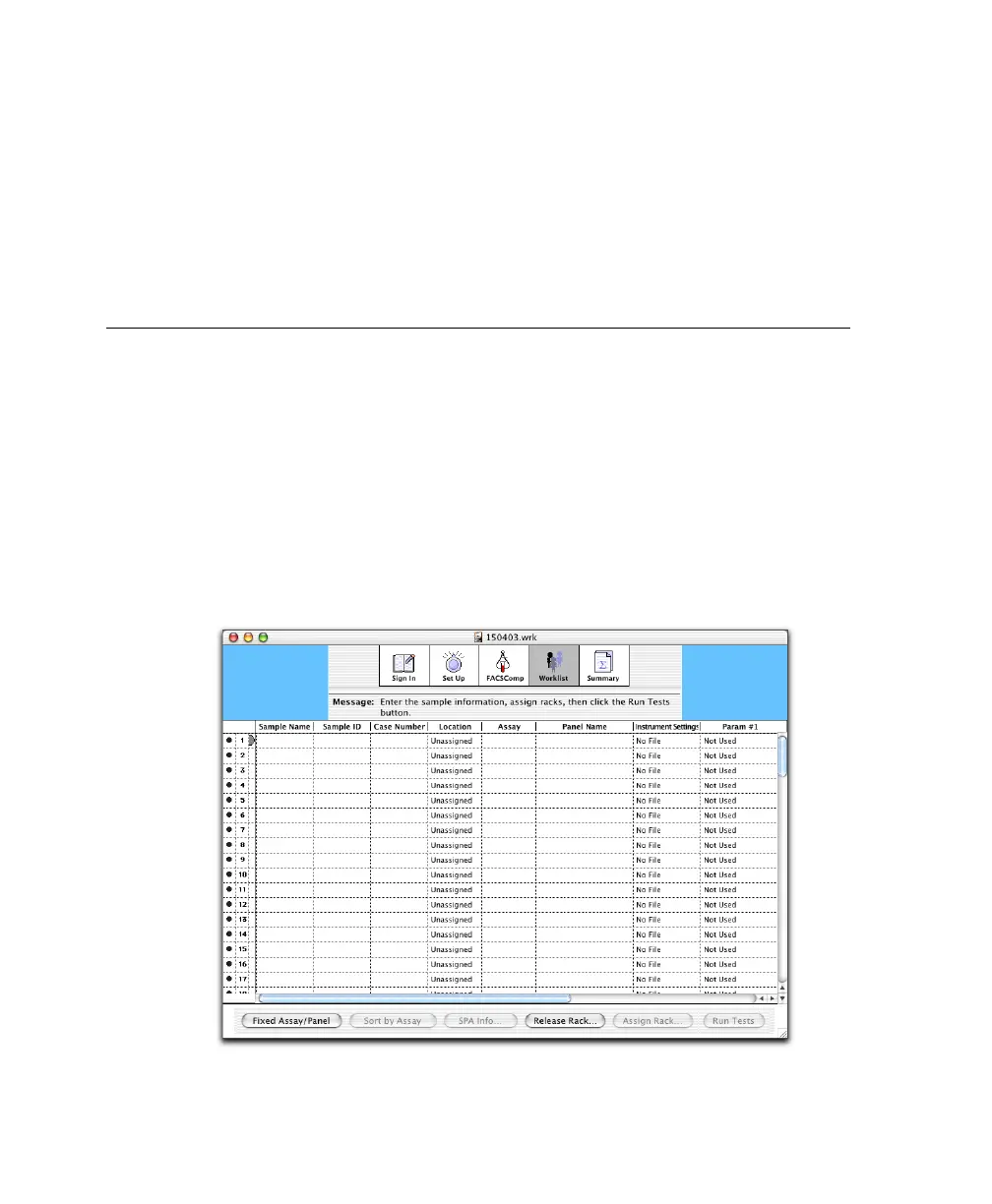
Entering Sample Information
At the Worklist view, enter sample information for up to 99 samples.
1 Enter information in one of the first 3 columns of the Worklist.
At the minimum, enter information for the file name prefix selected in the
Set Up view.
You can manually enter information, scan from a barcode label, or choose
File > Import Worklist to import information from a tab-delimited file or a
worklist created with BD FACS™ Sample Prep Assistant (SPA) software.



 To Next Page