164 BD FACSCalibur Instructions for Use
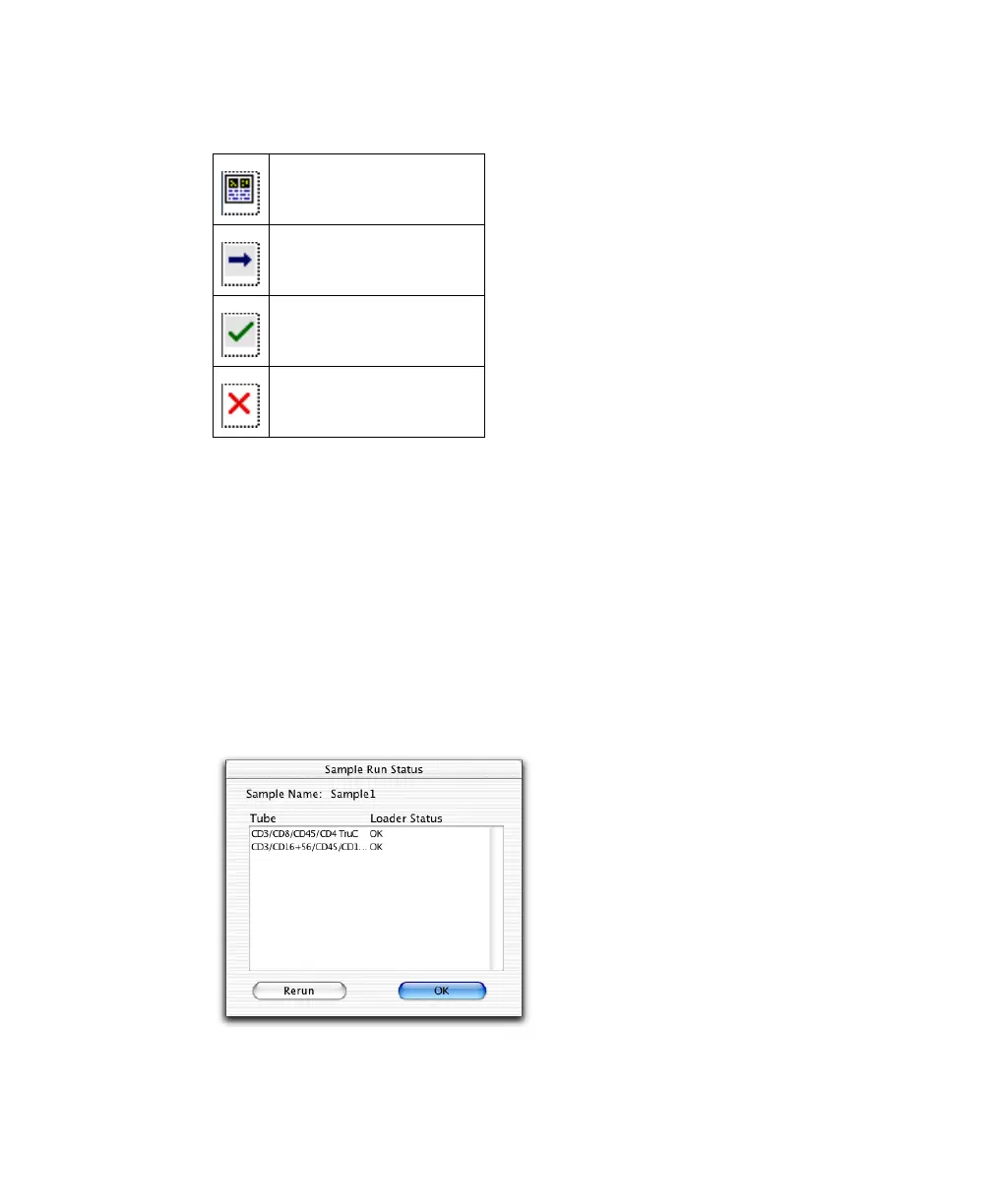
Worklist status icons show which samples have been run.
Rerunning a Sample
You can perform up to 5 full-panel reruns when a Worklist is finished or
completely stopped. You must start the rerun from the Worklist view. Starting
with a, Worklist Manager adds a lowercase letter to the filename, after the entry
number for a full-panel rerun or after the tube number for a single-tube rerun.
1 Click the Status icon of the sample you want to rerun.
2 Click Rerun to rerun the entire panel.
NOTICE You cannot rerun individual tubes. To cancel, click OK.
Ready to run
Running test
z
Sample acquired
Error during acquisition



 To Next Page