110 BD FACSCalibur Instructions for Use
3 In the Inspector, click the File button and select an instrument settings file
in the location dialog that appears.
The file name appears in the Inspector.
4 Repeat steps 1 through 3 for other tube-specific settings.
5 Save the Experiment document.
Saving Data
At this point, the electronics have been optimized for your cells, the gate and
number of events to acquire and store have been established, and file storage has
been defined. Data for each tube can now be saved.
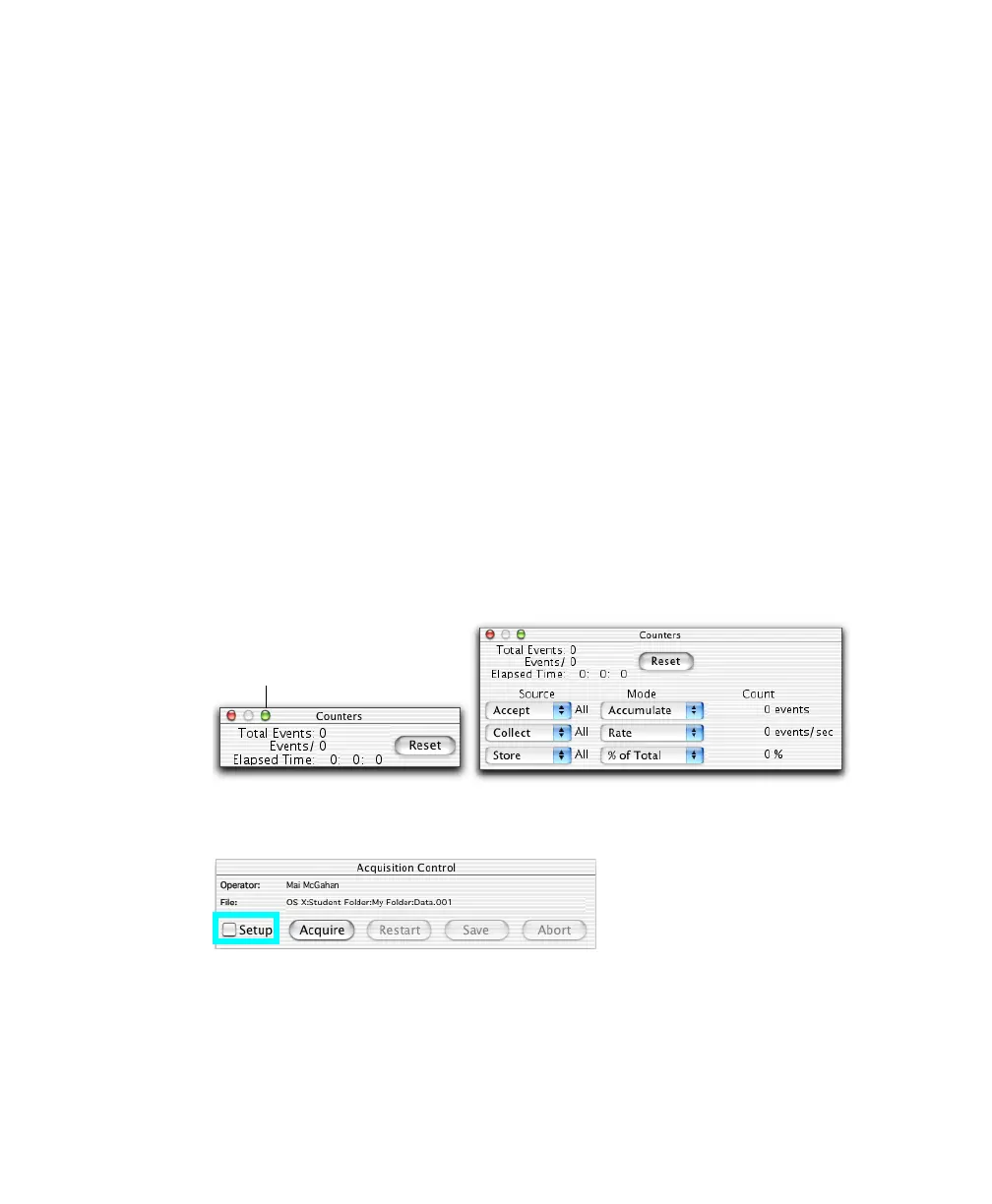
1 Choose Acquire > Counters to display the Counters window, and drag the
window to the side.
The Counters window has two sizes. Click the zoom button to enlarge the
window if you are acquiring gated data.
2 Deselect the Setup checkbox in Acquisition Controls.
zoom button



 To Next Page