Chapter 5: Running Samples Manually 109
2 Double-click the Acquisition & Storage Settings icon.
3 In the Inspector, make any necessary changes to the current settings.
4 Repeat steps 1 through 3 for other tube-specific settings.
5 Save the Experiment document.
Adding Tube-Specific Instrument Settings
Create tube-specific instrument settings when you want to specify different
settings for certain tubes in a panel. For example, if the panel contains samples
stained with PerCP and PerCP-Cy5.5 reagents, you might want to associate
different settings with PerCP tubes than PerCP-Cy5.5 tubes.
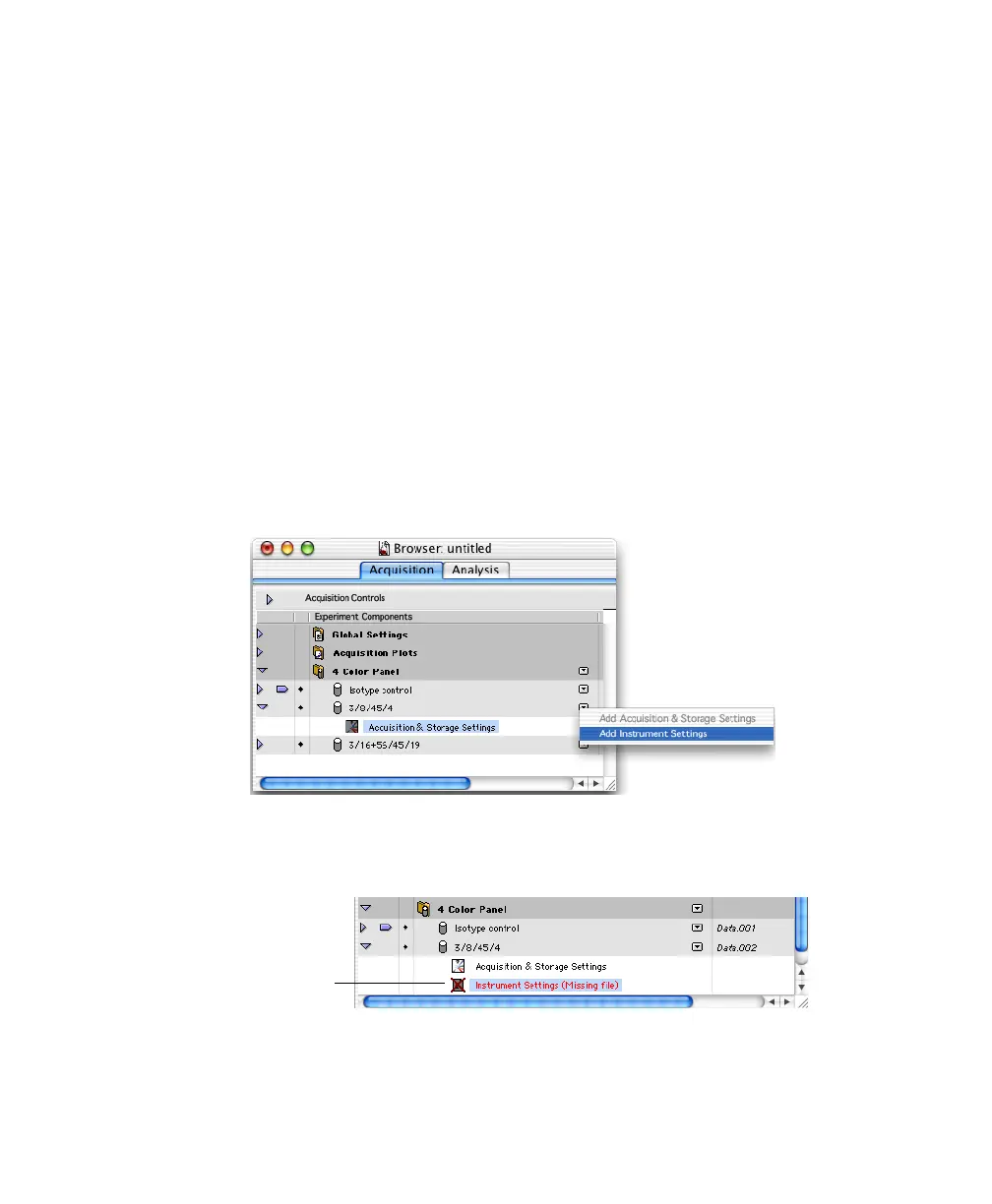
1 Click the pop-up control next to an acquisition tube, and choose Add
Instrument Settings.
An Instrument Settings icon is added below the tube. The icon is crossed
out until instrument settings have been defined.
2 Double-click the Instrument Settings icon.
tube-specific
settings



 To Next Page