Chapter 6: Running Samples with the Loader 155
plots are defined, printed statistics reflect the last events acquired, not the
entire data file.
; Tip If you have tube-specific plots in your Experiment document, only the
final printout will contain a complete set of data. To save paper, deselect the
checkbox and print the analysis only after all tubes have been acquired.
6 Click Save in Assay Settings.
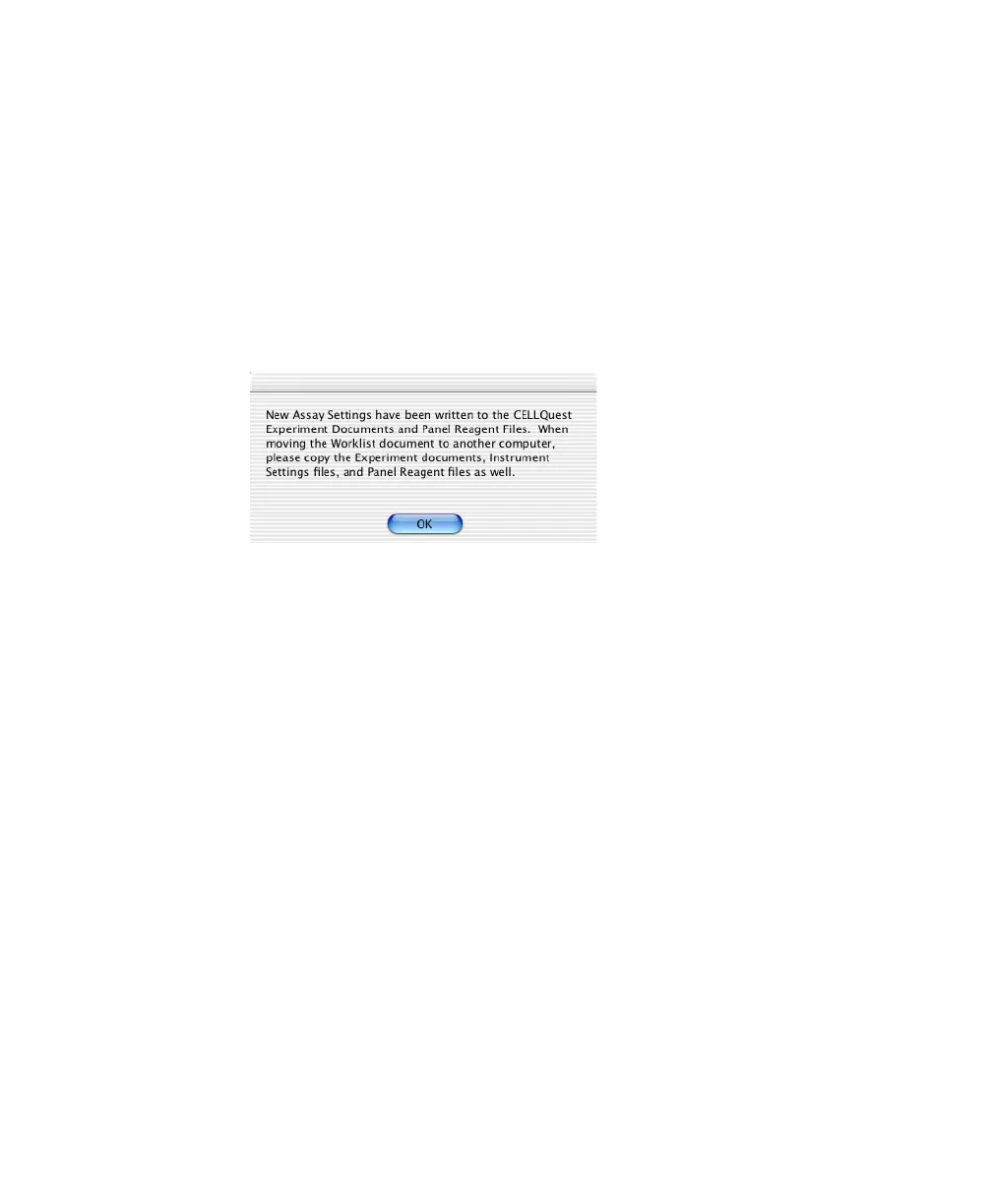
7 If the following message appears, review it and click OK.
Running BD FACSComp Software
1 Click Accept at the Set Up view.
2 At the FACSComp view, click Skip FACSComp if you already ran setup for
this run, or click Launch FACSComp.
• To run BD FACSComp with the Loader, see page 66. Manually quit
when setup is complete.
• Click Continue to proceed to the Worklist view.
Saving the Worklist
Before you enter sample information, save the worklist with information entered
so far. The file can be used as a template for starting your daily worklist.
; Tip Once saved, make the worklist a stationery pad or locked document. When
you open a worklist that is a stationery pad, a copy of the original opens. A locked



 To Next Page