Chapter 5: Running Samples Manually 99
2 In the location dialog, enter a name of up to 31 characters, choose a file
location, and click Save.
3 Click Done.
Acquiring Data
Before you save data, specify the file name and storage location, acquisition and
storage settings, panel name and parameter labels (if applicable), and tube-
specific settings (if applicable). These options are set in the Acquisition view of
the Browser.
Specifying File Name and Storage Location
1 Open your acquisition Experiment document.
Use the Standard Acq document or the document you saved during
optimization.
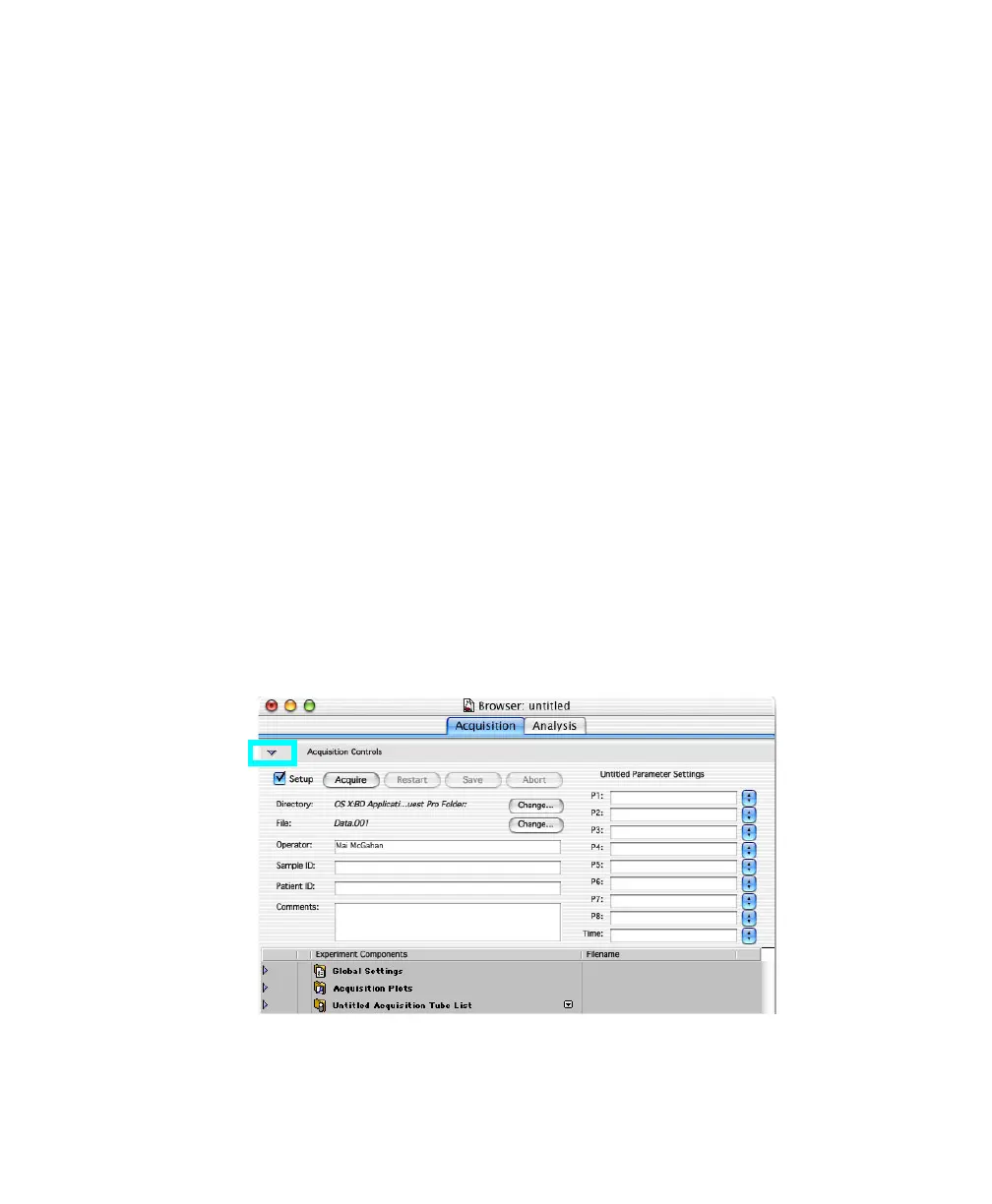
2 Choose Windows > Show Browser.
3 If needed, click the triangle to show Acquisition Controls:



 To Next Page